A best AI tools guide should not read like a shopping list. Most readers already know the famous names. The harder problem is deciding whether a new app deserves a place in a real workflow, or whether it only adds another login, another bill, and another place where data can leak.
This refresh keeps the old search intent but changes the article into a decision guide. It compares general assistants, specialist apps, privacy controls, evidence habits, team use, and cost discipline. The aim is practical: choose fewer tools, use them better, and review their output before it reaches work that matters.
Start with the job the user repeats
The first question is not which tool is popular. The first question is what job repeats often enough to deserve help. A student may need study notes. A marketer may need first drafts and campaign variants. A developer may need code review inside an editor. A manager may need meeting summaries. Those jobs are different, so one ranking cannot settle them.
Write the job as a sentence before testing a tool. For example: I need to turn sales call notes into follow up emails, or I need to compare source documents before writing a report. A clear job makes the test honest. If the app does not remove steps from that job, it is probably not the right tool.
Use ChatGPT as the baseline, not the enemy
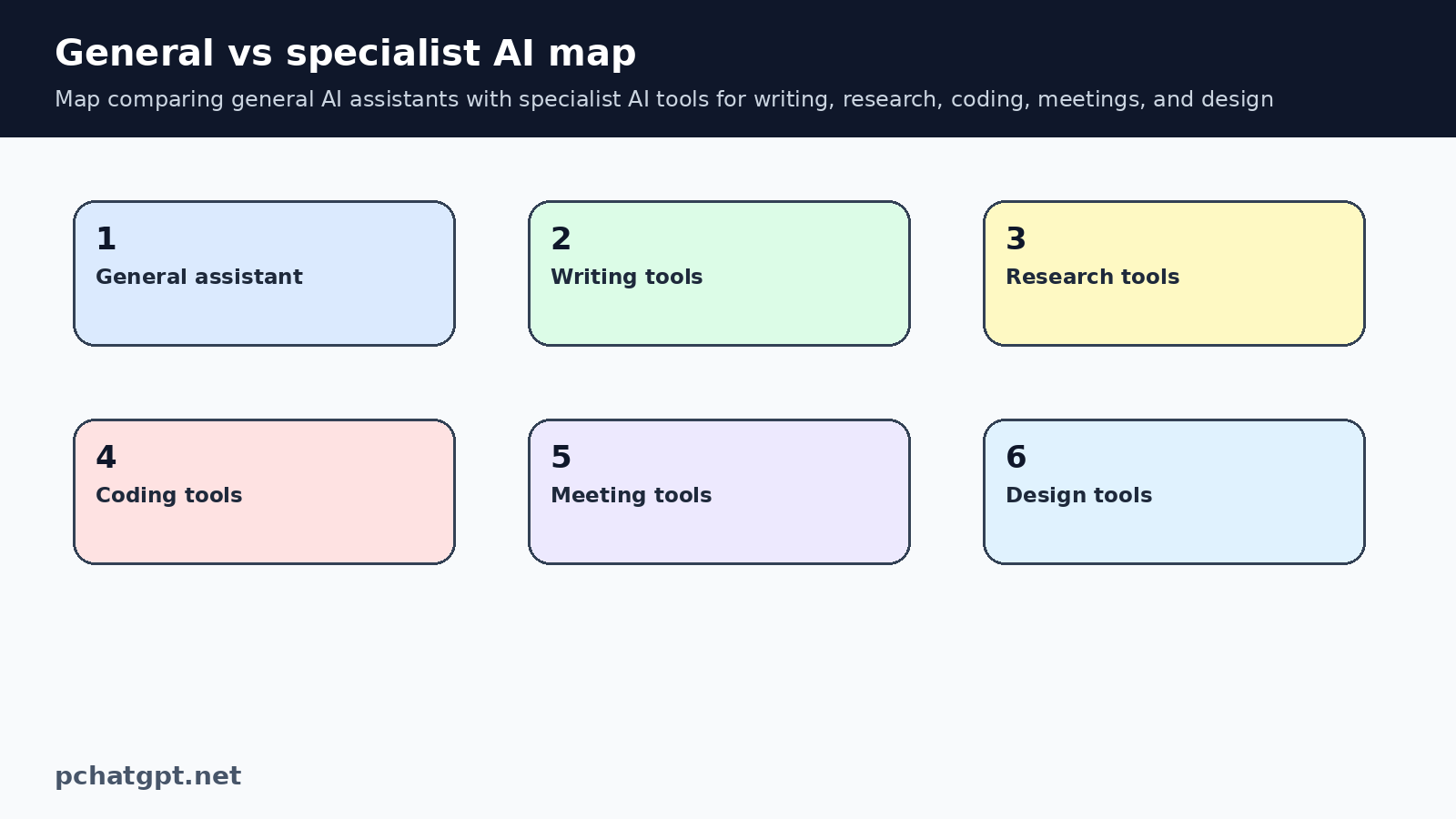
ChatGPT is a useful baseline because it handles broad conversation, drafting, file work, images, learning support, and general reasoning in one place. OpenAI describes ChatGPT as a product surface across web, desktop, and mobile, with plan differences listed on its pricing page. That breadth is why many users should test ChatGPT first before adding a specialist app.
A specialist tool has to earn its place by doing something more specific. It might live inside an IDE, capture meeting transcripts, keep a searchable research library, or build slides with less formatting work. If the specialist app only wraps a chat box around the same task, the extra subscription may not be worth it.
Judge privacy before clever features
Any AI app can look impressive in a demo. The privacy check is less exciting, but it matters more for work. OpenAI publishes data controls for ChatGPT, and other vendors should provide comparable information about retention, training, export, deletion, and account controls. If those details are hard to find, treat that as part of the evaluation.
A simple rule helps: do not put sensitive data into a tool until you know how the tool handles it. Sensitive data includes customer records, employee information, contracts, private financial material, source code, medical details, school records, API keys, and unpublished business plans. The more sensitive the input, the more you should prefer approved accounts, admin controls, and written policy.
Separate creative work from factual work
AI tools can help brainstorm, rephrase, outline, classify, and summarize. Factual work needs another layer. A research answer, product comparison, legal summary, health explanation, or technical instruction should point back to a source the reader can check. Without that source trail, a polished answer is still only an answer that sounds confident.
This is where the best tool depends on the task. A general assistant can help form questions and compare documents. A research tool may be better when source capture is the main need. A writing tool may be better when grammar and style inside email are the pain point. Use the smallest tool that gives enough evidence for the job.
Measure review effort, not only output speed
Fast output is useful only if the review stays manageable. If an app generates ten pages that take an hour to fact check, it may not save time. If another app produces a smaller draft with clearer sources and fewer assumptions, that slower looking workflow may be better.
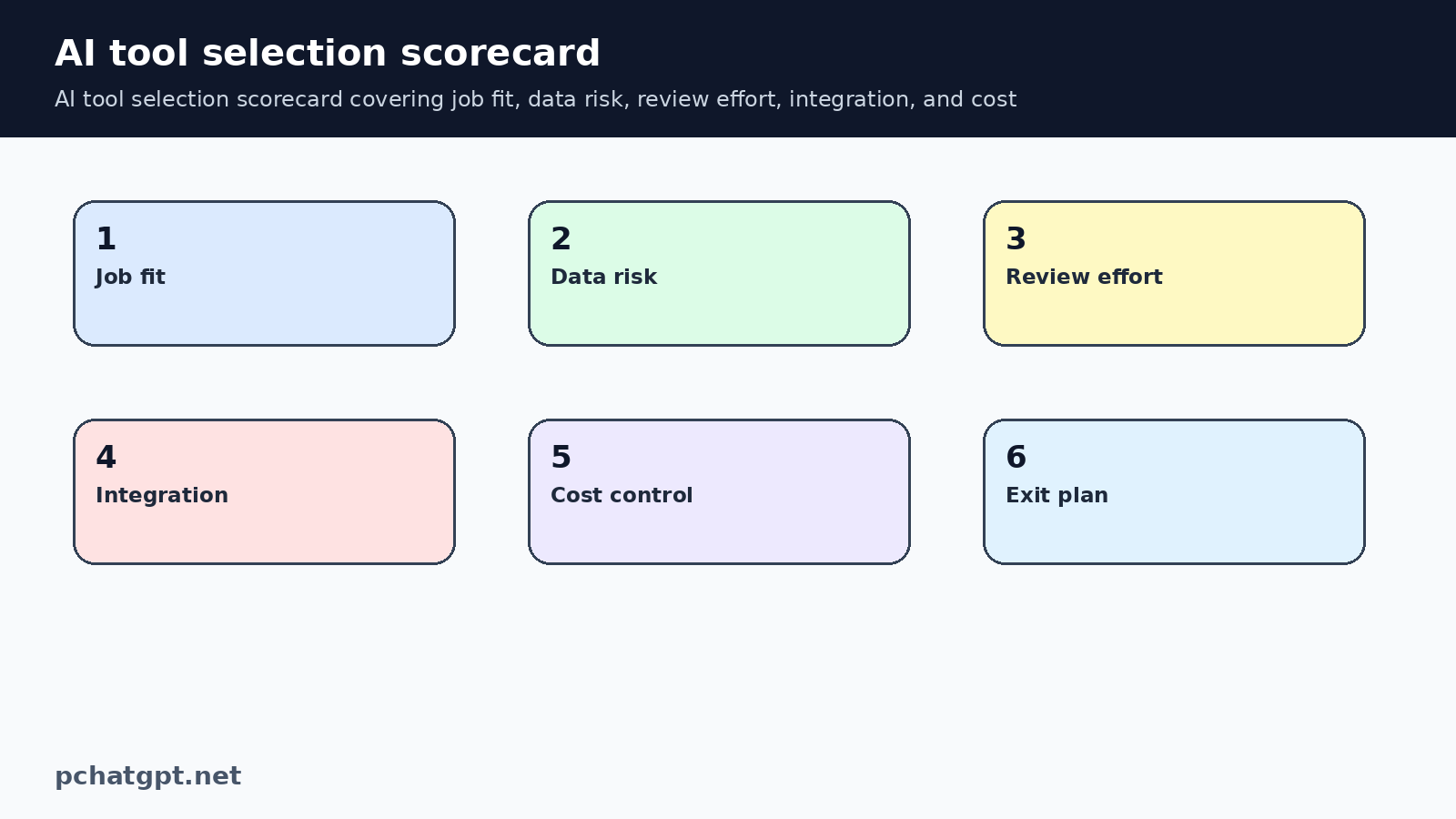
During a trial, track three numbers: time to first usable output, time spent fixing mistakes, and the number of steps removed from the workflow. This is more useful than asking whether the answer looked smart. A good AI tool should reduce total effort after review, not only create more text.
Control subscription sprawl
AI subscriptions multiply quietly. One general assistant, one meeting tool, one design tool, one research tool, and one automation tool can become a recurring cost problem for a small team. The OpenAI pricing page is useful as a baseline because it makes plan comparison visible, but each added app needs its own reason.
Use a monthly cleanup rule. Keep a tool if it supports a repeated job, protects data well enough for the task, and saves time after review. Cancel or pause tools used only for experiments. If a free or included product already solves the job, do not pay for a separate app just because a list called it innovative.
Build a small team policy early
Teams need a short approved list. It should name the tools people can use, the data they may enter, the tasks that need human review, and the person responsible for each account. NIST AI risk guidance is useful here because it frames risk as something teams should map, measure, manage, and govern.
The policy can be plain. Public marketing drafts may be allowed in one tool. Customer data may require a business account or may be prohibited. Code changes may require review before merge. Meeting transcripts may need consent. Clear rules reduce shadow AI because employees know what is safe without guessing.
A practical comparison workflow
Test tools with the same real task. Give each candidate the same brief, the same allowed data, and the same success criteria. Record what worked, what failed, what needed checking, and what would happen if the tool disappeared. Portability matters because workflows should not trap important knowledge in one vendor.
At the end, choose the tool that fits the job with the least new risk. That may be ChatGPT alone. It may be a specialist app. It may be no AI tool at all for that task. A good best AI tools guide should leave room for that answer.
Maintenance notes for editors
Keep this page tied to best AI tools guide, not to a broad claim that every AI product is useful. Future updates should start by opening the official pages already cited, checking the product surface named in the section, and removing any claim that no longer has a visible source. If a new feature sounds interesting but the source does not describe it clearly, leave it out until it can be verified.
For best AI tools guide, the article should also keep its old URL and search intent. Do not turn this post into a news reaction or a general opinion piece during routine cleanup. The useful version of the page explains what a reader can check today, how to limit risk, and when another tool or human review is needed. That practical boundary is what makes the refreshed article more useful than the previous boilerplate.
When adding examples about best AI tools guide later, avoid invented performance numbers, launch dates, user counts, prices, benchmarks, or regional availability. Those details can change and they need a direct source. A plain limitation is better than a confident sentence that cannot be checked. Readers trust the page more when it says less and supports the claims it keeps.
Internal links for best AI tools guide should stay close to the reader journey. One link can help compare related AI tools. Another can point to safety, governance, memory, or workflow guidance. Do not add unrelated links only to raise a count. The link should answer the next question a careful reader is likely to ask.
The diagrams in this best AI tools guide page should teach a process. If the images are replaced later, keep the same standard: clear labels, useful ALT text, strong contrast, and a relationship to the surrounding paragraph. Decorative robot art may look fine, but it does not help a reader make a better decision.
Before saving a future best AI tools guide edit, read the page aloud once. Remove phrases that sound like a sales brochure, especially broad claims about transformation, productivity, or innovation. Keep the sentences concrete. Name the setting, workflow, source, review step, or risk. That style is better for readers and safer for an AdSense quality review.
If a future editor wants to add comparisons around best AI tools guide, require the same evidence standard for every product mentioned. Compare what the product page says, what the account controls allow, and what a user can verify without private access. Do not rank tools by vibes, screenshots, or affiliate style language.
Keep the best AI tools guide FAQ narrow. Each question should resolve one practical concern: tool choice, privacy, review, cost, or policy. If an answer repeats a section above, rewrite it into a shorter decision rule. A concise FAQ helps searchers who scan, and it prevents the page from turning into padded text.
The final live check for best AI tools guide should use the public page, not only the editor. Confirm that the canonical still points to the preserved URL, the page remains indexable, both body images load, and the article has no old repeated paragraph from the earlier corpus audit. Save that proof beside this batch so the next remediation run can trust the result.
If the article becomes too broad, split the extra idea into another guide and link to it only when it helps the reader. This keeps best AI tools guide clear, avoids topical overlap with nearby posts, and gives the corpus a cleaner set of search intents.
A useful best AI tools guide update should include one practical boundary near every major recommendation. Say what the tool can help with, then say what still needs checking by the reader. This rhythm prevents unsupported promises and makes the guidance easier to trust when product pages, plans, or controls change later.
For best AI tools guide corpus cleanup, the most important signal is not raw length. Length only helps when it adds original structure, source based limits, and task specific advice. If a new paragraph could be copied into another AI article without changing meaning, rewrite it before publishing.
Keep one small best AI tools guide reader scenario in mind while editing. A person has landed on this URL because they need to choose, control, or explain something today. The article should help that person make a safer next move without asking them to trust a vague AI trend summary.
Official sources used
- https://openai.com/chatgpt/
- https://openai.com/chatgpt/pricing/
- https://help.openai.com/en/articles/7730893-data-controls-faq
- https://platform.openai.com/docs/guides/safety-best-practices
- https://www.nist.gov/itl/ai-risk-management-framework
Related guides
- https://pchatgpt.net/five-best-ai-tools-you-might-not-have-heard-of/
- https://pchatgpt.net/generative-ai-governance-2026-business-ai-rules/
FAQ
Should I use ChatGPT or a specialist AI tool?
Use ChatGPT when the task is broad, conversational, or exploratory. Use a specialist tool when it works inside the place where the job already happens and removes steps that ChatGPT cannot remove by itself.
How do I compare AI tools without wasting money?
Run a short trial with one repeated task. Measure time saved after review, data controls, source visibility, integration, and whether the tool replaces a real workflow rather than adding another inbox.
Are free AI tools safe for work data?
Do not assume that. Check the vendor privacy terms and data controls first, and avoid sensitive customer, employee, financial, legal, medical, or source code data unless the tool is approved for that use.
What is the biggest mistake in choosing AI apps?
The biggest mistake is choosing from hype instead of workflow fit. A tool is useful when it helps a repeated task, keeps review manageable, and handles data in a way that matches the risk.