
Lists of lesser known AI tools often feel random. A focused app is not useful because it is obscure. It is useful when it fits a task so closely that a blank chatbot starts to feel clumsy. That is the standard this article uses.
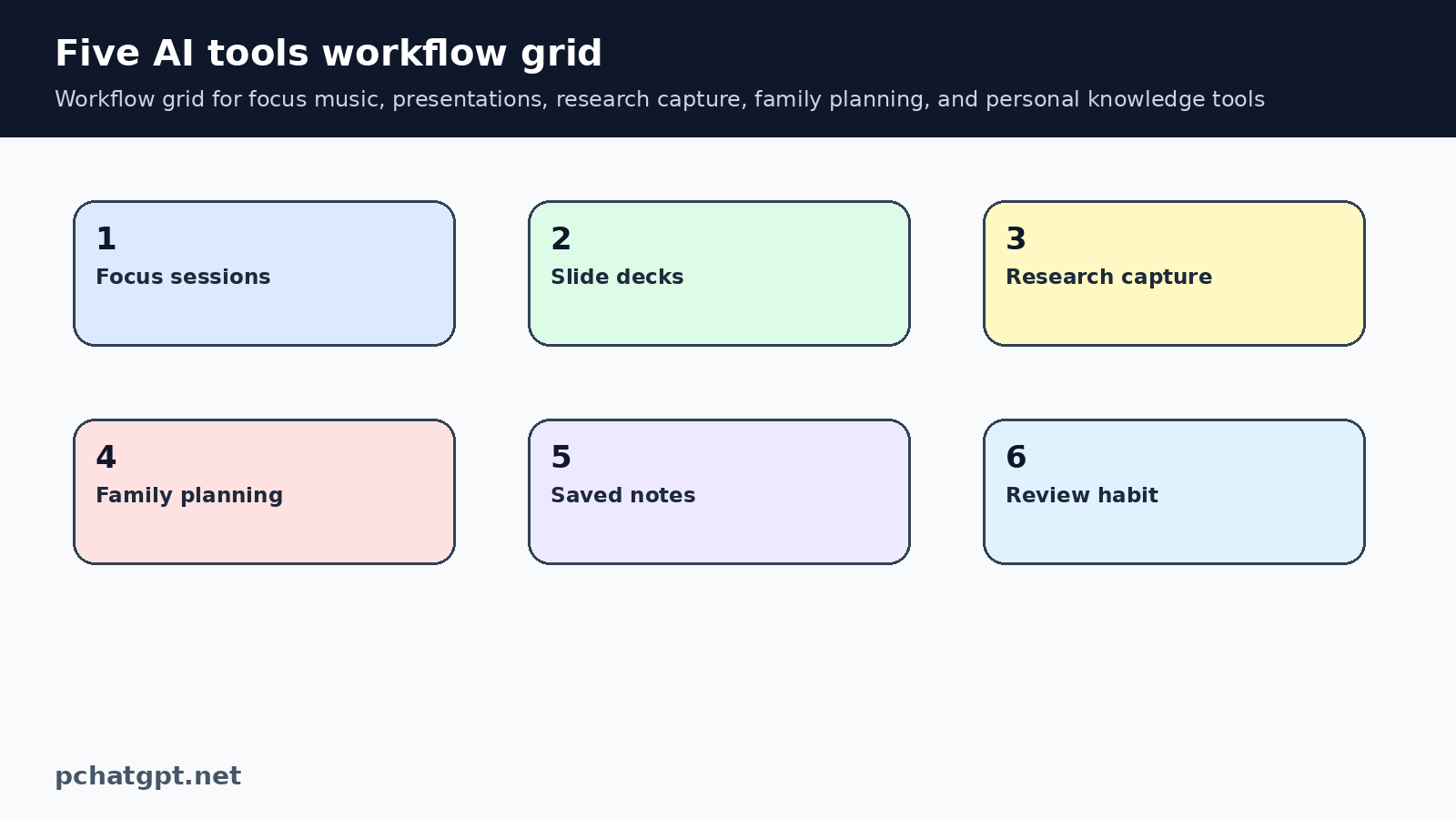
The five tools below cover different jobs: focus music, presentations, research capture, family planning, and personal knowledge. The point is not to claim they replace ChatGPT. The point is to show when a narrower product can be worth testing, and how to test it without adding subscription clutter.
Use a one week trial, not a vague impression
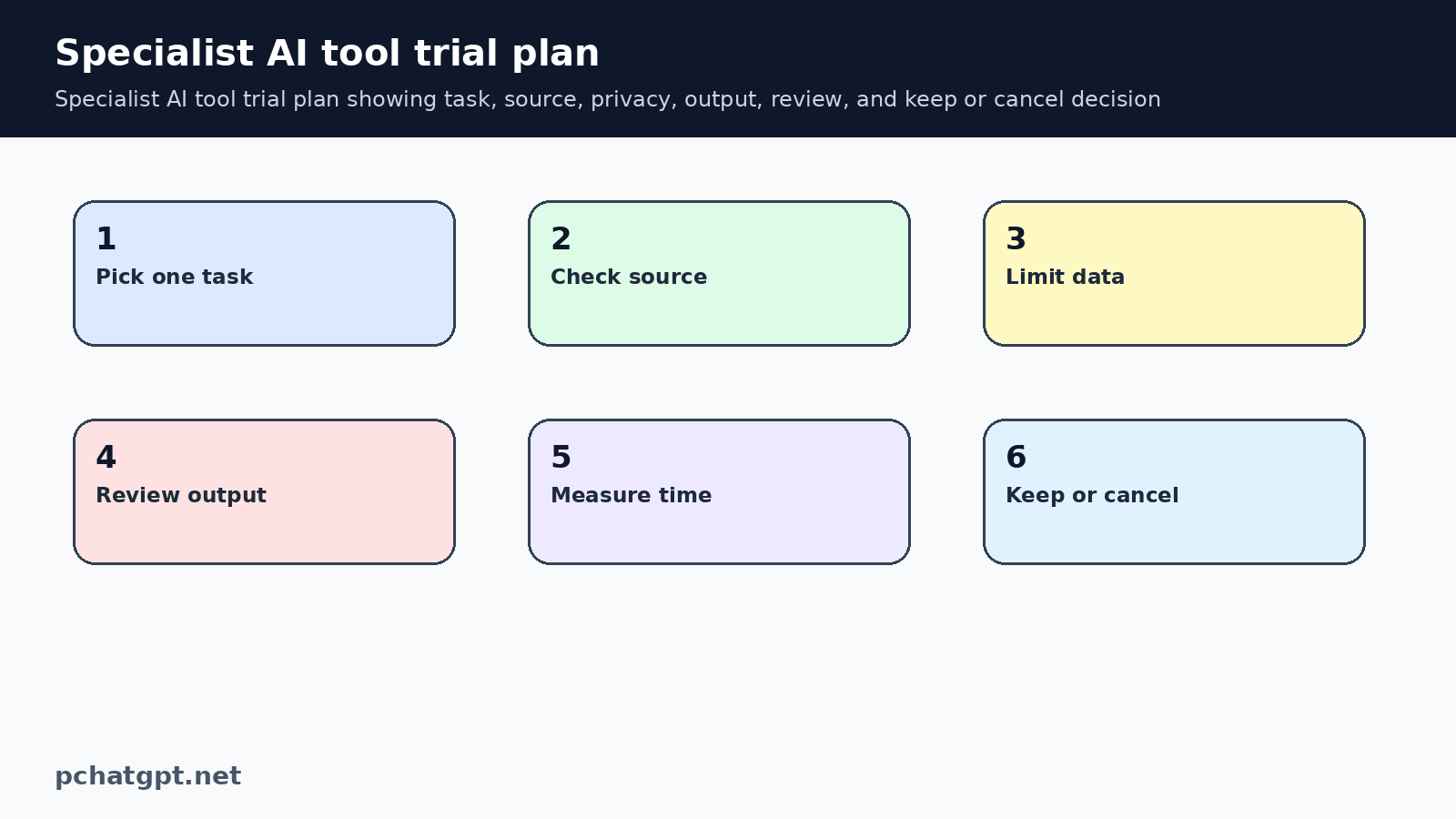
A specialist AI app needs a practical trial. Pick one job, use the tool for a week, and write down what changed. Did it save time? Did it reduce copying and pasting? Did it create cleaner output? Did it make review easier? A vague feeling that the product is clever is not enough.
This matters because many AI tools look good for a day. The real test happens when the same task repeats. A student, founder, creator, manager, or parent can all benefit from a focused workflow, but only if the tool solves a real friction point.
Brain.fm for attention, not content generation
Brain.fm presents itself as functional music for focus, relaxation, meditation, and sleep. That makes it different from writing assistants. It does not draft a document or summarize a PDF. It tries to shape the work environment so the person can stay with the task longer.
The right test is simple. Use it during a work block that normally gets interrupted, then compare your attention with a normal session. If the main problem is distraction, a focus tool may help more than another chatbot. If the problem is unclear thinking, weak research, or missing structure, ChatGPT or a writing tool may be a better starting point.
Beautiful.ai for slide layout work
Beautiful.ai is built around presentation creation. That matters because slide work is partly writing and partly layout. A chatbot can draft an outline, but it does not live inside the slide design process. A presentation tool can help with spacing, hierarchy, templates, and visual consistency.
The best use case is repeated slide work: team updates, sales decks, investor summaries, teaching material, or internal explainers. The user should still own the message and evidence. Treat the tool as a design and structure assistant, not as a substitute for knowing the audience.
Recall for research capture
Recall focuses on saving and summarizing online material. That is useful for people who collect articles, videos, PDFs, and web pages but lose track of why they saved them. The value is not only summary. It is having a research trail that can be searched later.
Use it when the problem is scattered research. A marketer tracking competitors, a student reading sources, or a creator collecting examples may benefit from capture first workflows. The caution is important: open the original source before quoting facts, prices, legal claims, health information, or product promises.
Maple for household coordination
Maple is aimed at family and household planning. That category is easy to overlook because AI productivity is often discussed as office work. Families also coordinate meals, chores, appointments, school tasks, lists, and routines. A shared planning tool may help if it reduces repeated reminders.
The test should be ordinary. Use it for dinners, a grocery list, chores, and one event. At the end of the week, ask whether there were fewer duplicate messages and fewer last minute decisions. If the answer is no, keep the existing calendar and use ChatGPT only for occasional planning prompts.
Mem for personal knowledge
Mem is a note and personal knowledge product with AI features around saved information. This is useful for people who already have notes, decisions, project records, meeting takeaways, and half written ideas. The problem is not generating more content. The problem is finding the right context later.
A personal knowledge tool works best when the user has a review habit. If everything is saved and nothing is cleaned, the system becomes another archive. Test it with one project folder or one topic first. Ask whether it helps retrieve your own context faster than search, folders, or a regular notes app.
How to compare these tools fairly
These products should not be compared as if they do the same job. A focus music tool, a slide builder, a research capture app, a household planner, and a knowledge base solve different problems. A fair comparison asks whether each tool removes a specific step from its own workflow.
Keep the test modest. Do not import your whole life, team, or research archive on day one. Start with safe data, use one repeated task, and decide whether the tool earned a longer trial. If the product cannot show value in a small controlled test, it probably will not become useful just because the setup gets larger.
Where ChatGPT still fits
ChatGPT remains useful around these specialist tools. It can help write the brief for a slide deck, form questions before research, turn household preferences into a meal planning prompt, or summarize notes before they go into a knowledge system. The specialist tool then handles the narrower workflow.
This split keeps the tool stack cleaner. Use a general assistant for flexible thinking and a specialist app when the workflow itself matters. If both tools are doing the same job, keep the one that gives better review, privacy, and integration for the task.
Maintenance notes for editors
Keep this page tied to lesser known AI tools, not to a broad claim that every AI product is useful. Future updates should start by opening the official pages already cited, checking the product surface named in the section, and removing any claim that no longer has a visible source. If a new feature sounds interesting but the source does not describe it clearly, leave it out until it can be verified.
For lesser known AI tools, the article should also keep its old URL and search intent. Do not turn this post into a news reaction or a general opinion piece during routine cleanup. The useful version of the page explains what a reader can check today, how to limit risk, and when another tool or human review is needed. That practical boundary is what makes the refreshed article more useful than the previous boilerplate.
When adding examples about lesser known AI tools later, avoid invented performance numbers, launch dates, user counts, prices, benchmarks, or regional availability. Those details can change and they need a direct source. A plain limitation is better than a confident sentence that cannot be checked. Readers trust the page more when it says less and supports the claims it keeps.
Internal links for lesser known AI tools should stay close to the reader journey. One link can help compare related AI tools. Another can point to safety, governance, memory, or workflow guidance. Do not add unrelated links only to raise a count. The link should answer the next question a careful reader is likely to ask.
The diagrams in this lesser known AI tools page should teach a process. If the images are replaced later, keep the same standard: clear labels, useful ALT text, strong contrast, and a relationship to the surrounding paragraph. Decorative robot art may look fine, but it does not help a reader make a better decision.
Before saving a future lesser known AI tools edit, read the page aloud once. Remove phrases that sound like a sales brochure, especially broad claims about transformation, productivity, or innovation. Keep the sentences concrete. Name the setting, workflow, source, review step, or risk. That style is better for readers and safer for an AdSense quality review.
If a future editor wants to add comparisons around lesser known AI tools, require the same evidence standard for every product mentioned. Compare what the product page says, what the account controls allow, and what a user can verify without private access. Do not rank tools by vibes, screenshots, or affiliate style language.
Keep the lesser known AI tools FAQ narrow. Each question should resolve one practical concern: tool choice, privacy, review, cost, or policy. If an answer repeats a section above, rewrite it into a shorter decision rule. A concise FAQ helps searchers who scan, and it prevents the page from turning into padded text.
The final live check for lesser known AI tools should use the public page, not only the editor. Confirm that the canonical still points to the preserved URL, the page remains indexable, both body images load, and the article has no old repeated paragraph from the earlier corpus audit. Save that proof beside this batch so the next remediation run can trust the result.
If the article becomes too broad, split the extra idea into another guide and link to it only when it helps the reader. This keeps lesser known AI tools clear, avoids topical overlap with nearby posts, and gives the corpus a cleaner set of search intents.
A useful lesser known AI tools update should include one practical boundary near every major recommendation. Say what the tool can help with, then say what still needs checking by the reader. This rhythm prevents unsupported promises and makes the guidance easier to trust when product pages, plans, or controls change later.
For lesser known AI tools corpus cleanup, the most important signal is not raw length. Length only helps when it adds original structure, source based limits, and task specific advice. If a new paragraph could be copied into another AI article without changing meaning, rewrite it before publishing.
Keep one small lesser known AI tools reader scenario in mind while editing. A person has landed on this URL because they need to choose, control, or explain something today. The article should help that person make a safer next move without asking them to trust a vague AI trend summary.
Official sources used
- https://www.brain.fm/
- https://www.beautiful.ai/
- https://www.getrecall.ai/
- https://www.growmaple.com/
- https://mem.ai/
Related guides
- https://pchatgpt.net/best-ai-tools-guide-2026-choose-ai-apps-beyond-chatgpt/
- https://pchatgpt.net/chatgpt-cheat-sheet-2026-multimodal-memory-and-tool-using-workflows-for-daily-productivity/
FAQ
Are lesser known AI tools better than ChatGPT?
Not automatically. They are better only when they solve a narrow workflow more smoothly than a general assistant. ChatGPT is still a strong baseline for broad drafting, planning, and explanation.
How long should I test a specialist AI app?
A one week trial is usually enough for a repeated personal workflow. For team or business use, test with safe data first and review privacy, export, account ownership, and approval rules.
Should I use all five tools together?
No. The safer approach is to test one tool for one job. Keep it only if it reduces effort after review and does not create unnecessary data or subscription risk.
What should I check before using a new AI app?
Check the official product page, privacy information, export options, cost, and whether the app works where the task already happens. Avoid sensitive data until the use is approved.