

Generative AI governance should be close to daily work. If the rules sit in a long document that nobody opens, employees will keep using chatbots, copilots, meeting tools, and image generators without a shared standard. A useful program tells people what they can use, what data is allowed, when review is required, and who owns the risk.
This guide keeps the old business AI topic but removes recycled advice. It uses current governance concepts from sources such as the NIST AI Risk Management Framework, ISO AI management guidance, OECD AI principles, OpenAI data controls, and OpenAI safety guidance. The result is a practical operating model for teams that want AI benefits without pretending the tools are harmless.
Make the approved tool list visible
The first governance control is visibility. A company needs to know which AI tools employees use for drafting, coding, meetings, research, design, support, sales, and automation. Without that list, risk hides in browser extensions, free accounts, shared passwords, and personal subscriptions.
Keep the list short at first. Name the tool, owner, purpose, allowed data, account type, review date, and business reason. Mark each tool as approved, approved with restrictions, or not approved for company data. This gives employees a safe default and reduces the pressure to guess during a deadline.
Classify data before it enters a prompt
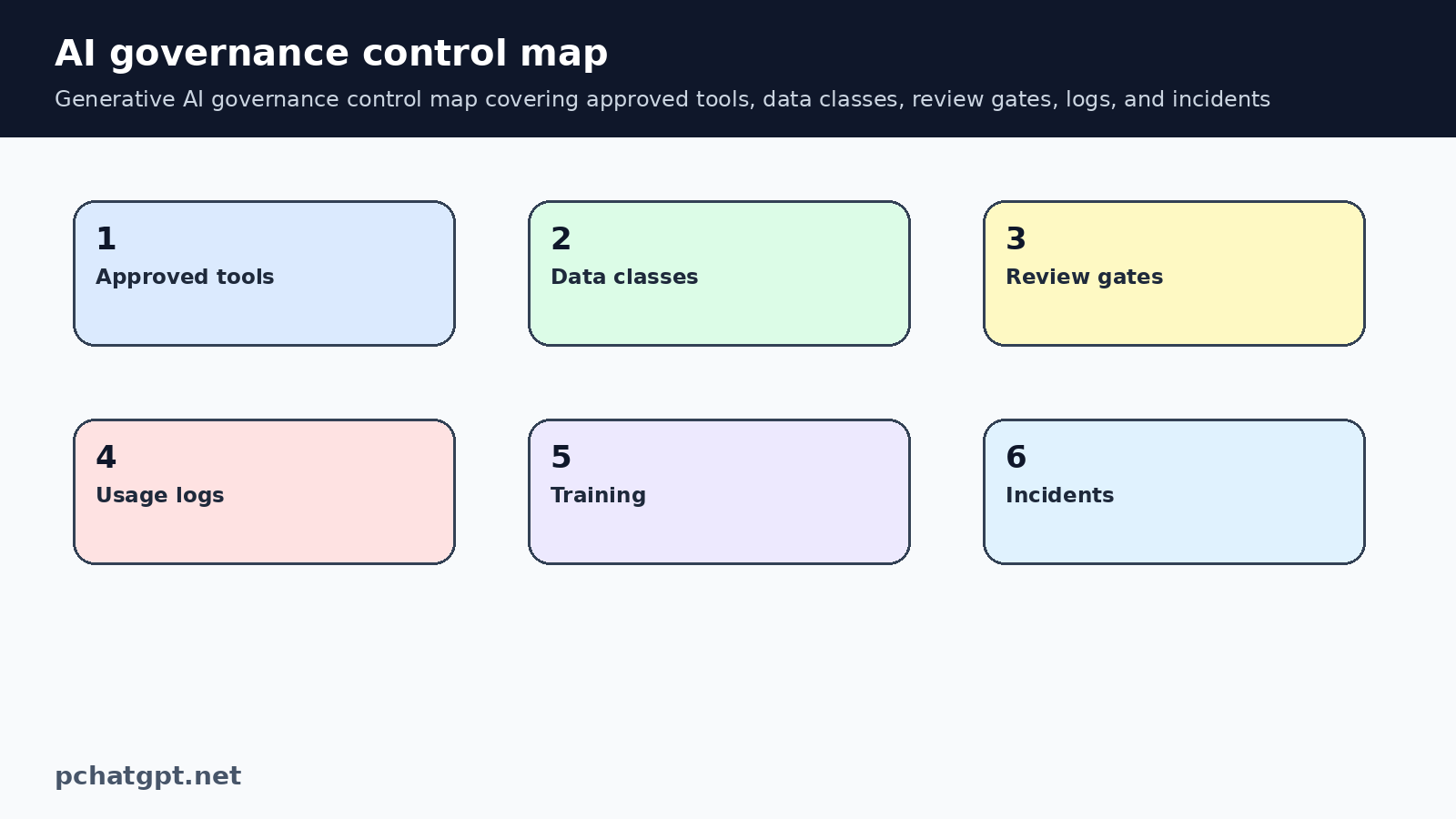
Most AI governance failures start with data. A prompt can contain customer names, contracts, financial details, employee records, source code, strategy, credentials, health information, or confidential product plans. Employees may think they are asking a quick question, but the prompt still transfers information into a system.
Use plain data classes that people can remember: public, internal, confidential, and restricted. Public content may be acceptable in approved tools. Internal content may require business settings. Confidential and restricted data should need stronger approval or should stay out of general tools entirely. Long legal wording is less useful than clear examples.
Put human review where consequences are real
Generative AI can draft emails, summarize documents, write code, create images, and suggest decisions. It should not quietly make consequential decisions. Define the work that needs a qualified human review before anything is sent, merged, published, purchased, or used with a customer.
High review areas include legal language, financial advice, hiring, healthcare, security changes, customer support responses, public announcements, pricing, access decisions, and code that affects production systems. The rule can be simple: if a wrong answer can harm a person, customer, partner, or business process, a person must review it.
Log important use without saving everything forever
Governance does not require saving every casual brainstorm. It does require enough record keeping for higher risk workflows. A useful log captures the tool, user, date, purpose, data class, prompt summary, source material, reviewer, and final action.
Logs help when something goes wrong. If a customer receives a bad answer or a report includes unsupported claims, the team can trace the workflow and fix the control. Logs also help managers see which AI use cases create value and which ones only create noise.
Train with real examples from the team
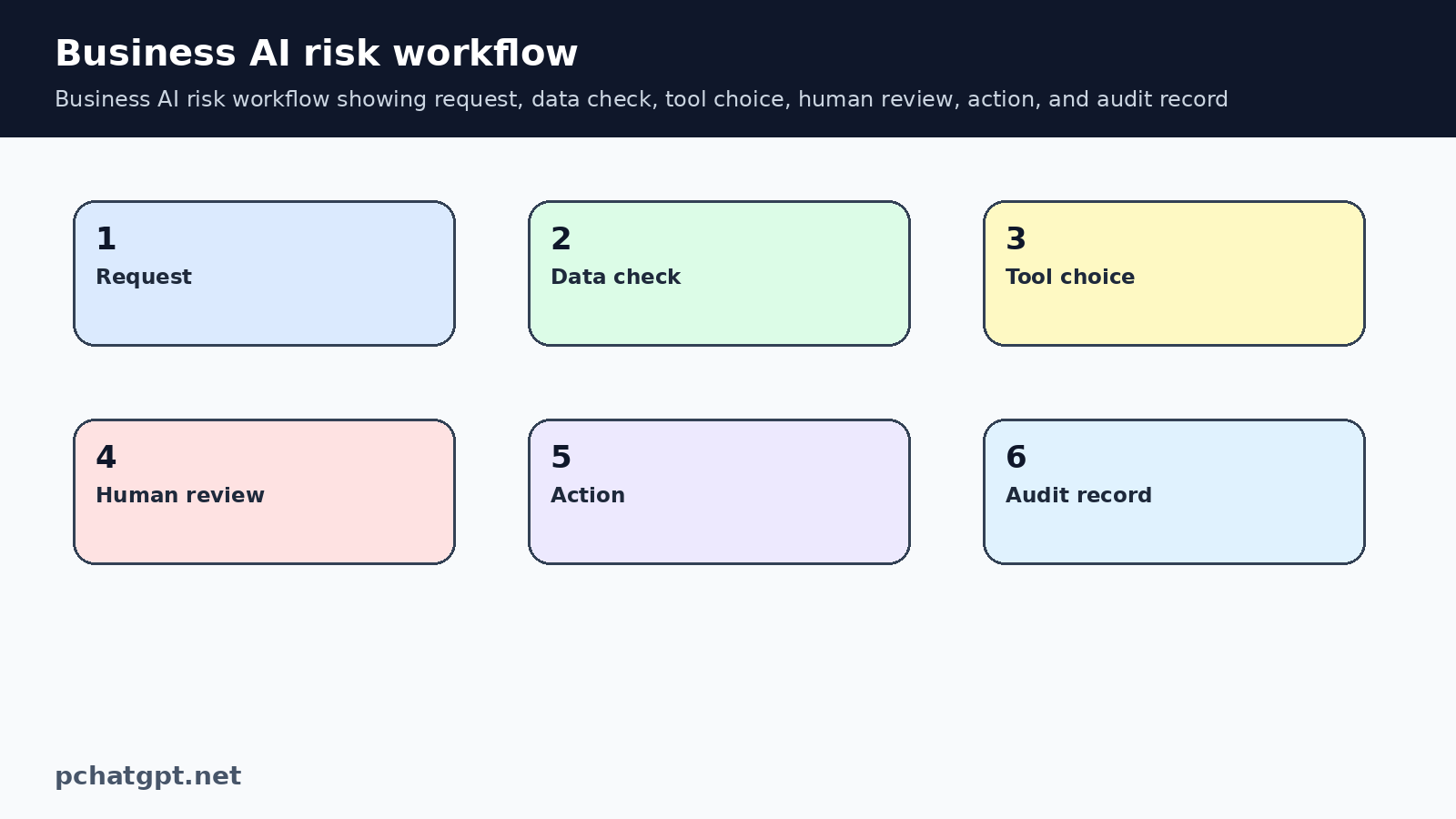
AI training should use examples from the actual work. Show a safe prompt and an unsafe prompt. Show how to remove personal data. Show when to use an approved account. Show how to check sources. Show where to report a risky output.
Training should also teach healthy skepticism. A polished answer is not the same as a correct answer. Employees need to know how hallucinations happen, why source checks matter, why copied confidential data is risky, and why some decisions need human judgment even when the draft looks convincing.
Check vendors before connecting workflows
The risk changes when AI connects to email, CRM, file storage, calendars, code repositories, support desks, or payment systems. A chatbot that only drafts text is different from an agent that can take actions. Vendor review should match the level of access and consequence.
Before connecting a tool, ask what data it can read, what actions it can take, how permissions work, how logs are kept, how exports and deletion work, and who can approve changes. For higher risk systems, require staged rollout, limited permissions, and a rollback plan.
Use recognized frameworks without drowning the team
NIST frames AI risk work around governing, mapping, measuring, and managing risk. ISO AI management guidance and OECD principles also push teams toward accountability, transparency, safety, privacy, and human oversight. These sources are useful because they give structure, but small teams still need a simple version.
Translate the framework into a working checklist. What is the AI use case? What data enters it? Who is affected? What could go wrong? How will the output be checked? Who owns the decision? What record is kept? That checklist is more useful than a policy that sounds mature but does not change behavior.
Review the policy as products change
AI products change quickly. Plan labels, data controls, admin features, model behavior, connectors, and safety settings can shift. Governance should include a review date for tools and workflows. If a tool gains new access or moves into customer facing work, the review should happen sooner.
The policy should also name what is not allowed. Do not allow employees to paste secrets into prompts. Do not allow AI to send customer messages without approval if the message can affect trust or obligations. Do not allow generated facts into public material without source checks. Clear no rules make the yes rules safer.
Maintenance notes for editors
Keep this page tied to generative AI governance, not to a broad claim that every AI product is useful. Future updates should start by opening the official pages already cited, checking the product surface named in the section, and removing any claim that no longer has a visible source. If a new feature sounds interesting but the source does not describe it clearly, leave it out until it can be verified.
For generative AI governance, the article should also keep its old URL and search intent. Do not turn this post into a news reaction or a general opinion piece during routine cleanup. The useful version of the page explains what a reader can check today, how to limit risk, and when another tool or human review is needed. That practical boundary is what makes the refreshed article more useful than the previous boilerplate.
When adding examples about generative AI governance later, avoid invented performance numbers, launch dates, user counts, prices, benchmarks, or regional availability. Those details can change and they need a direct source. A plain limitation is better than a confident sentence that cannot be checked. Readers trust the page more when it says less and supports the claims it keeps.
Internal links for generative AI governance should stay close to the reader journey. One link can help compare related AI tools. Another can point to safety, governance, memory, or workflow guidance. Do not add unrelated links only to raise a count. The link should answer the next question a careful reader is likely to ask.
The diagrams in this generative AI governance page should teach a process. If the images are replaced later, keep the same standard: clear labels, useful ALT text, strong contrast, and a relationship to the surrounding paragraph. Decorative robot art may look fine, but it does not help a reader make a better decision.
Before saving a future generative AI governance edit, read the page aloud once. Remove phrases that sound like a sales brochure, especially broad claims about transformation, productivity, or innovation. Keep the sentences concrete. Name the setting, workflow, source, review step, or risk. That style is better for readers and safer for an AdSense quality review.
If a future editor wants to add comparisons around generative AI governance, require the same evidence standard for every product mentioned. Compare what the product page says, what the account controls allow, and what a user can verify without private access. Do not rank tools by vibes, screenshots, or affiliate style language.
Keep the generative AI governance FAQ narrow. Each question should resolve one practical concern: tool choice, privacy, review, cost, or policy. If an answer repeats a section above, rewrite it into a shorter decision rule. A concise FAQ helps searchers who scan, and it prevents the page from turning into padded text.
The final live check for generative AI governance should use the public page, not only the editor. Confirm that the canonical still points to the preserved URL, the page remains indexable, both body images load, and the article has no old repeated paragraph from the earlier corpus audit. Save that proof beside this batch so the next remediation run can trust the result.
If the article becomes too broad, split the extra idea into another guide and link to it only when it helps the reader. This keeps generative AI governance clear, avoids topical overlap with nearby posts, and gives the corpus a cleaner set of search intents.
A useful generative AI governance update should include one practical boundary near every major recommendation. Say what the tool can help with, then say what still needs checking by the reader. This rhythm prevents unsupported promises and makes the guidance easier to trust when product pages, plans, or controls change later.
For generative AI governance corpus cleanup, the most important signal is not raw length. Length only helps when it adds original structure, source based limits, and task specific advice. If a new paragraph could be copied into another AI article without changing meaning, rewrite it before publishing.
Keep one small generative AI governance reader scenario in mind while editing. A person has landed on this URL because they need to choose, control, or explain something today. The article should help that person make a safer next move without asking them to trust a vague AI trend summary.
Official sources used
- https://www.nist.gov/itl/ai-risk-management-framework
- https://www.iso.org/standard/81230.html
- https://oecd.ai/en/ai-principles
- https://help.openai.com/en/articles/7730893-data-controls-faq
- https://platform.openai.com/docs/guides/safety-best-practices
Related guides
- https://pchatgpt.net/best-ai-tools-guide-2026-choose-ai-apps-beyond-chatgpt/
- https://pchatgpt.net/ai-agent-runtime-security-2026-permissions-logs-guardrails/
FAQ
What is generative AI governance?
Generative AI governance is the set of practical rules, owners, reviews, and controls that guide how a team uses AI tools. It covers tool approval, data handling, human review, logging, training, vendor checks, and incident response.
Does governance slow down AI adoption?
Good governance should reduce confusion rather than block useful work. Employees move faster when they know which tools are approved, what data is allowed, and when review is required.
Which AI work needs human review?
Any work with real consequences should be reviewed by a qualified person. That includes legal, financial, healthcare, hiring, security, customer support, public claims, pricing, access, and production code decisions.
How often should an AI policy be reviewed?
Review the policy whenever a tool gains new access, moves into a higher risk workflow, or changes important controls. A regular scheduled review also helps catch stale product assumptions.