

Meta AI Across Consumer Apps: What Runs on Your Device and What Uses the Cloud
Meta AI now appears across several familiar consumer products, but that does not mean every answer is generated on your phone. This guide separates the assistant people use in Meta apps from the lightweight Llama models that developers can run locally, then explains what that distinction means for privacy, speed, availability, and everyday use.
Meta AI can feel like one continuous assistant because it is accessible through WhatsApp, Instagram, Facebook, Messenger, the web, a standalone app, and supported AI glasses. The interface may sit inside an app on your phone, but the location of the interface does not tell you where the underlying computation happens. A chat box is local software. Generating an answer may still require remote infrastructure, web search, account context, or another online service.
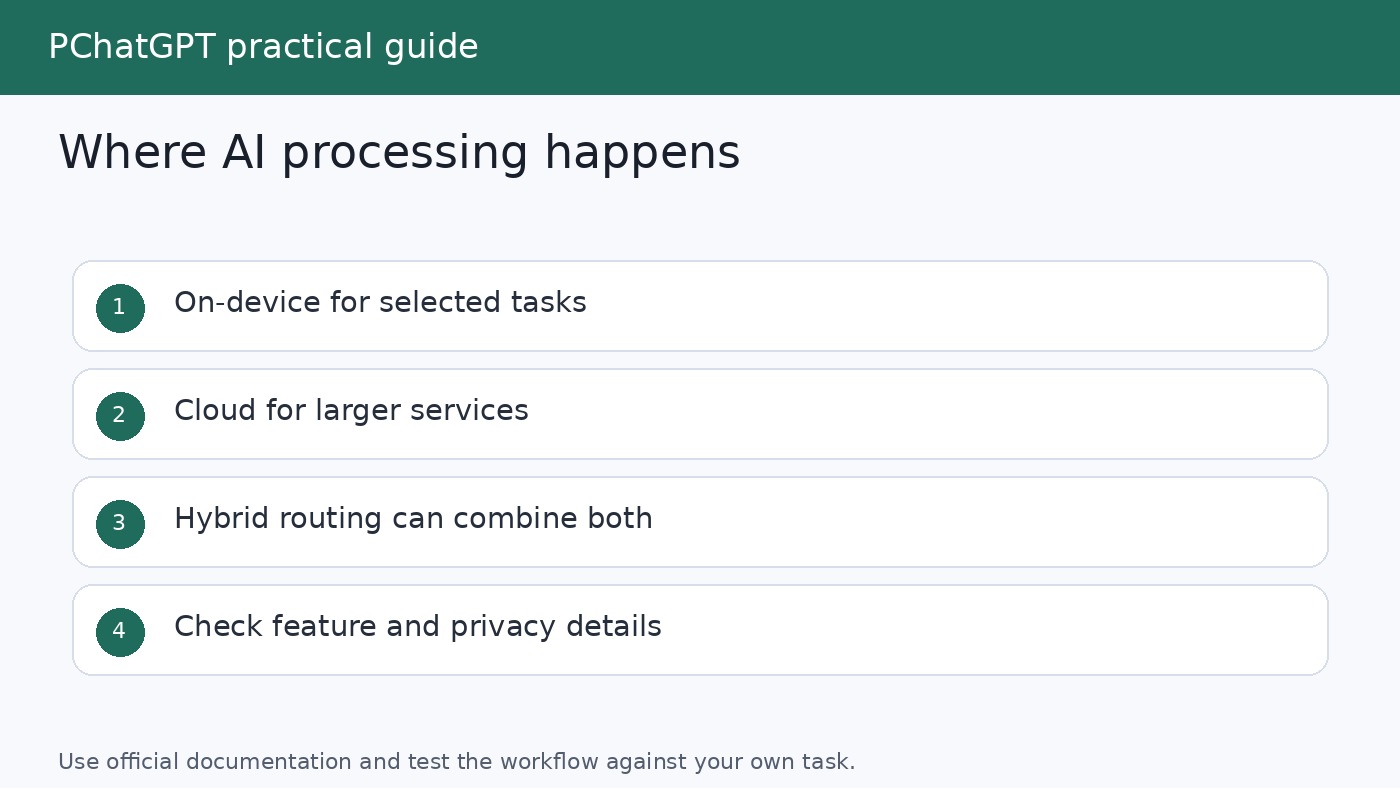
That distinction matters. The phrase on-device AI has a specific technical meaning: a model or task runs locally on the phone, computer, glasses, or other hardware in front of you. Cloud AI sends a request to remote servers for processing. A product can also use a hybrid design, keeping some work local while sending harder tasks to a larger model in the cloud. Meta has published lightweight Llama models intended for local use, but this alone is not evidence that every Meta AI feature in every consumer app runs locally.
The safest reading of Meta’s official material is therefore simple. Meta is expanding access to its AI assistant across consumer apps and devices. Separately, it offers Llama models that developers and hardware partners can deploy on selected edge and mobile devices. Those are related parts of Meta’s AI strategy, not interchangeable claims.
Meta AI is a service across several surfaces
Meta’s April 2024 announcement described Meta AI in Facebook, Instagram, WhatsApp, and Messenger, as well as on the Meta AI website. It highlighted uses such as answering questions, helping with planning, finding information from the web, and generating images. Access was being rolled out by country, language, and feature, so the announcement should not be treated as a promise that every function is present for every account.
Meta added a standalone Meta AI app in April 2025. According to the company, that first version was built with Llama 4 and focused strongly on voice conversations. The app also connected with image generation and editing, included a Discover feed, and could provide personalized responses in supported markets. Meta said that nothing was posted to the Discover feed unless the user chose to share it.
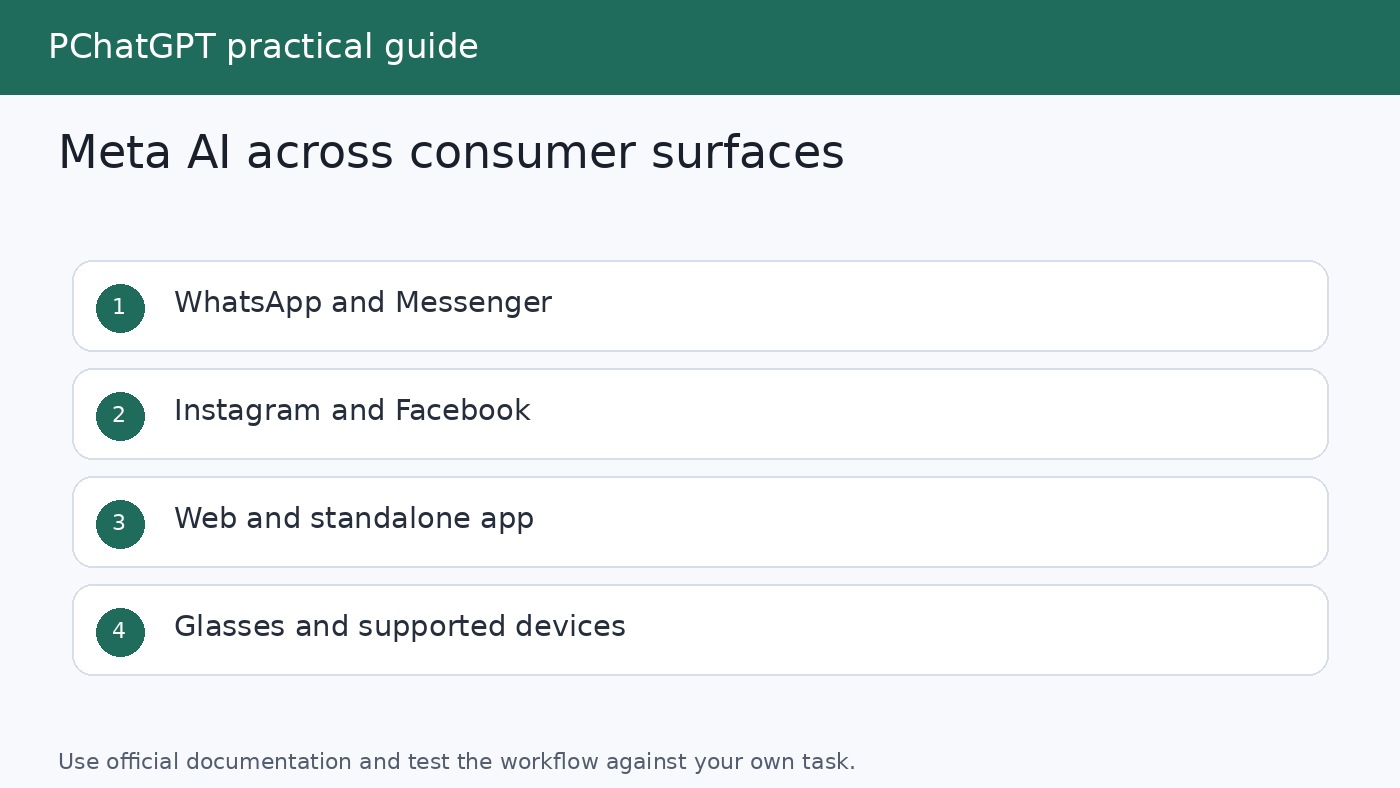
The standalone app also took over companion duties associated with Ray-Ban Meta glasses. Meta described continuity among the app, the web, and glasses, but with a limit: a conversation could begin on the glasses and later appear in app or web history, while a conversation begun in the app or on the web could not simply be resumed on the glasses. This is a useful example of why an apparently unified assistant can still behave differently on each surface.
Consumers should think of these surfaces as doors into a broader service. Each door can offer its own controls, input methods, account context, and regional availability. The visible experience can change without establishing that the model itself moved onto the local device.
What on-device, cloud, and hybrid AI actually mean
In a genuinely local workflow, the device stores the relevant model and performs inference using its own processor and memory. A well designed local feature can respond with low latency, work without sending the prompt to a remote model, and continue functioning when connectivity is limited. These benefits depend on the exact app and implementation. Merely downloading an app does not make its AI local.
Cloud processing gives a service access to larger models, more computing capacity, web retrieval, shared safety systems, and frequently updated tools. It also means the service must transmit at least the information needed to fulfill a request. Features that search the live web, synchronize conversations between devices, or use remote account context are strong signs that the overall experience involves online services, even if some supporting operations happen locally.
A hybrid system divides the work. A small local model might classify a request, summarize private text, or decide whether a larger model is needed. The device can then send selected tasks to the cloud. Meta’s Llama 3.2 announcement explicitly presented this as an application design option: developers can control which queries remain on the device and which need a larger cloud model.
Hybrid architecture is not a single privacy guarantee. Its value depends on what stays local, what leaves the device, what is retained, and which controls are available. Those details must come from documentation for the specific feature. A general statement about a model family cannot answer them for every consumer product.
What Meta’s official sources confirm, and what they do not
Meta released lightweight, text only Llama 3.2 models with 1 billion and 3 billion parameters in 2024. The company said these models could fit on selected edge and mobile devices. It described potential developer uses such as summarizing recent messages, extracting action items, and calling tools. Meta also named Arm, MediaTek, and Qualcomm among its on-device partners for that release.
That announcement supports a precise statement: some Llama models are designed to support local applications on selected hardware. It does not support the much broader statement that Meta AI across WhatsApp, Instagram, Facebook, Messenger, the standalone app, or glasses performs every generative task on the device. Llama is a family of models and a foundation for products. Meta AI is a consumer assistant with its own interfaces, services, and integrations.
Meta’s December 2024 review reinforced the range of possible deployments. It said Llama could be optimized for on-device and on-premises use, as well as managed service APIs from cloud partners. In the same article, Meta discussed Meta AI across apps, the web, and Ray-Ban Meta glasses. The important point is range, not uniformity. A model ecosystem can support local, private infrastructure and public cloud deployments at the same time.
The Meta AI app announcement offers further clues about service dependencies. Meta said its standard assistant could search the web and provide recommendations, and that personalized answers could draw on information people had chosen to share on Meta products in supported markets. It separately described an experimental full duplex voice demo that did not have web or real time information. These distinctions show that capabilities can depend on the selected mode, country, and product version.
Do not infer processing location from model size, marketing language, or the hardware used to open the assistant. Look for a direct statement that a named feature processes a named category of data locally. If Meta does not make that statement for the feature you are using, assume that an online assistant may contact Meta’s services.
Why the distinction matters to everyday users
Privacy: Local processing can reduce the need to transmit a prompt, but privacy depends on the whole workflow. A local model can still connect to online tools, backups, analytics, or account services. Conversely, a cloud feature can provide meaningful controls and safeguards while still requiring data transfer. The useful question is not simply whether an app contains AI. Ask what information the specific feature receives, where it is processed, how it is used, and what controls apply.
Connectivity: A truly local function may work without a network after its model and required assets are installed. Meta AI features that depend on web search, server models, or synchronized history need connectivity. Users should not assume that an assistant available on a phone is fully available offline.
Performance: Local models can avoid a network round trip, while cloud models can use much more computing power. Actual response time also depends on the device, connection, model, prompt, and product design. There is no honest universal claim that one approach is always faster.
Capability: Lightweight models are practical for constrained tasks, but a larger remote model may handle more complex requests. A hybrid product can route tasks according to difficulty or sensitivity. That choice can change over time as software and hardware improve.
Battery and storage: Local inference consumes device resources and model files occupy storage. Cloud inference shifts much of the computation away from the device but still uses the network and client software. Product documentation and device settings are the right places to check actual requirements.
Use Meta AI with clear privacy boundaries
Meta’s privacy explanation says that information shared directly with its generative AI features can be used to provide responses and improve products, among other stated purposes. It also says certain questions may be shared with trusted partners, such as search providers, to supply relevant and current answers. This is a good reason not to enter passwords, financial account details, confidential work material, private health records, or another person’s sensitive information into a general assistant.
Private messages with friends and family are not the same as messages intentionally sent to an AI. Meta’s updated privacy article says it does not use private messages with friends and family to train its AIs unless someone in the chat chooses to share those messages with an AI feature. It also states that, in supported group chat behavior, Meta AI reads messages that invoke it rather than the rest of the conversation. Users should still review the current notice and controls shown inside their own app because policies and product behavior can change.
Personalization deserves separate attention. Meta said the standalone assistant could remember details that a user provides and, in supported markets, draw on profile information and content the person has engaged with. Accounts connected through Accounts Center may provide more context. Personalization can make answers more relevant, but users should decide whether that tradeoff fits the task before sharing details.
Generated answers can also be incomplete or wrong. Use the assistant for drafts, exploration, and low stakes planning, then verify consequential information with primary sources. A polished response is not proof of accuracy, and access to web search does not remove the need to check citations.
A practical checklist before you use an AI feature
- Name the exact surface. Note whether you are using WhatsApp, Instagram, Facebook, Messenger, meta.ai, the standalone app, or glasses. Controls and capabilities can differ.
- Check the current in-app notice. Availability varies by country, language, account, device, and rollout stage. An older announcement is context, not a live compatibility list.
- Look for explicit local processing language. Terms such as “on your phone” or “available in the app” are not enough. Find documentation that says the relevant processing occurs on the device.
- Review personalization and history controls. Understand whether conversations are saved, whether memory is active, and which linked account information may inform responses.
- Limit sensitive input. Share only the minimum information needed for the task.
- Verify important output. Check source documents for medical, legal, financial, safety, travel, or purchasing decisions.
If your priority is a local model that you control, read our guide to local LLM tools and models. For a broader framework focused on fit rather than brand recognition, see the guide to choosing AI apps. Mobile users can also compare practical categories in our mobile AI apps guide.
The bottom line
Meta is making its assistant easier to reach across apps, the web, and connected devices. It is also developing small Llama models that can run locally in applications built for compatible hardware. Both developments are real, but combining them into the claim that all Meta AI is on-device would be inaccurate.
For consumers, the right model is feature by feature. Treat Meta AI as an online service unless the documentation for your exact feature clearly says that its processing stays local. Then review data controls, personalization, connectivity, and availability in the product you actually use. That approach is less dramatic than a sweeping label, but it is far more useful.
Frequently asked questions
Does Meta AI run entirely on my phone?
Do not assume that it does. Meta has released lightweight Llama models that developers can run on selected devices, but its official consumer announcements also describe features that use web search, synchronization, personalization, and online services. Check the documentation for the exact app and feature before treating processing as local.
Is Llama the same thing as Meta AI?
No. Llama is Meta’s family of AI models. Meta AI is a consumer assistant built with models from that family and delivered through apps, the web, and devices. A Llama model can also be used by developers in products that have nothing to do with the Meta AI consumer interface.
Can Meta AI read every message in a group chat?
Meta’s privacy explanation says that its conversational AI in WhatsApp, Instagram, or Messenger reads messages that invoke Meta AI in the supported group chat flow, not every other message in the conversation. Product behavior and controls can evolve, so review the current information presented inside your app.
Will Meta AI work without an internet connection?
Some independently built applications using a local Llama model may be able to perform supported tasks offline once everything is installed. That does not establish offline support for Meta AI itself. Features that rely on cloud models, web information, account context, or synchronized history need an online connection.
Official Meta sources
Related update: Perplexity AI Raises $1B for Answer Engine Expansion: What It Means for Global Content Creators.