
Local LLM tools are useful when you want to test AI workflows on hardware you control. They do not remove every privacy, security, or licensing question, but they give you a different starting point from cloud only chatbots. A local setup can help with drafting, code review, note analysis, search over approved documents, and experiments where sending text to an outside service is not appropriate.
This guide compares five practical tool categories rather than pretending there is one best local AI stack for everyone. The right choice depends on whether you want a simple desktop app, a local API, a command line workflow, a document chat environment, or low level inference control. Model choice matters too. Llama, Gemma, Qwen, Mistral family models, and other open or open weight models have different licenses, sizes, context behavior, and hardware needs.
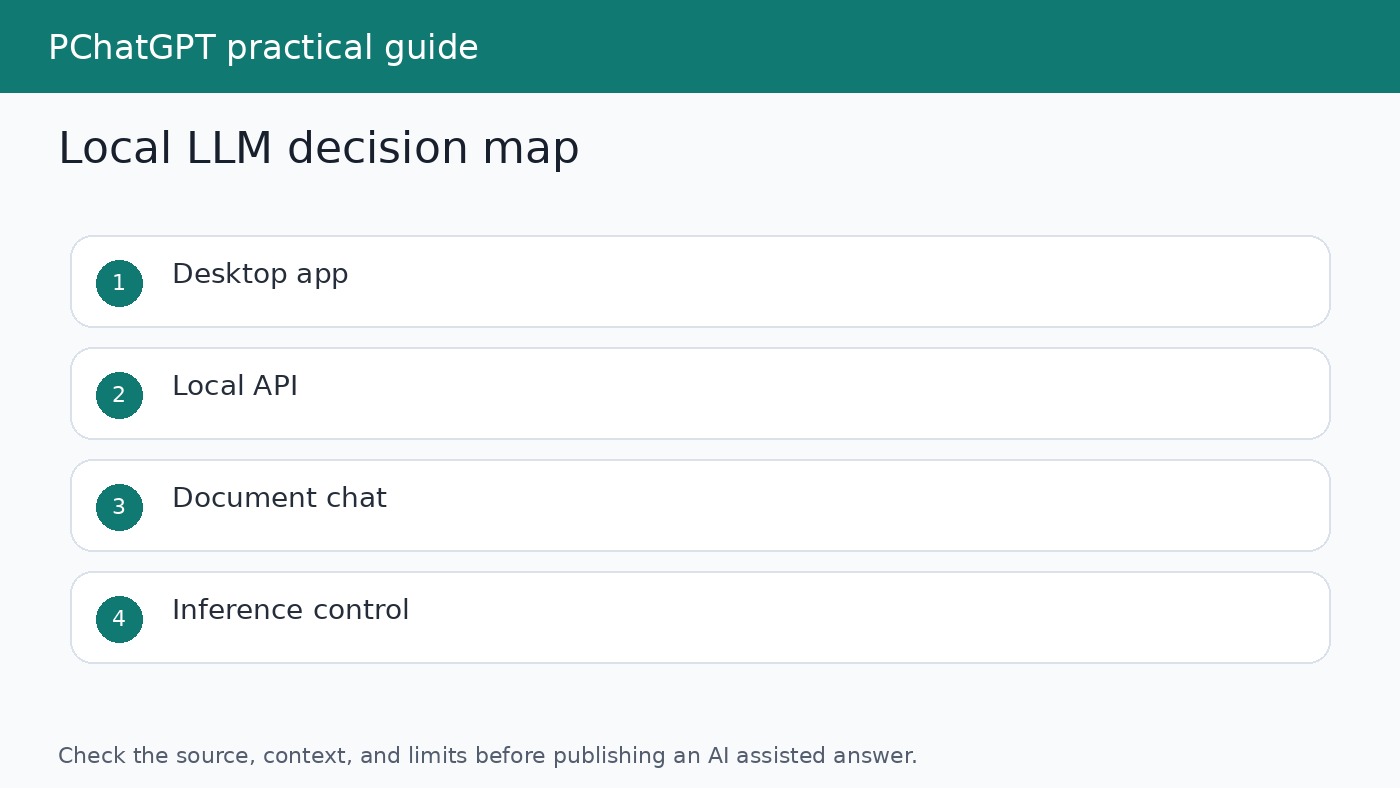
What local means in practice
Local usually means the model runs on your own machine or a server you control. That can be a laptop, desktop, workstation, or private server. Some tools also offer ways to connect to remote or cloud models, so do not assume every feature is offline just because the app can run local models. Check the settings, model source, and network behavior before using sensitive data.
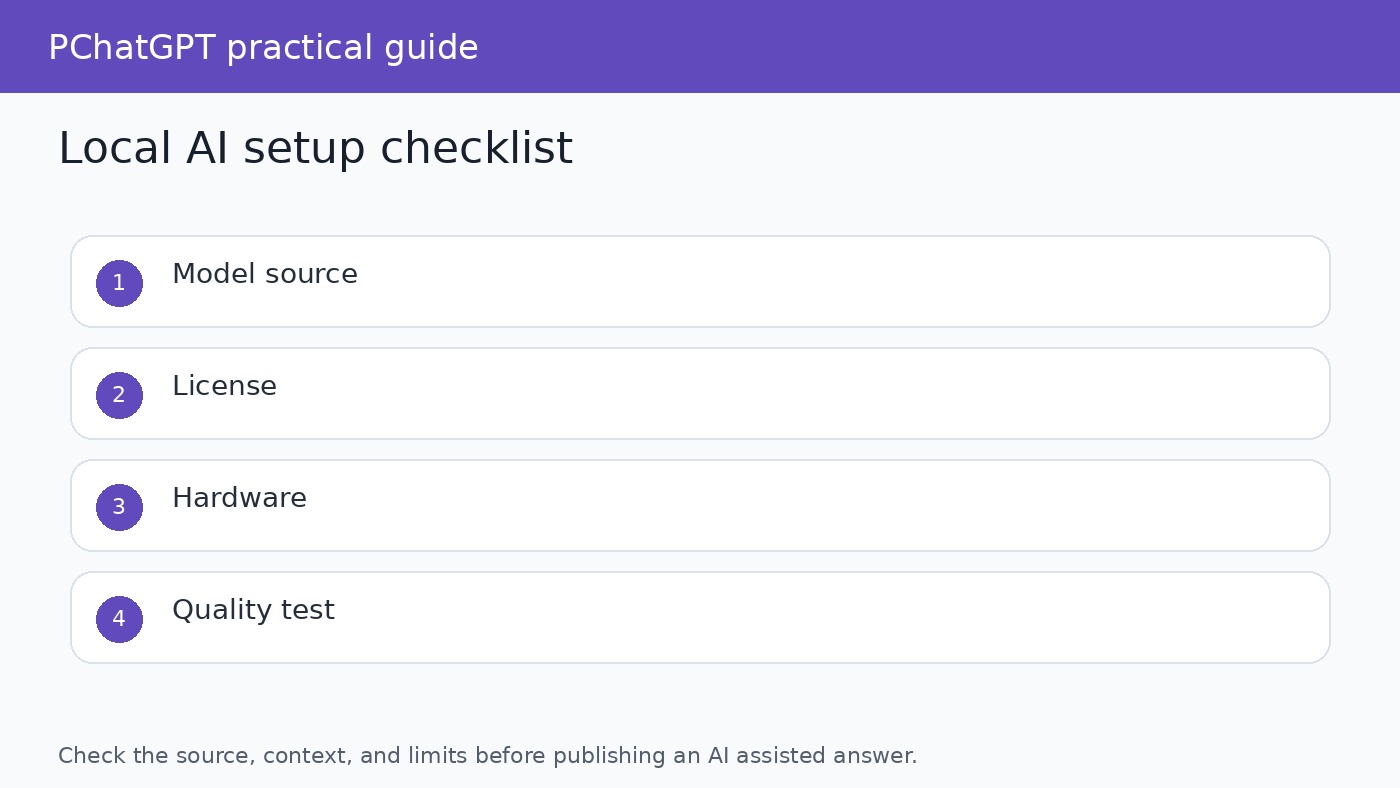
Hardware also sets limits. Larger models need more memory and may run slowly without a suitable GPU or enough unified memory. Smaller models are easier to run but may be weaker for reasoning, long documents, or specialized tasks. Quantized models can reduce resource needs, but quality and speed depend on the model, quantization method, and hardware. Test with your own prompts before making a workflow decision.
1. Ollama for a simple local model server
Ollama is a practical choice when you want a straightforward way to download and run open models, then connect other apps or scripts to a local service. Its documentation presents it as a way to run models locally and work with model libraries from a command line or API style workflow. That makes it a good fit for developers, analysts, and writers who want a repeatable local setup without building the inference layer from scratch.
Choose Ollama if you want to test several models quickly, run a local assistant backend, or connect a personal tool to a model running on your own machine. Review each model card and license before business use. The tool can make model management easier, but it does not decide whether a model is suitable for regulated data, customer content, or production work.
2. LM Studio for a desktop first experience
LM Studio is useful for people who want a desktop interface for finding, downloading, and running local models. Its documentation highlights local model use and an API server style workflow. The appeal is that a non specialist can explore models without starting from a terminal, while a technical user can still test local endpoints and compare outputs.
Use LM Studio when your main need is exploration. It is a good place to compare how different models respond to the same writing, coding, or summarization prompt. Keep a short test set of real tasks and record which model handled them best. A model that sounds fluent in a demo may still fail on your own documents or formatting requirements.
3. Jan for an offline ChatGPT style workspace
Jan describes itself as an open source alternative to ChatGPT that can run offline on your computer. That positioning makes it interesting for users who want a familiar chat workspace around local models. A chat style tool can be easier for writers, students, researchers, and small teams than a command line server, especially when the goal is everyday drafting or document assisted work.
The tradeoff is that a friendly interface can hide important details. Before using Jan or any similar desktop app with sensitive material, check which model is selected, whether the app is using a local runtime or a connected provider, where files are stored, and what extensions or services are enabled. Local first should still be verified, not assumed.
4. GPT4All for local document and assistant workflows
GPT4All is another option for users who want local AI on a personal computer. Its documentation focuses on installing, running, and using local models, with workflows that can support private assistant style use. It can be helpful when the goal is to keep routine drafting, summarization, or document exploration close to the user rather than inside a hosted chatbot.
As with every local system, the details matter. A local document chat workflow should still have a source review step. If the model summarizes a document, open the document and verify the paragraph, page, or section that supports the answer. Local inference reduces one class of data exposure, but it does not make answers automatically accurate.
5. llama.cpp for low level control
llama.cpp is a widely used project for running large language models with efficient inference across different hardware. It is a better fit for technical users who want control over formats, performance, build options, and integration details. Many higher level tools and workflows are influenced by the ecosystem around llama.cpp and GGUF model files.
Choose llama.cpp when you need to understand the stack or integrate local inference into a custom workflow. It is less of a one click writing app and more of a foundation. That can be an advantage for developers, but it also means you need to pay attention to builds, model files, parameters, and testing.
How to choose models
The tool is only half the decision. Model families such as Llama, Gemma, Qwen, and Mistral family models differ in licenses, supported sizes, intended use, safety guidance, and ecosystem support. Do not choose only by leaderboard screenshots. Start with the task: coding, rewriting, classification, summarization, brainstorming, or document Q&A. Then choose a model size your hardware can run at an acceptable speed.
For business use, license review is part of the workflow. Some open weight models allow broad use with conditions. Some have acceptable use policies or specific restrictions. If the output will be used in a product, customer workflow, or commercial service, read the license and model documentation before you build around it.
Privacy is not the same as safety
Running a model locally can help keep prompts and files on hardware you control, but it does not solve every risk. The model can still produce inaccurate claims, unsafe code, biased summaries, or text that leaks sensitive details if you paste them into a draft. You still need access controls, device security, backups, document handling rules, and review before publication.
A local AI workflow should also have a deletion and retention habit. Know where the app stores chats, embeddings, downloaded models, logs, and attached files. If more than one person uses the machine, treat local storage as shared unless you have configured user level separation.
A practical test plan
Build a small benchmark from your own work. Use ten prompts: two writing tasks, two summaries, two coding or spreadsheet tasks, two document questions, and two refusal or safety edge cases. Run the same prompts across two or three tools and models. Score for correctness, speed, formatting, source handling, and how much editing the answer needs.
Do not keep a local model just because it is fashionable. Keep it if it solves a real task with acceptable quality and a clear privacy advantage. For some work, a cloud model with enterprise controls may be better. For other work, a local model is enough and safer. The value is in matching the tool to the task.
For related setup choices, read our ChatGPT cheat sheet router and our guide to ChatGPT data privacy controls. Those guides help you compare local, hosted, and account based privacy decisions without mixing them together.
When local AI is the wrong choice
Local AI is not always the best answer. If your team needs shared administration, audit logs, managed retention, support commitments, or the strongest available reasoning model, a governed hosted service may be more appropriate. A local model can be excellent for private drafts and experiments, but it can also become hard to maintain if every user downloads different models and stores files in different places.
The safest approach is to write a short use policy before local models spread across a team. Name the approved tools, allowed data types, model sources, license review owner, and review process for outputs. Keep the policy practical. People are more likely to follow a one page rule set than a long document that never answers which app they may open today.
For solo users, the same idea can be smaller. Write down where models are downloaded from, which folders the app can read, which documents are allowed, and how you will verify important answers. If a local assistant becomes part of daily work, treat it like any other tool that handles files. Update it deliberately, remove models you no longer use, and keep sensitive projects out of experiments unless you have a clear reason.
Local LLMs are most valuable when they are boring in the right ways. They should run reliably, use known models, respect your data boundary, and produce answers you can check. If the setup requires constant troubleshooting or encourages people to skip review because the model is on their own machine, it is not ready for important work.
A good rollout can start with one narrow task, such as summarizing approved notes or drafting internal checklists from non sensitive text. Once the task works, add a second model or tool and compare results. Expanding slowly keeps the workflow understandable and gives you time to catch problems with speed, hallucination, storage, or licensing before the setup becomes part of a larger process.
Official sources
- Ollama documentation
- LM Studio documentation
- Jan GitHub project
- GPT4All documentation
- llama.cpp GitHub project
- Meta Llama
- Google Gemma
- Qwen research
FAQ
Can a local LLM fully replace ChatGPT?
Sometimes for drafts, summaries, coding help, or private experiments, but not for every task. Hosted tools may have stronger models, integrated tools, search, files, or enterprise controls.
Are local LLMs always private?
No. They can keep inference on your device when configured that way, but apps may still store chats, connect to external services, or use remote providers. Check settings and documentation.
Which local LLM tool should beginners try first?
A desktop app such as LM Studio, Jan, or GPT4All is usually easier for non technical users. Ollama is friendly for people comfortable with a command line and local services.
What should I check before commercial use?
Check the model license, acceptable use terms, data handling, output quality, hardware reliability, and whether a human review process exists for important answers.