OpenAI release notes are useful when they help you answer a simple question: what changed for the product I actually use, on the plan I actually have, in the place where I actually work? They become confusing when every update is treated as one universal announcement. ChatGPT, ChatGPT Business, ChatGPT Enterprise, ChatGPT Edu, the OpenAI API, model behavior notes, platform changelogs, and status incidents can all mention similar model names, but they do not always describe the same surface or the same availability.
This guide gives you a practical way to read OpenAI release notes without mixing product and API changes. It is designed for everyday ChatGPT users, team admins, writers, developers who also use ChatGPT, and editors who need to update older articles responsibly. You do not need to memorize every entry. You need a routine that tracks the source, product surface, eligible plan, availability language, and difference between a ChatGPT feature and an API capability.
Start with the product surface
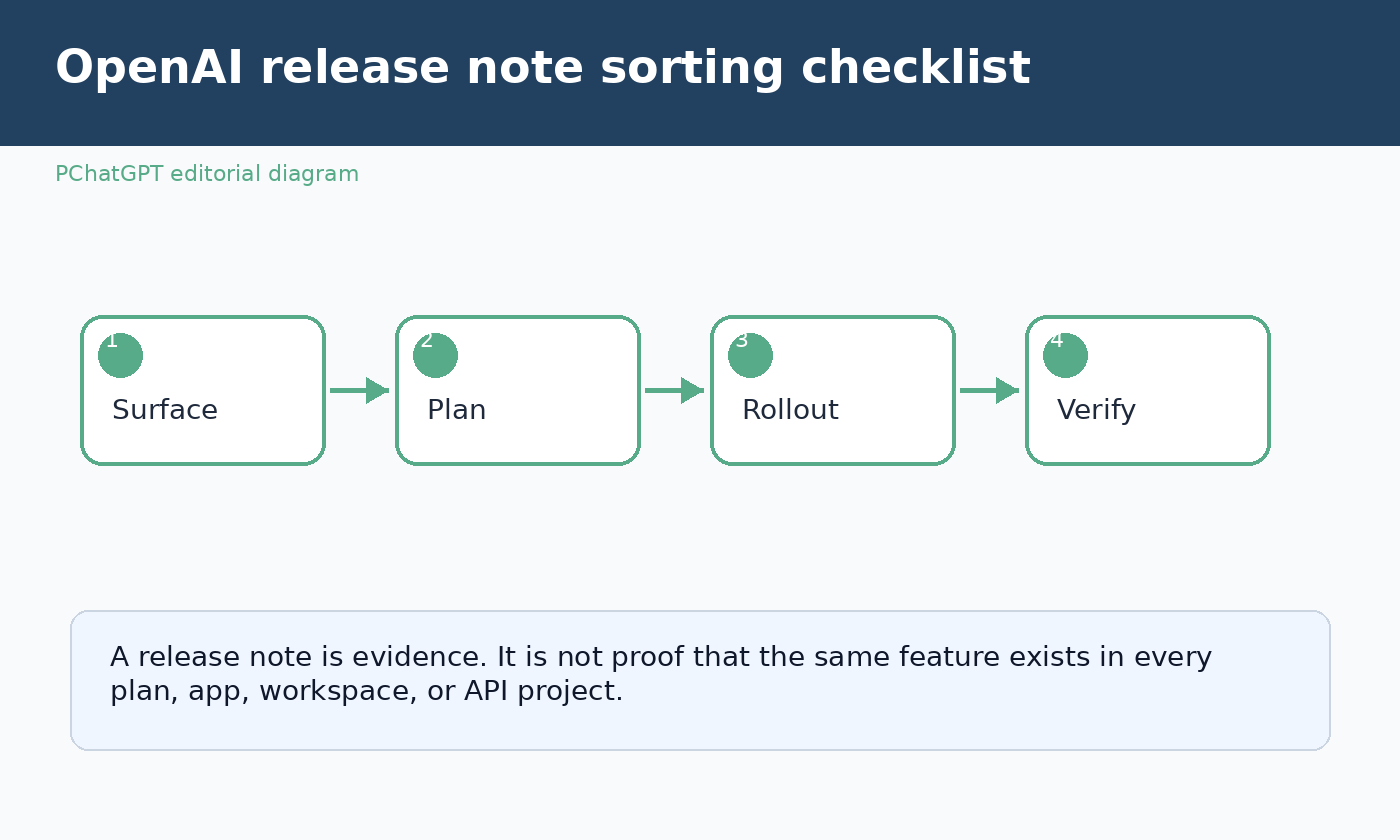
The first question to ask is not “Which model is mentioned?” It is “Where does this change live?” A release note may describe the ChatGPT web app, the iOS app, the Android app, a desktop app, a workspace admin console, custom GPTs, projects, connectors, memory, voice, search, deep research, Codex inside ChatGPT, or a model available through the API. Each surface has its own controls, rollout behavior, and practical impact.
If the source is the main ChatGPT release notes page, read it as a consumer product log first. It usually explains what users may see in ChatGPT, which plans are eligible, and whether a feature is rolling out to web, mobile, desktop, or a specific workspace type. If the source is the model release notes page, treat it as a guide to model behavior, model availability, and model related announcements. If the source is the API changelog, treat it as developer platform information, not proof that the same feature has arrived in ChatGPT.
A reliable update workflow starts with a simple label. Write “ChatGPT product,” “Business workspace,” “Enterprise or Edu workspace,” “model behavior,” or “API platform” beside every item you collect. That one label prevents most errors. A new model name can appear in several places, but the meaning changes depending on whether OpenAI is discussing a picker inside ChatGPT, an endpoint for developers, a retirement in the ChatGPT app, or a model specification update.
Read plan eligibility before you read features
OpenAI often uses plan names as the practical boundary around a release. A feature can be available to Free, Go, Plus, Pro, Business, Enterprise, Edu, or a subset of those plans. A workspace control may only matter to admins. A connector may require the workspace owner to enable access. A mobile feature may exist only after an app update. A feature described as available globally may still have account level settings or compliance limitations.
When you audit release notes, copy the plan language exactly into your private notes. Do not simplify it into “available to everyone” unless the source truly says that and your own check supports it. “Rolling out to Plus and Pro” is not the same as “already visible in all Plus and Pro accounts.” “Available to Enterprise” is not the same as “enabled for every employee in every Enterprise workspace.” “Not available in some regions” is not a footnote. It can decide whether a reader can use the feature today.
This is especially important for guides that are updated in place. A post may have started as a monthly roundup, but a better evergreen version should teach readers how to verify plan access. For example, a person using ChatGPT Plus for writing may care about memory, projects, file upload, and model picker changes. A Business admin may care more about analytics, workspace agents, connectors, retention settings, and user management. A developer may need the API changelog instead of the ChatGPT release notes.
Separate announcement date from availability date
Release notes often include dates, but a date beside an entry does not always mean the feature is active in every account on that date. Some entries describe a launch, some describe a gradual rollout, some describe a retirement window, and some update a previous announcement. A careful reader treats date as evidence, not as a guarantee.
Use four status labels in your own tracker: announced, rolling out, visible in my account, and verified in workflow. “Announced” means the official source says the change exists. “Rolling out” means eligibility is described, but not every eligible account may see it immediately. “Visible in my account” means you can see the interface, setting, model, or option. “Verified in workflow” means you tested it in the specific task that matters to you, such as a project, a shared workspace, a mobile app, or an API integration.
This approach keeps your writing honest. Instead of saying “OpenAI added this for all users,” you can say “OpenAI lists this in the ChatGPT release notes and describes the eligible plans and rollout conditions.” Instead of telling an admin to change a setting that may not exist in their workspace yet, you can tell them where to check and what eligibility language to compare.
Do not merge ChatGPT and API updates
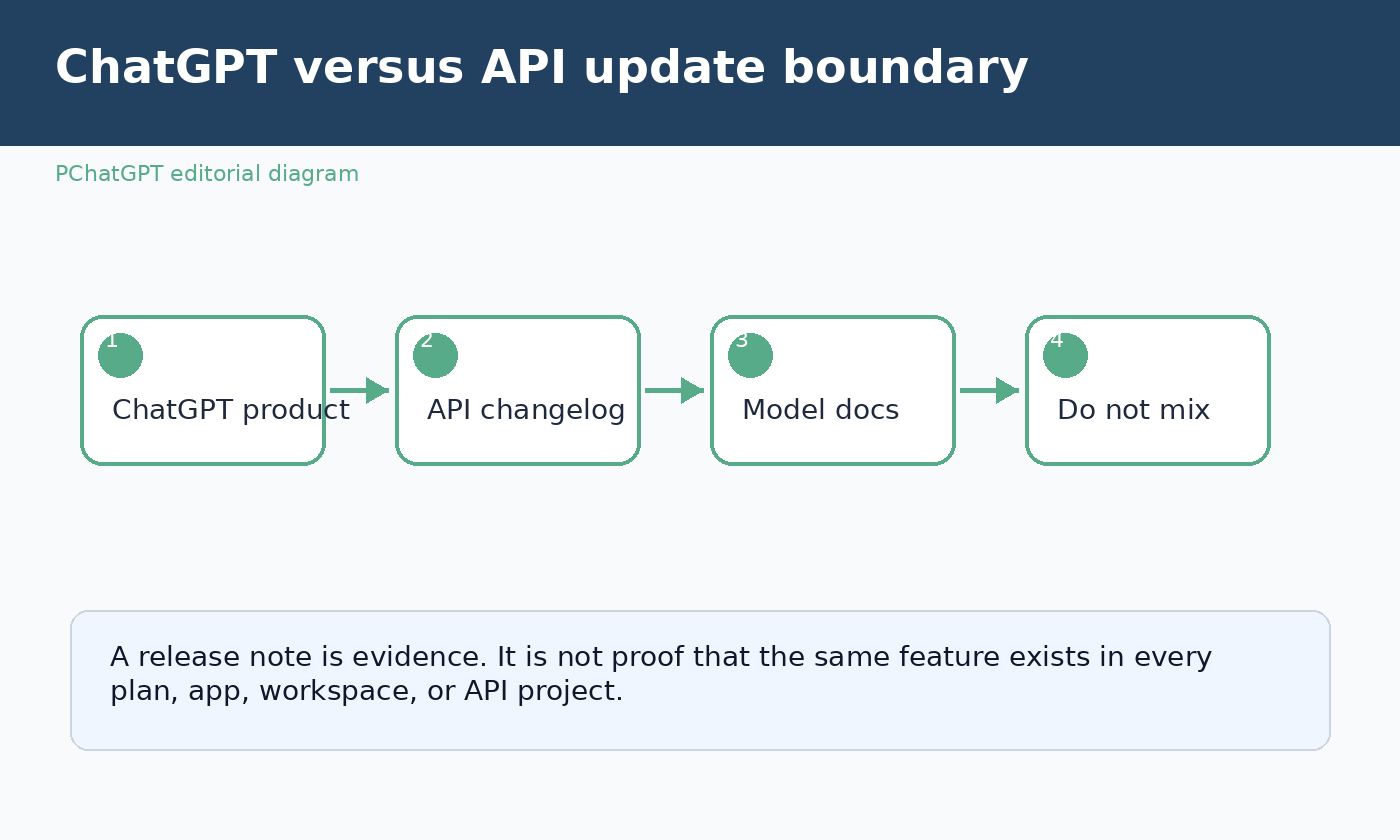
The most common mistake is assuming that a model or feature named in ChatGPT release notes has the same status in the API. OpenAI itself sometimes clarifies that a change applies to ChatGPT only and does not change the API. The reverse can also happen: the API changelog may announce endpoints, tools, pricing details, snapshots, parameters, or SDK related changes that do not automatically appear in the ChatGPT app.
Think of ChatGPT as a packaged product experience. It includes models, tools, interface choices, plan limits, app behavior, workspace policy, and OpenAI managed product design. Think of the API as a developer platform. It includes model IDs, endpoints, rate limits, tool support, authentication, billing, parameters, SDKs, and deployment patterns. The two are connected by OpenAI technology, but they are not interchangeable sources.
If you write for both audiences, keep two separate notes. For ChatGPT readers, explain where the feature appears in the interface, which plan can use it, and what a normal user should try first. For developers, link to the API changelog or documentation and discuss model IDs, endpoints, migration impact, cost, latency, and integration testing. If a single OpenAI announcement mentions both, still split the implications by surface.
Use the official wording as a checklist
OpenAI release notes often include availability words that should guide your interpretation. Watch for phrases such as “rolling out,” “available to,” “not available,” “coming to,” “retired from ChatGPT,” “no changes to the API,” “workspace,” “admin,” “mobile,” “web,” “globally,” and region names. These phrases are not decorative. They tell you how far the claim can safely travel.
For each update, build a short checklist:
- Which official page contains the entry?
- Which product surface does the entry describe?
- Which plans are eligible?
- Is the entry global, regional, workspace limited, or app limited?
- Does it say the change is rolling out rather than fully available?
- Does it explicitly separate ChatGPT from the API?
- What should a reader check inside their own account?
This checklist is more durable than a list of dated headlines. It remains useful when OpenAI edits release notes, renames a plan, retires a model, expands availability, or moves a capability from limited access to broader availability.
How to verify a ChatGPT feature in your account
Start with the account and plan you actually use. Open ChatGPT in the relevant place: web, desktop, iOS, Android, or the workspace where the change should appear. Check the model selector, settings, project menu, tools menu, connector settings, memory controls, admin console, or feature area named by the release note. If the note says a feature is mobile specific, do not verify it only on the web. If it says a workspace admin must enable it, do not assume an end user can activate it alone.
Then perform a small, reversible test. For a model picker change, start a new chat and confirm the model option appears. For memory, review the memory settings before relying on behavior. For projects, create a low risk test project before moving important work. For connectors, confirm authorization, scope, and workspace policy before asking ChatGPT to use sensitive files. For Business, Enterprise, or Edu features, check the admin documentation and internal policy before telling users to adopt a new workflow.
Finally, record the result with the same four status labels: announced, rolling out, visible, verified. This protects your team from treating a release note as a deployment certificate. It also helps readers understand why their account may look different from screenshots or examples they see online.
How to verify an API change separately
For API work, do not use ChatGPT interface behavior as proof. Go to the OpenAI API changelog and the relevant platform documentation. Confirm the model ID, endpoint, parameters, tool support, deprecation language, rate limit impact, pricing page, and SDK version. If a note mentions a new model family in the API, test it in a development environment with controlled prompts, logging, and fallbacks before moving production traffic.
Developers should also distinguish model release notes from platform release notes. A model note may describe capability, behavior, safety guidance, or availability. A platform changelog may describe the mechanics needed to call that model or use a tool. Both can be official, but they answer different questions. One helps you understand what the model is intended to do. The other helps you integrate it correctly.
When a ChatGPT retirement is announced, check whether the entry says it applies to ChatGPT only. When an API model snapshot changes, check whether your application pins a specific model ID or uses a moving alias. When a new tool appears in the API, check whether it has the same name or user experience as a ChatGPT tool before writing public instructions.
Special notes for Business, Enterprise, and Edu readers
Workspace plans deserve extra care because availability can depend on admin controls, identity settings, connectors, security policy, data residency, and organizational rollout decisions. The ChatGPT Enterprise and Edu release notes focus on new features, administrative controls, and product updates for those environments. The ChatGPT Business release notes focus on the Business plan, including workspace oriented changes. These pages may mention features that sound similar to consumer ChatGPT features, but the action steps are different.
If you manage a workspace, create an internal release review routine. Assign someone to read the relevant OpenAI page, identify whether the change affects admins or end users, test it in a safe group, review data handling implications, and write a short internal note. For connectors and agents, include permission scope and offboarding behavior in the review. For analytics or admin controls, check who can see the data and whether the change alters reporting expectations.
If you are an end user inside a workspace, avoid assuming that a feature is missing because OpenAI has not released it. It may be disabled by your organization, restricted by your role, unavailable in your region, or pending internal review. Ask your admin for the workspace policy and include the official release note link when you ask.
Build an evergreen release note habit
A good release note habit is small and repeatable. Once a week, scan the official ChatGPT release notes if you use ChatGPT for daily work. If you build with the OpenAI platform, scan the API changelog separately. If you administer a workspace, scan the Business or Enterprise and Edu notes that match your plan. Save only the entries that affect your work, and write the source, surface, plan, availability language, and test result.
Avoid noisy tracking. You do not need to rewrite your workflow every time a model is named in a headline. You need to know whether the change touches your plan, your surface, your data, your costs, your compliance responsibilities, or your users. If it does not, record it as background context and move on.
For public articles, update old posts by replacing brittle month based claims with a method. Readers get more value from a clear verification process than from a stale list of changes. A method also reduces the risk of confusing ChatGPT product updates with API updates. The best wording tells readers where to check, what to compare, and how to decide whether a change is relevant to them.
Official sources used
- ChatGPT Release Notes, the primary official source for ChatGPT product updates.
- OpenAI Model Release Notes, used for model related context and behavior announcements.
- ChatGPT Enterprise and Edu Release Notes, used for workspace and admin oriented updates.
- ChatGPT Business Release Notes, used for Business workspace context.
- OpenAI API Changelog, used as the separate official reference for developer platform changes.
Related guides
FAQ
Are ChatGPT release notes the same as API release notes?
No. ChatGPT release notes describe the ChatGPT product experience, while API release notes describe the developer platform. A model name can appear in both places, but availability, controls, billing, endpoints, and user experience may be different.
Why do I not see a feature listed in the release notes?
The most common reasons are plan eligibility, gradual rollout, region limits, app version, workspace settings, or admin controls. Check the exact wording in the official entry, then verify on the same surface mentioned by the note.
What should I track when OpenAI announces a new model?
Track where the model is available, which plans or API endpoints can use it, whether the rollout is gradual, whether older models are being retired, and whether your own workflow has been tested with the new option.
How should teams use OpenAI release notes safely?
Teams should assign ownership, separate ChatGPT and API review, test changes in a low risk environment, document plan and workspace limits, and communicate only the updates that affect their users, costs, data, or compliance responsibilities.