
A polished ChatGPT answer can still be wrong, incomplete, or aimed at the wrong problem. Many frustrating results begin before the answer appears: the request is vague, the relevant material is missing, or the user expects one prompt to handle several different jobs. Other mistakes happen afterward, when a fluent response is accepted without checking its claims.
This guide covers the common ChatGPT mistakes that users can correct themselves. It separates OpenAI’s documented product behavior from practical advice. The examples are starting points, not secret commands, and they do not guarantee a correct answer. For important work, review the output against the original material and reliable sources.
1. Asking for a result without defining the job
“Help with my presentation” leaves several decisions unstated. Is the task to create an outline, shorten existing slides, check evidence, or write speaker notes? Who will see it, how long is the talk, and what should the audience understand at the end?
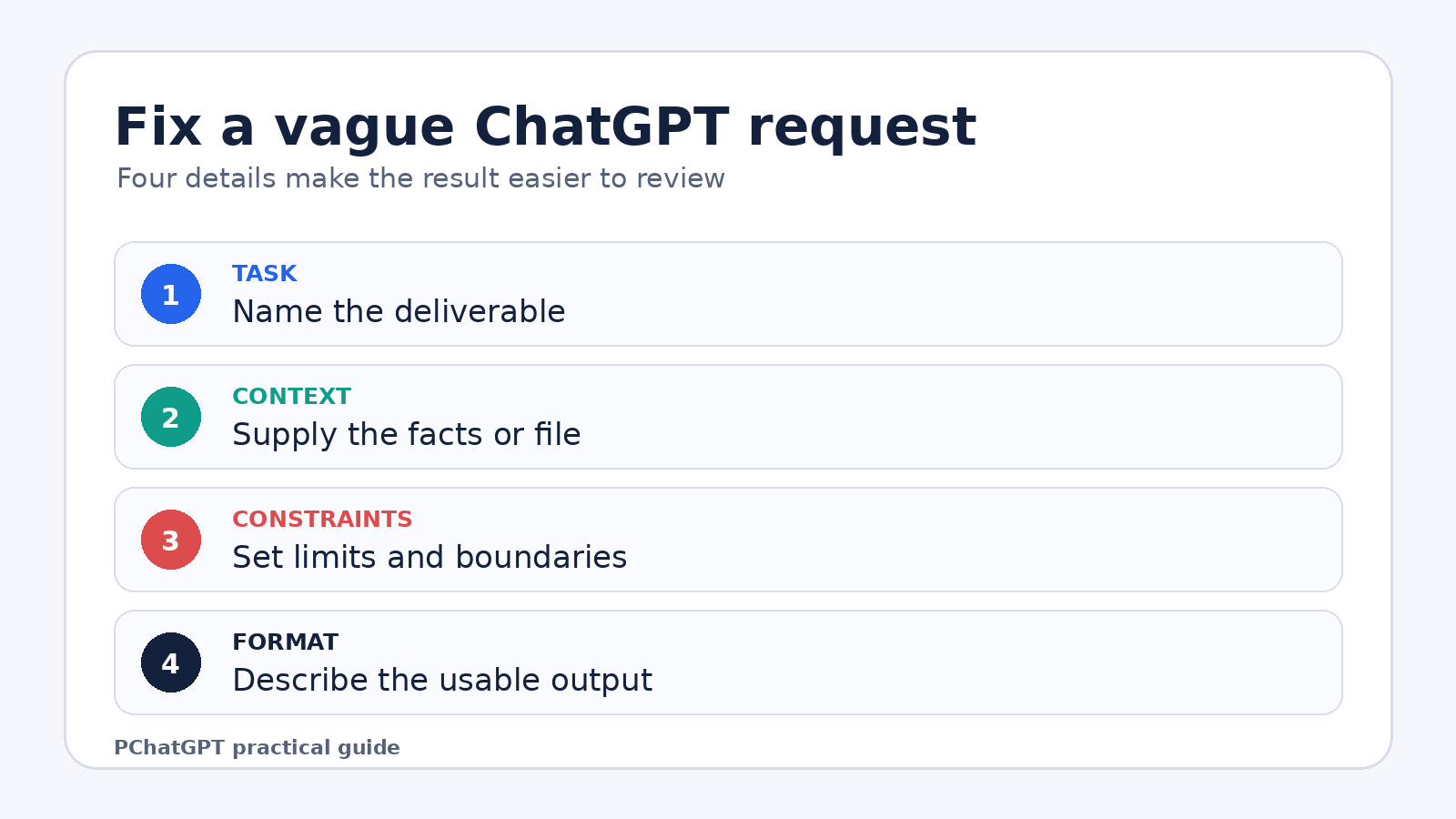
OpenAI’s prompt engineering guidance for ChatGPT recommends clear, specific requests with enough context. A useful correction is to name the deliverable, audience, source material, and constraints in ordinary language.
Turn the notes below into a six-slide outline for nontechnical managers. Keep each slide to a heading and no more than four bullets. End with two decisions the audience needs to make. Do not add statistics that are not in my notes.
That request is easier to inspect because success has a visible shape. You can tell whether the slide count, audience level, and evidence boundary were followed. If your first request is only exploratory, say that too. “Give me five possible angles before drafting” is a defined job.
2. Packing unrelated tasks into one prompt
A long prompt can be detailed and still be poorly organized. Asking ChatGPT to research a topic, judge sources, choose a position, write a report, produce a table, and create an email in one turn makes review difficult. A weak assumption early in the response can affect everything that follows.
OpenAI’s guide on creating a good prompt advises users to right-size complex requests and work iteratively. In practice, split the work at points where you want to inspect or approve it. First ask for an outline based on supplied material. Correct the outline. Then request one section or one format at a time.
This is not a rule that every task needs many turns. A short, familiar job may work in one request. Split a task when the stages use different evidence, require separate decisions, or would be expensive to redo. The goal is a reviewable process, not a longer conversation.
3. Expecting ChatGPT to infer missing context
ChatGPT cannot reliably apply facts that you never supplied or made available through an appropriate tool. “Reply to this customer” is incomplete if the complaint, policy, desired outcome, and brand tone are missing. “Analyze my spreadsheet” is incomplete if the file is absent or the important columns are unexplained.
Provide the material that controls the answer. Paste the email, attach the document, identify the relevant section, or summarize the facts that the response must use. Mark the boundary clearly: “Use only the policy text below” or “If the document does not answer a question, list it as unresolved.” Those are practical safeguards. They do not prevent every error, so compare the response with the source.
For recurring work, ChatGPT Projects can keep related chats, files, and project instructions together. OpenAI’s Projects documentation says project instructions apply inside that project and override global custom instructions. That can reduce repeated setup, but it also creates a reason to check which project and instructions are active before starting a sensitive task.
4. Treating fluent wording as proof
Confidence, detail, and clean formatting are not evidence. OpenAI states that ChatGPT can produce incorrect or misleading output and may sound confident when it is wrong. Its accuracy guidance gives examples that include wrong dates or definitions, fabricated citations, and overconfident answers to ambiguous questions.
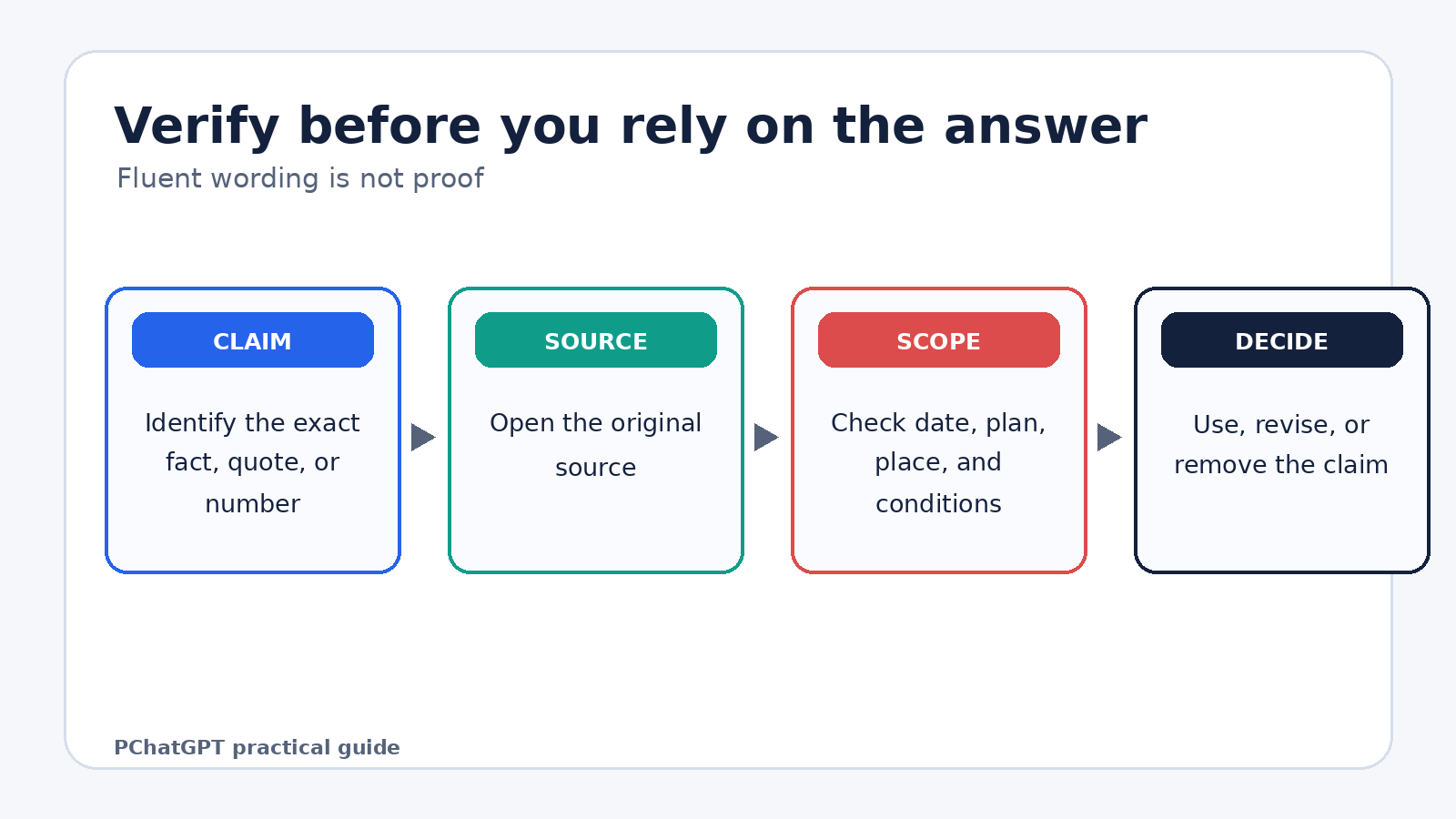
The correction depends on the stakes. For a casual brainstorming list, a quick sense check may be enough. For a legal deadline, medical decision, financial figure, quotation, publication, or production command, verify the claim in the original source or with a qualified person. Ask ChatGPT to identify uncertainty and show sources, but do not treat that request as verification by itself.
When current information matters, use Search or deep research if available, then open the cited pages. OpenAI documents that Search can provide web citations and that deep research can produce multi-source cited answers. A citation is a route to evidence. You still need to check whether the linked page supports the sentence, applies to the right date, and refers to the product or plan you are using.
5. Asking for citations, then trusting the citation list
A reference can look plausible while the article, author, quotation, or page number does not exist. A real link can also fail to support the nearby claim. This is a separate mistake from accepting a wrong factual answer because the formatting itself makes the response feel researched.
Open each source. Confirm the title and publisher, locate the relevant passage, and compare the date and scope with your claim. For quotations, search the source for the exact words. For academic work, check the paper through the journal, DOI record, or library database. If you cannot verify a source, remove the claim or mark it for further research rather than asking ChatGPT to make the citation look more formal.
For each claim, give the source URL and quote the exact supporting passage. If you cannot find support, write “not verified” instead of supplying a citation.
This prompt makes review easier, but it is still an instruction, not a guarantee. The user remains responsible for opening the source and checking the passage.
6. Using an old chat for a changed task
Continuing a long conversation can be convenient, but earlier constraints may no longer fit. The audience might have changed, the draft may now use a different source, or a discarded idea may still influence the response. Users sometimes spend several turns correcting a chat when a clean request would be easier.
Before continuing, restate the current goal and the facts that still apply. If the job has materially changed, start a new chat or a separate project thread. For broader orientation across Chat, Projects, files, memory, and other surfaces, see the site’s current ChatGPT cheat sheet.
Do not assume that a fresh chat automatically solves every context issue. Global custom instructions or memory settings may still affect replies. Project instructions apply within their project. Check the active surface and restate any constraint that must not be missed.
7. Leaving the output format unspecified
“Summarize this report” may produce a readable answer that you cannot use. A meeting brief, study note, executive email, and risk register need different levels of detail. If format matters, describe it before the answer is generated.
Specify headings, length, audience, fields, and any items that must be omitted. Ask for a table only when a table helps comparison. If the result will be copied into another system, provide a small example of the required structure. OpenAI’s prompting guidance also recommends stating the desired tone, such as formal, friendly, or serious.
Avoid instructions such as “make it better” unless you define what better means. You might ask to cut repetition, preserve all dates, explain terms for beginners, or keep each recommendation under 30 words. Concrete editing criteria lead to a response you can judge.
8. Repeating the same prompt after a bad answer
Sending the same request again may produce different wording without fixing the cause. Point to the specific failure. Was the answer too broad, based on an unsupported assumption, missing a required section, or written for the wrong reader?
Use the response as diagnostic evidence. Try: “The recommendation assumes we can change the deadline, but the deadline is fixed. Revise the plan while preserving the deadline and list any remaining tradeoffs.” This gives the next response a concrete correction. OpenAI describes iterative refinement as reviewing an initial response and adjusting wording, context, or simplicity as needed.
If the answer keeps failing, reduce the task. Ask ChatGPT to summarize the constraints back to you before drafting, or request an outline that you can correct. Sometimes the source is inadequate or the task needs expertise that a chat response cannot supply. Iteration should uncover that limit, not hide it behind endless rewrites.
9. Sharing sensitive information without checking data controls
Users often paste a document first and think about privacy later. Before uploading personal, client, health, financial, legal, or confidential work material, decide whether the information is necessary and whether your account or workplace permits it. Remove names, account numbers, secrets, and unrelated personal details when they are not needed for the task.
OpenAI’s Data Controls FAQ documents an “Improve the model for everyone” setting for signed-in users. Turning it off keeps conversations in history but stops new conversations from being used to improve ChatGPT. The same FAQ says Temporary Chats do not appear in history, do not create memories, are not used to train models, and are deleted from OpenAI’s systems after 30 days, though they may be reviewed for abuse monitoring.
Those documented controls do not turn sensitive material into safe material for every workplace. Follow your organization’s policy and any professional duty that applies. For a closer look at personalization settings, read this guide to ChatGPT memory and controls.
10. Assuming memory means a fact is correct or permanent
Personalization can make a reply feel familiar, but it should not replace task-specific facts. A preference remembered from an earlier conversation may be outdated. A project may contain several files with different versions. A user can also forget which instructions apply in the current chat.
State important facts in the request and point to the current source of truth. For example: “Use the attached policy dated July 15. Ignore earlier policy drafts. The approval limit is stated in section 4.” If an answer depends on remembered details, ask ChatGPT what assumptions it used and compare them with the current record.
Memory and context are product features. Accuracy is a separate question. The presence of a detail in a previous chat, saved memory, or project file does not prove that the detail remains correct.
11. Using ChatGPT as the final decision maker
ChatGPT can help organize options, draft questions, summarize supplied text, or reveal gaps in a plan. It cannot take responsibility for a medical diagnosis, legal filing, financial commitment, hiring decision, security change, or other high-stakes choice. The mistake is not asking for assistance. It is handing over judgment without independent review.
Ask for assumptions, alternatives, missing information, and reasons a recommendation might fail. Then bring the output back to the person, policy, test, or primary source that governs the decision. If a command can delete data or change a production system, inspect it and test it in an appropriate safe environment before use.
A compact correction routine
- Define one deliverable and its audience.
- Provide the facts, file, or passage that should control the answer.
- State constraints and the required output format.
- Ask the model to mark uncertainty or unsupported claims.
- Review the response against the supplied material.
- Verify important claims in original sources.
- Remove sensitive information that the task does not require.
- Revise the prompt based on a specific failure, not a vague dislike.
This routine is practical advice, not an OpenAI product guarantee. It works because it creates checkpoints where a user can catch a wrong assumption, missing source, or unusable format before the output reaches someone else.
Frequently asked questions
Why does ChatGPT give different answers to the same prompt?
Responses can vary, and the surrounding conversation may also change what the request means. Instead of repeatedly sending the same prompt, define the missing context, show what failed, and specify the part that must stay unchanged. Important facts still need independent verification.
Can a better prompt stop ChatGPT from making factual errors?
No prompt can guarantee factual accuracy. Clear context and a narrow task can make an answer easier to review, but OpenAI explicitly documents that ChatGPT may produce incorrect or fabricated information. Check important claims in reliable original sources.
Should I start a new chat when an answer goes off track?
Start a new chat when the goal, evidence, or constraints have materially changed, or when old context keeps interfering. If only one point is wrong, a specific correction may be faster. In either case, restate any requirement that the answer must follow.
What information should I avoid pasting into ChatGPT?
Avoid sharing secrets, account credentials, unnecessary personal data, and confidential material that your policy or professional duties do not allow you to disclose. Minimize or redact the input when possible, and review the documented Data Controls and Temporary Chat behavior before use.