Cloud infrastructure for AI automation is less about buying a larger server and more about deciding where an AI task is allowed to touch data, tools, users, and money. A chatbot demo can run from a laptop. A useful AI workflow usually needs identity, logging, storage, queues, model access, and a way for a person to review risky output before it reaches a customer. That is where many teams get into trouble. They connect a model to an app, the app works in a test, and only later do they ask who can see prompts, where files are stored, how rate limits behave, or what happens when an answer is wrong.
This guide treats cloud infrastructure as the operating base for AI tools. It does not assume one cloud provider or one model. The same planning habits apply whether your team uses the OpenAI API, a managed application, containers, serverless functions, or a simple WordPress plugin that calls an AI service. The goal is to build enough structure that automation can save time without hiding cost, privacy, or reliability problems.
Architecture before automation
A good starting point is to separate the product surface from the AI runtime. The product surface is what the user sees: a dashboard, form, chat box, browser extension, or internal tool. The runtime is the part that receives the request, prepares context, calls a model or tool, stores a result, and sends it back. Keeping those layers separate makes it easier to change a model, add review steps, block unsafe tools, or move a workload later. If every prompt, database query, and user action is tangled inside one page template, small changes become risky.
For many teams, the minimum runtime has five parts: a request handler, a model gateway, a data boundary, a queue for longer jobs, and a review surface. The request handler validates the user input. The model gateway controls which model or API a task can use. The data boundary decides what files, profile fields, and business records may enter the prompt. The queue prevents long work from freezing the app. The review surface lets a person approve, correct, or reject outputs that affect customers, finance, security, or published content.
Model access, secrets, and rate limits
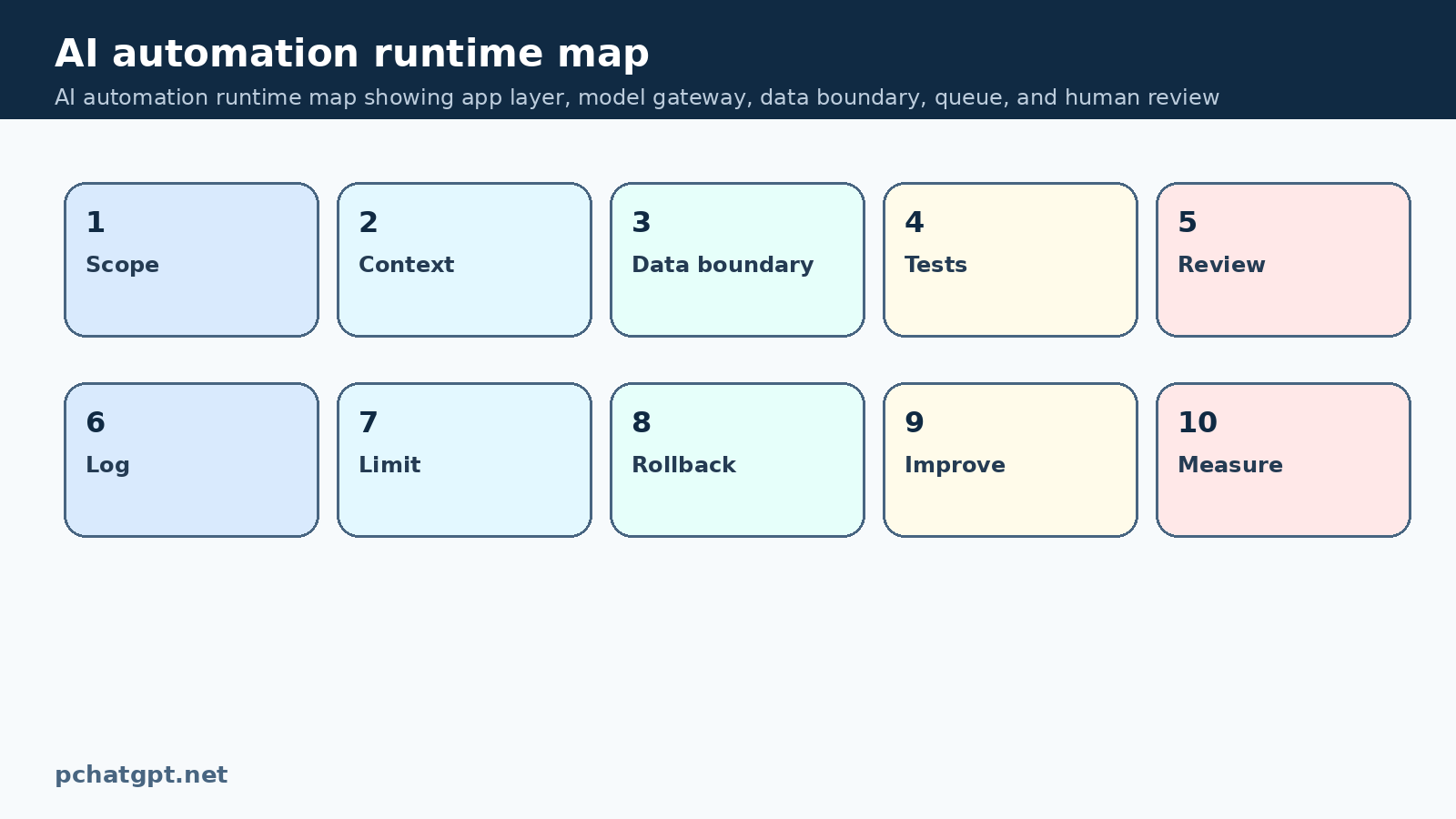
OpenAI production guidance places strong emphasis on monitoring, rate limits, retries, evaluations, and safety controls. Those ideas map directly to cloud design. Do not let every feature call the model directly with its own scattered key. Put model calls behind a service that can log requests, redact sensitive fields, enforce allowed use cases, and record errors. This does not make the system complicated for users. It makes the system explainable for the team when something breaks.
The same rule applies to credentials. API keys, database passwords, and cloud tokens should live in a secret manager or protected environment variables, not in theme files, browser code, or shared documents. AI workflows often create pressure to connect more tools quickly. Resist that pressure. Each new connection is a new path for private data to leave the system or for an automated action to happen without the right approval.
The right runtime for the workload
Containers and Kubernetes can help when a team has several services or expects uneven demand. Kubernetes documentation describes the platform as a way to run and manage containerized workloads. For AI automation, the useful part is not the buzzword. It is the ability to isolate services, restart failed jobs, scale workers, and keep configuration separate from code. A content generation worker, a document parser, and a web app do not need to share the same runtime or permissions.
Smaller teams may not need Kubernetes at all. Serverless functions, managed queues, and hosted databases may be enough. The decision should follow the workload. If an AI task runs for a few seconds and has simple state, a function can work. If it processes documents, calls several tools, and needs retries, a worker queue is usually cleaner. If the task uses local dependencies, scheduled jobs, or persistent caches, containers may be easier to reason about.
Cost, data boundaries, and review
Cloud cost is one of the first signals that infrastructure is weak. AI tasks can be expensive because they combine storage, bandwidth, model calls, embeddings, search, and background workers. A simple product feature can create repeated model calls if the interface retries too aggressively or if users refresh a page while a job is running. Rate limits are not only a provider constraint. They are also a design signal. A system should queue work, reuse checked context, and explain delays rather than hammering an API until it fails.
Cost controls belong in the workflow, not in a monthly surprise. Track requests by feature, user role, and job type. Store enough metadata to answer which feature uses the most tokens or compute. Set caps for experimental features. For internal tools, show teams when a task is large before it runs. This is especially important for research, coding, and document workflows where one button can trigger several rounds of analysis.
Observability and operating discipline
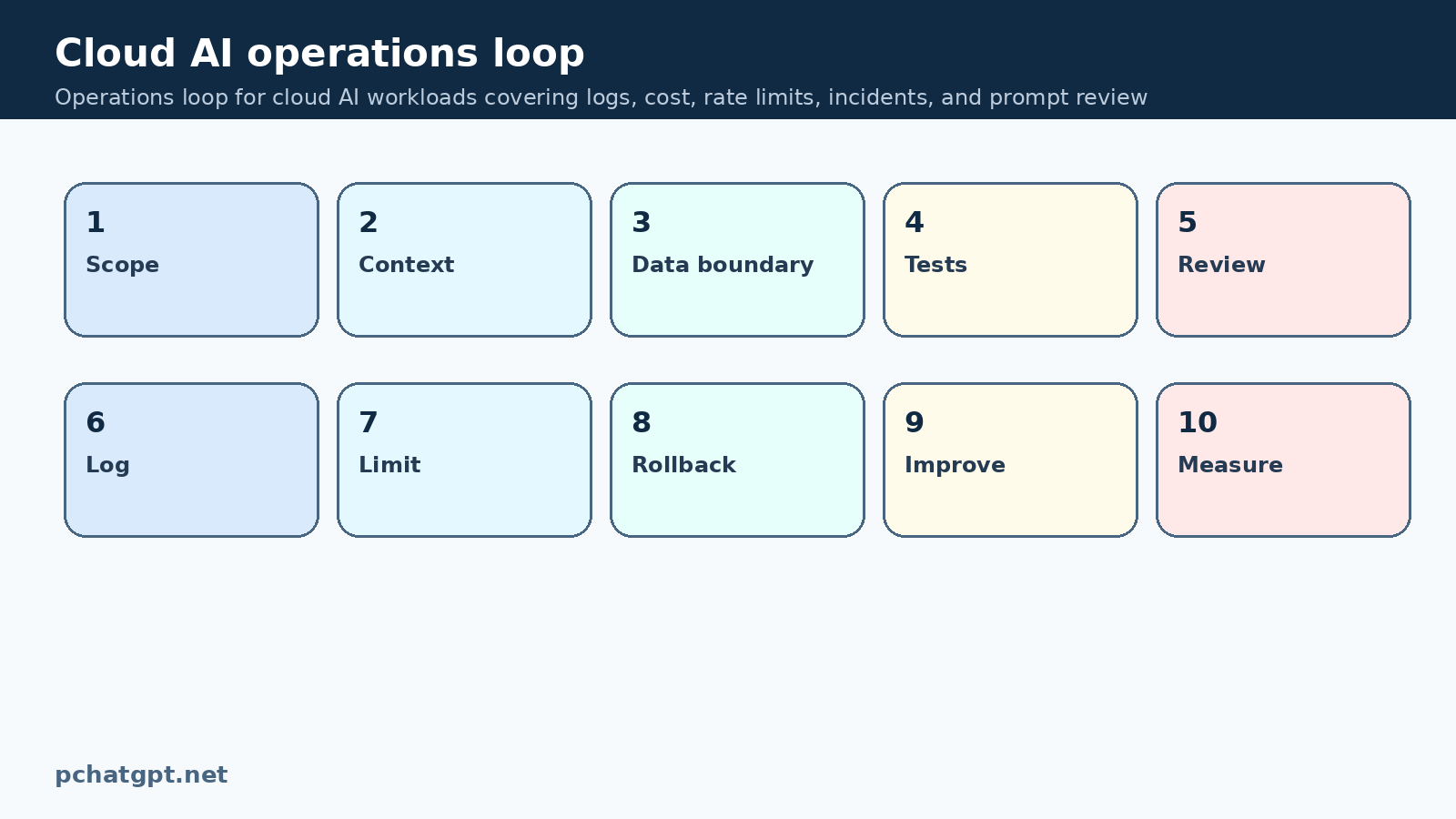
Data boundaries matter more than model choice. Before building an AI feature, list the data classes it can receive: public text, internal notes, customer records, uploaded files, secrets, legal material, or payment data. Then decide which classes can be sent to a model, which must be masked, and which must stay out of the workflow completely. This decision should be visible in the code and in the product copy. Users should know when a tool is safe for public drafting and when it is not safe for confidential material.
A practical pattern is to create prompt preparation code that removes fields by default and then adds only the minimum context needed for the task. For example, a support summarizer may need the ticket text and product name, but not the full customer profile. A writing assistant may need a style guide and draft, but not billing history. The smaller the context, the easier it is to review and the cheaper it is to run.
A practical adoption sequence
Observability is the difference between a useful AI system and a black box. Keep logs for job status, model name, request type, error class, latency, and reviewer decision. Avoid storing raw sensitive prompts unless there is a clear reason and a retention policy. When possible, store redacted summaries and hashes that help troubleshooting without keeping private content forever. If a user reports a bad answer, the team should be able to reconstruct the workflow enough to fix the issue.
Human review should be designed around consequence. A harmless brainstorming answer may go straight back to the user. A legal summary, customer email, financial recommendation, code change, or public article needs a stronger review step. The review interface should show the source material, the model output, and the reason a person must approve it. Reviewers also need an easy way to reject an output and record why. That feedback becomes useful test data later.
What to do next
The AWS Well-Architected Framework organizes cloud review around operational excellence, security, reliability, performance efficiency, cost optimization, and sustainability. Even if your team does not use AWS, those categories are a helpful checklist for AI infrastructure. Ask whether the AI feature can be operated, secured, recovered, measured, paid for, and retired without guesswork. A feature that cannot answer those questions is still a prototype.
Start with one workflow and make it boring. Define the inputs, allowed model, data boundary, review rule, logging fields, retry behavior, and cost limit. Run it with real but low risk examples. Then add the next workflow only after the first one has enough evidence. AI automation becomes safer when cloud infrastructure makes each action traceable.
Implementation checklist
Before publishing the workflow, write a one page operating note for cloud infrastructure for AI automation. Include the owner, allowed users, data that may enter the system, data that must stay out, expected output, review rule, test command, cost limit, and rollback path. This note keeps the article topic grounded in a real working procedure rather than a vague promise. It also gives reviewers something concrete to compare against when the tool behaves differently from the original plan.
Review the setup after the first few real tasks. Check whether cloud infrastructure for AI automation saved time, whether users trusted the output too quickly, whether logs were enough to diagnose errors, and whether any step encouraged unsafe copying of private data. Keep the parts that worked, remove unused automation, and tighten the brief where reviewers found repeated mistakes. Small corrections made early are cheaper than repairing a broad system after users depend on it.
A second check should focus on the reader. Someone arriving from search should understand what problem cloud infrastructure for AI automation solves, what the tool can do today, what still needs human judgment, and which official documents support the workflow. If a paragraph could appear in any AI article, rewrite it around the actual task. If a claim depends on a product feature, link to the official documentation. If the article suggests an operational habit, make the owner and review point clear.
The final pass is simple: keep the URL stable, keep the promise narrow, and make the article useful to a person who has to configure or review cloud infrastructure for AI automation tomorrow. Plain instructions, named controls, and honest limits are better than broad claims about transformation. That is also the safest way to improve an older search page without creating another generic article.
For teams using this guide as a cleanup pass, compare the new article with the old version before calling the job finished. The refreshed page should no longer depend on repeated prompt boilerplate, generic productivity advice, or a copied FAQ. Each section should answer a real search intent for cloud infrastructure for AI automation, and every recommendation should be something a reader can apply without guessing which product surface or workflow the article means.
For cloud infrastructure, separate facts about provider behavior from architecture advice. Official documents can support points about production practices, rate limits, Kubernetes workloads, and cloud review frameworks. The editorial layer should then explain how a small AI tool team turns those references into choices about queues, logging, secrets, and review. That split keeps the page honest and avoids pretending that one vendor document proves every design decision.
Official sources used
- https://platform.openai.com/docs/guides/production-best-practices
- https://platform.openai.com/docs/guides/safety-best-practices
- https://platform.openai.com/docs/guides/rate-limits
- https://kubernetes.io/docs/concepts/overview/
- https://docs.aws.amazon.com/wellarchitected/latest/framework/welcome.html
Related guides
- https://pchatgpt.net/best-ai-tools-guide-2026-choose-ai-apps-beyond-chatgpt/
- https://pchatgpt.net/generative-ai-governance-2026-business-ai-rules/
FAQ
Should every AI automation feature run in the cloud?
No. Some experiments can run locally or inside a managed app. Cloud infrastructure becomes useful when a feature needs shared access, scheduled jobs, user permissions, storage, monitoring, or review steps.
What is the first cloud control to add for an AI tool?
Put model calls behind a controlled gateway or service. That gives the team one place to manage keys, logging, rate limits, safety checks, and error handling.
How can teams reduce AI cloud costs?
Track usage by feature, queue longer jobs, reuse checked context, set caps for experiments, and avoid automatic retries that repeat large model calls without a user decision.
What should not be sent into an AI workflow?
Secrets, payment data, unnecessary customer profile fields, and confidential files should stay out unless the use case, policy, and review process clearly allow them.