
ChatGPT adoption is easy to overstate if the article only repeats a trend headline. Mainstream use is not one thing. A student asking for study help, a developer using Codex, a marketer drafting a brief, and a business team using ChatGPT Work all create different signals. The important question is what people are using the tool for and what controls sit around that use.
OpenAI product pages show ChatGPT across web, desktop, and mobile, and the download page describes desktop and mobile use with ChatGPT Work, Codex, email, screenshots, files, and screen context. That range suggests why adoption needs a careful reading. Access is broader, but broader access does not mean every use case is mature or safe.
Read plan pages as adoption clues
OpenAI pricing pages separate individual, business, and enterprise plans, with different levels of messages, uploads, memory, context, deep research, Codex, ChatGPT Work, and other features. A plan table is not a census of users, but it shows how the product is being packaged for different work patterns.
When a feature moves across plans or appears in more surfaces, it can signal that OpenAI expects more routine use. Still, a plan page should not be treated as proof that every feature is available to every user in every country. Always check plan, region, account type, and current limits before turning adoption commentary into practical advice.
Mainstream use changes the privacy discussion
As ChatGPT becomes part of ordinary work, privacy settings matter more. OpenAI Data Controls let users decide whether conversations help improve models, and signed in users can turn off the setting in their account. Temporary Chats are not saved in history, do not create memories, and are deleted after 30 days, according to the Help Center.
Those controls become adoption infrastructure. Casual users may only need a reminder to avoid private data. Teams need clearer rules about which tasks belong in ChatGPT, which need business accounts, and which should stay out. Adoption quality depends on whether people know these differences.
Memory is an adoption signal too
Memory can make ChatGPT feel more useful because it reduces repeated setup. OpenAI says memory can remember useful context from chats, files, and connected apps when enabled, and users can manage it in settings. That can improve recurring tasks, but it also raises the need for review when the context is sensitive.
A growing user base will include people who do not think about memory sources. A practical adoption guide should tell readers to inspect memory, use Temporary Chat for sensitive work, and delete remembered details that should not shape future answers. This is a user education issue, not only a product feature.
Workplace adoption needs task classes
Organizations should classify ChatGPT use by task consequence. Low consequence tasks include brainstorming, outlining, translation checks, and internal summaries that use non sensitive material. Medium consequence tasks include customer drafts, research briefs, and code assistance that require review. High consequence tasks include legal, medical, finance, security, access, and production code decisions.
This classification is more useful than a vague policy that says “use AI responsibly.” It tells employees when they can use ChatGPT directly, when they need approval, and when they should use a controlled business tool. It also gives managers a way to measure adoption without counting every prompt as progress.
A simple way to measure adoption quality
Good adoption metrics focus on outcomes and review. Track which tasks ChatGPT helps, how often users edit the output, whether answers reduce time, whether mistakes are caught before publication, and whether sensitive data rules are followed. Do not measure success only by login counts or number of prompts.
For pchatgpt.net readers, the practical takeaway is to read OpenAI Signals or any adoption report as a starting point. Then check the product documentation, compare plan availability, review privacy controls, and ask what behavior changed. Mainstream AI use is real when it becomes a safer, repeatable workflow, not when a headline says the market is excited.
Practical publishing checklist
Before publishing advice about ChatGPT adoption, check the current official page, the live account settings, and the exact product surface named in the article. Do not mix mobile, desktop, business, API, and workspace behavior unless the source says the same rule applies to each surface. This matters because readers may follow the article while holding a phone, opening a desktop app, or managing a business account, and each surface can expose different controls.
Keep the reader close to the task. A useful ChatGPT adoption article should tell someone what to open, what setting to inspect, what data to remove, what answer to verify, and when to stop and ask a qualified person. Broad claims about AI adoption do less work than a narrow decision rule. The page should feel like a working note for someone making a real choice, not a recycled summary of why AI is changing everything.
Remove reused paragraphs during every refresh. If a sentence could appear unchanged in an article about coding, finance, voice assistants, and image tools, it probably does not belong here. Replace it with the specific risk, setting, source, or review step for ChatGPT adoption. This is the easiest way to reduce low value signals without deleting URLs or hiding indexable posts that can still serve a searcher.
Maintenance for this page should begin with the ChatGPT product, pricing, download, Data Controls, and memory pages. If OpenAI changes plan names, feature packaging, or mobile and desktop access, update the relevant section. Do not add user counts or market statistics unless a cited source supports the exact number.
The final editorial test is practical. A reader should leave the page knowing how to use ChatGPT adoption more carefully today. The article should not promise accuracy, safety, income, or feature access. It should explain the workflow, cite the official source, and leave consequential decisions with the user or the right professional. If the article cannot do that, it needs another pass before publication.
Preserving the adoption URL matters because the topic still fits pchatgpt.net: readers want to understand mainstream ChatGPT use without hype. The refresh keeps the slug and turns the article into a method for reading product surfaces, plan packaging, privacy controls, memory, and workplace task classes. That is more useful than repeating an adoption headline.
Internal links should help the reader continue the same job. For ChatGPT adoption, one link should point to a broader AI tools or governance guide, while another should point to a related practical topic. Avoid dumping unrelated links near the end of the page. A link earns its place when it answers the next question a careful reader is likely to ask.
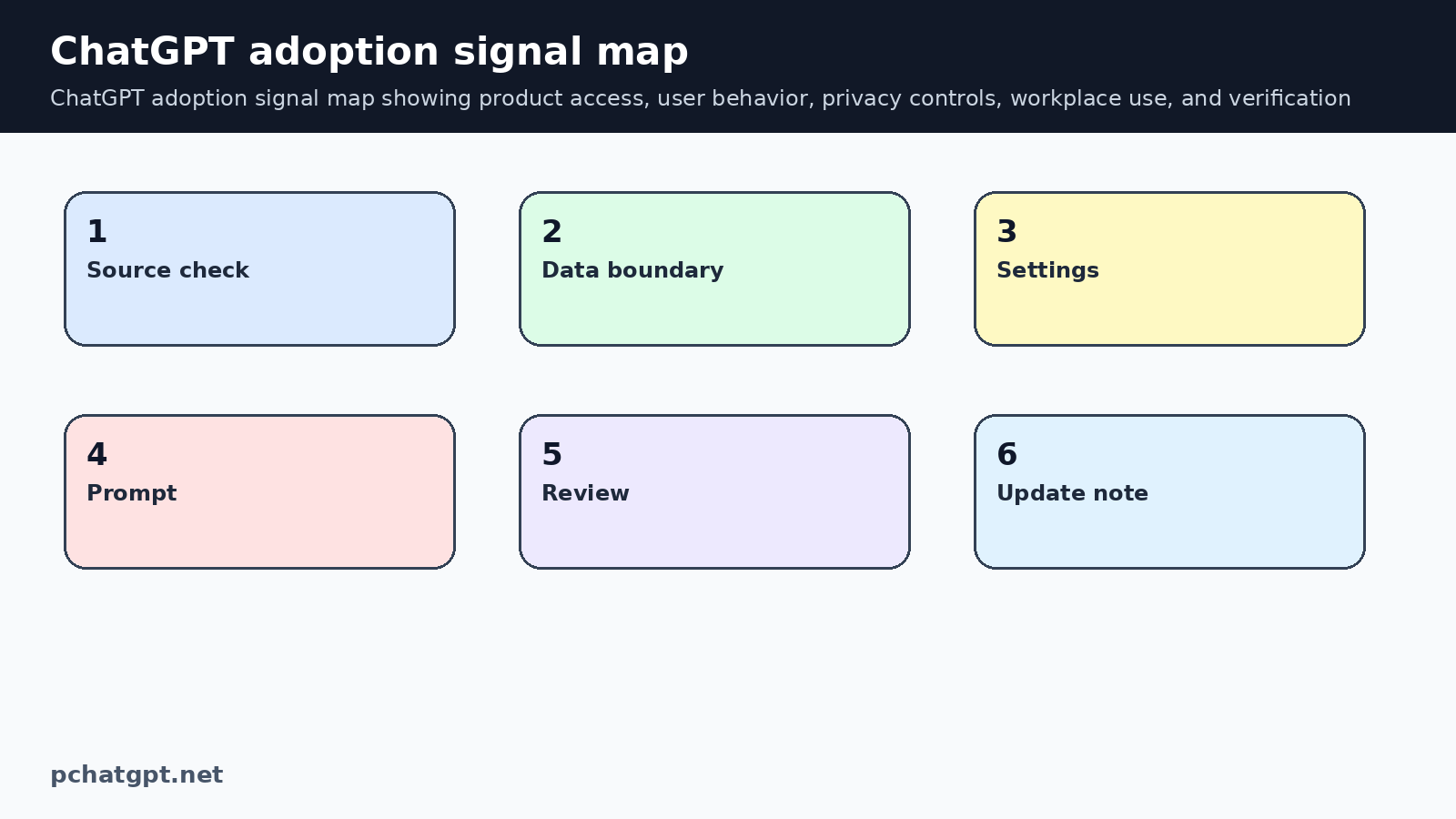
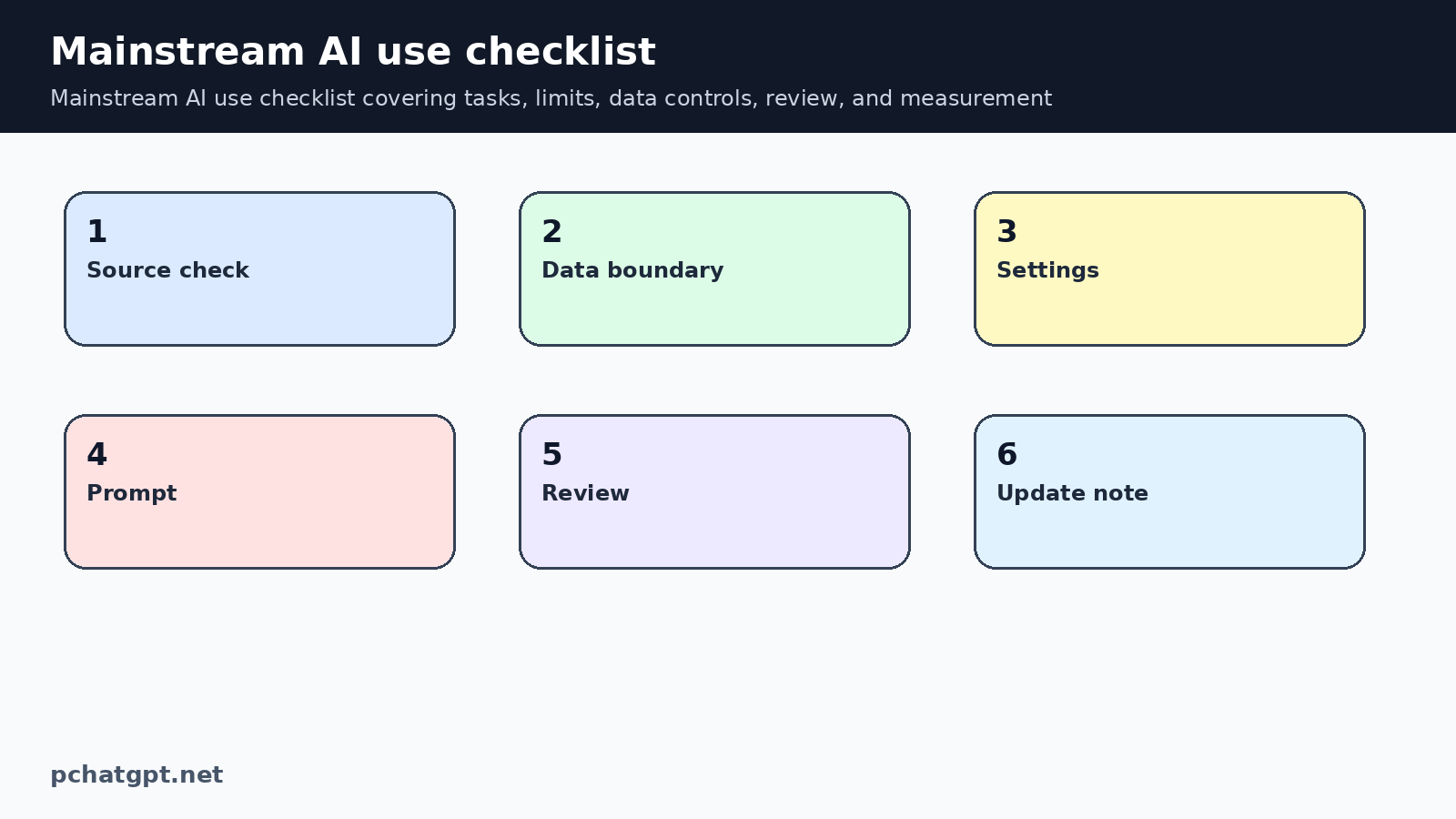
The adoption diagrams are meant to show how a signal becomes a workflow decision. They point readers toward product access, data settings, task consequence, review, and measurement. If a later graphic is added, it should explain how to judge adoption quality, not just display a rising chart.
Finally, keep the FAQ short and different from the body headings. Each answer should resolve one likely objection or confusion about ChatGPT adoption. If two FAQ answers say the same thing in different words, merge the idea and use the freed space for a more useful question. That small edit makes the page feel maintained rather than automatically expanded.
This article should avoid broad claims that every team is transformed by AI or that prompt volume alone proves value. It can say adoption should be measured through task quality, review behavior, privacy compliance, and useful outcomes. That keeps the advice practical and easier to verify.
When the content mentions safety, define the actual action. For ChatGPT adoption, safety might mean using Temporary Chat, removing account numbers, checking device support, reviewing memory, or asking a human to inspect a consequential answer. Name the action plainly. Readers do not need a slogan. They need to know what to click, remove, compare, or verify.
The page remains indexable because it now gives a way to interpret ChatGPT adoption signals. A reader can compare plan surfaces, check privacy settings, review memory behavior, classify workplace tasks, and measure whether AI use improved a workflow. That is stronger than a short trend recap.
The public verification step for this post should confirm the original adoption slug, indexable robots, self canonical, two diagrams, source links, FAQ count, and sitemap inclusion. It should also compare inventory output so the batch does not introduce new repeated paragraphs while trying to remove old ones. Keep the adoption article tied to OpenAI product surfaces and user behavior rather than a generic market trend.
The maintenance note should also list what was deliberately not claimed. For ChatGPT adoption, that may include unavailable rollout details, unsupported regional assumptions, exact prices, benchmark results, or promises about accuracy. Stating the boundary is useful because it stops later rewrites from adding attractive but unsupported details during a routine cleanup pass.
If the reader needs more depth, the AI tools guide and ChatGPT cheat sheet should handle the adjacent choices. This article should stay focused on adoption signals and mainstream use. That boundary prevents repeated productivity advice from crowding out the actual topic.
For this adoption page, the extra review point is measurement. A team should know whether ChatGPT reduced drafting time, improved review quality, or simply increased prompt volume. That distinction keeps adoption reporting honest and makes the article more useful to readers planning real workflows. It also gives future editors a concrete way to update the page: check the current OpenAI product surfaces, confirm the relevant controls, and explain how a reader can verify the claim before changing work habits. Keep that evidence visible in the article body and in the batch artifact for later checks and audits.
Official sources used
- https://openai.com/chatgpt/
- https://openai.com/chatgpt/pricing/
- https://openai.com/chatgpt/download/
- https://help.openai.com/en/articles/7730893-data-controls-faq
- https://help.openai.com/en/articles/8590148-memory-faq
Related guides
- https://pchatgpt.net/best-ai-tools-guide-2026-choose-ai-apps-beyond-chatgpt/
- https://pchatgpt.net/chatgpt-cheat-sheet-2026-multimodal-memory-and-tool-using-workflows-for-daily-productivity/
FAQ
What does ChatGPT adoption mean in practice?
It means people are using ChatGPT in recurring tasks, but the value depends on task quality, privacy settings, review habits, and plan availability.
Are OpenAI plan pages enough to prove feature access?
No. Plan pages show packaging, but users still need to check account type, region, current limits, and the live product interface.
Why does memory matter for adoption?
Memory can make ChatGPT more useful for repeated work, but users should review what it remembers and use Temporary Chat for sensitive tasks.
How should businesses measure ChatGPT use?
Measure useful tasks, review quality, time saved, error reduction, and data handling, not only logins or prompt volume.