

How to Get Better ChatGPT Answers Without Bypassing Safeguards
A disappointing ChatGPT answer can make it tempting to search for a magic phrase, a hidden persona, or a trick that supposedly forces the system to comply. That approach misses the real problem. Most ordinary failures are not caused by a lack of cleverness. They come from an unclear task, missing context, conflicting instructions, an oversized request, or no standard for judging the result.
You can get better ChatGPT answers without trying to defeat its safeguards. In fact, the reliable methods look much more like a good working conversation than a technical exploit. State what you need, explain why, provide the relevant material, set reasonable boundaries, ask for a useful format, and review the result. If the assistant cannot help with one part, revise the goal toward a safe and legitimate outcome instead of disguising the same prohibited request.
This guide presents a practical process for better answers while respecting the rules that apply to the service. It also explains when to start over, how to handle privacy settings, and what to do when an answer is cautious or incomplete. Product and policy details are based on OpenAI’s current official documentation linked throughout the article.
Better prompting is not safeguard bypassing
There is an important difference between making a valid request easier to understand and manipulating a system to ignore its rules. A clearer prompt supplies the details needed to do legitimate work. A bypass attempt hides intent, asks the model to disregard policy, or repeatedly repackages a disallowed outcome until something slips through.
OpenAI’s Usage Policies say that breaking or circumventing rules and safeguards may lead to loss of access or other penalties. The policies are part of a wider safety system, and they can change as products and risks evolve. That means an old online collection of supposed loopholes is neither a dependable workflow nor a responsible one.
A safe improvement preserves the purpose of the guardrail. Suppose a request for instructions that could enable harm is refused. Replacing a few keywords with euphemisms does not make the underlying task safer. Asking for prevention guidance, warning signs, defensive controls, historical context, or a high level explanation may create a genuinely different request that the assistant can address. The difference is the intended outcome, not the wording alone.
For normal writing, study, planning, coding, and analysis, there is rarely any reason to push against safeguards. OpenAI’s ChatGPT FAQ describes the assistant as a tool for tasks including brainstorming, writing, studying, planning, math, coding, and analyzing files or images. Better results in those areas usually come from task design and verification.
Build a prompt that gives the assistant a fair chance
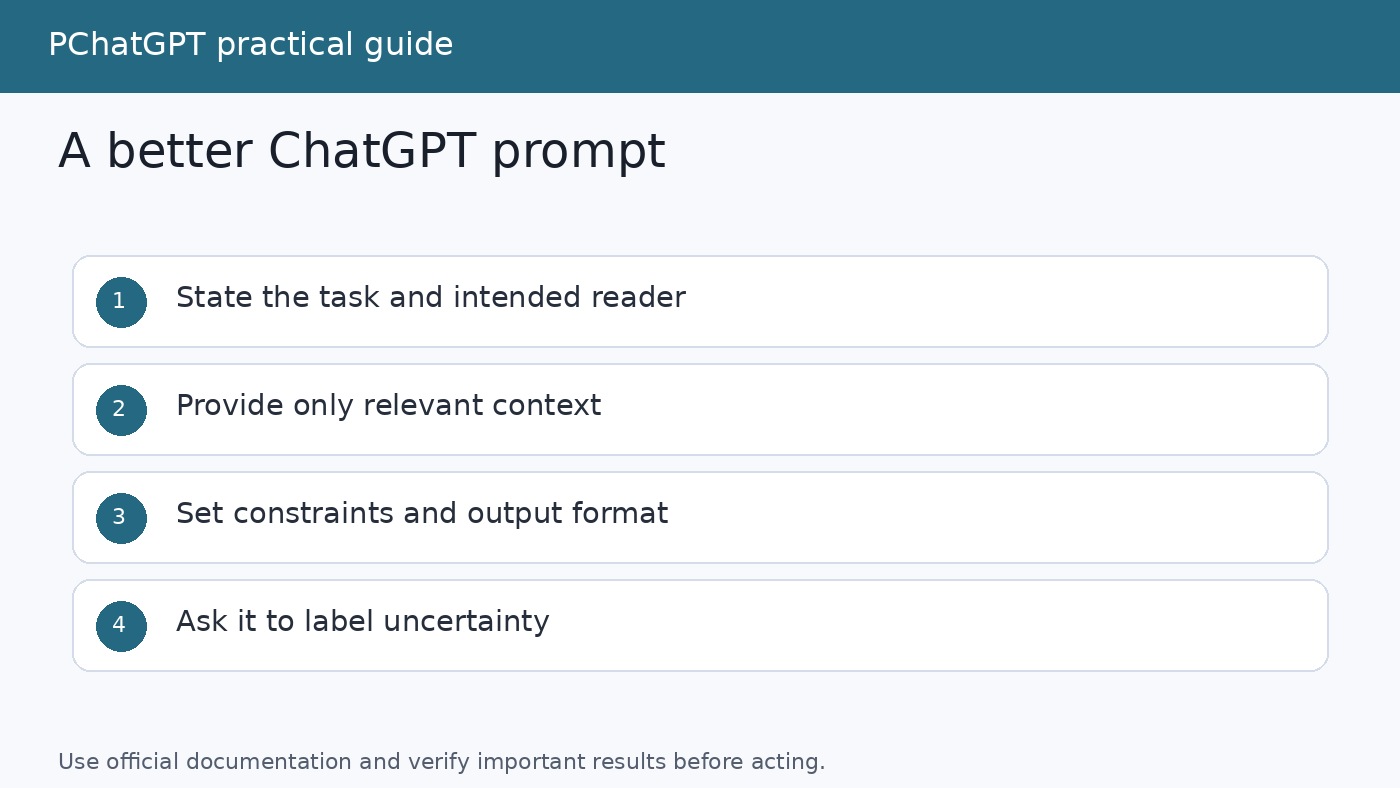
A useful prompt answers several questions before ChatGPT has to guess: What is the job? Who is the result for? What source material matters? What constraints are real? What should the final answer look like? You do not need a complicated formula, but you do need enough information for the assistant to distinguish a good response from a merely plausible one.
Use this six-part structure as a checklist:
- Task: Begin with a concrete action such as compare, explain, rewrite, troubleshoot, classify, or draft.
- Purpose: Say what decision or next step the answer will support.
- Context: Include the audience, situation, current state, definitions, and relevant background.
- Input: Paste the text, data, requirements, error message, or notes that the assistant must use.
- Constraints: Set the length, tone, scope, exclusions, deadline, tools, or evidence standard.
- Output: Request a structure that makes the result easy to inspect, such as a table, checklist, draft, or ordered plan.
Consider the weak request, “Make this better.” It does not define what better means. A stronger version could say: “Rewrite the customer update below for small business owners. Keep it under 180 words, preserve every date and price, explain the delay in plain language, and end with the one action customers need to take. Do not add promises that are not in the source text. After the draft, list any fact that appears ambiguous.”
The improved prompt is not longer for its own sake. Each sentence removes a meaningful source of uncertainty. It identifies the audience, protects factual details, limits invention, and provides a review checkpoint. For more examples of turning loose requests into testable instructions, see our live guide to writing better ChatGPT prompts.
Use a conversation, not one enormous command
ChatGPT follows context within a conversation, according to the official FAQ. Use that ability deliberately. A complex assignment is often easier to manage as several visible stages than as one giant prompt that demands research, analysis, drafting, editing, and fact checking at once.
Start by asking for a plan or a short restatement of the task. Check whether the assistant understood the audience, boundaries, and deliverable. Then provide the source material and request the first substantive pass. Review it before asking for refinement. This creates places where you can correct direction without rewriting everything.
A practical sequence for a report might be:
- Ask ChatGPT to restate the objective, scope, and missing information.
- Answer necessary questions and supply the approved source material.
- Request an outline that maps each section to the purpose of the report.
- Revise the outline yourself before any polished prose is produced.
- Ask for one section or a complete draft based only on the agreed inputs.
- Run a separate review for unsupported claims, omissions, and contradictions.
- Make the final decisions and verify consequential details outside the chat.
This staged method is especially helpful when your initial request contains tensions. “Be comprehensive, but keep it to 200 words” may be impossible. “Use simple language, but preserve every specialist term” may need a glossary. Ask the assistant to identify conflicting requirements and propose options rather than silently choosing one.
Follow-up prompts should name the defect you see. “Try again” provides almost no diagnostic information. Say, “The structure works, but paragraphs two and three repeat the same point. Combine them, keep the example in paragraph three, and do not change the figures.” Precise feedback makes the next answer easier to compare with the last one.
Ask for uncertainty instead of confident guessing
A fluent answer can still be wrong. ChatGPT may misunderstand a term, infer facts that were never provided, or present an outdated detail. Better prompting cannot guarantee accuracy, but it can make uncertainty visible and create a stronger review process.
Tell the assistant what it should do when evidence is missing. Useful instructions include “Do not invent missing figures,” “Label assumptions,” “Separate supplied facts from your interpretation,” and “List the claims I should verify before publication.” If your task needs current web information and your ChatGPT experience supports search, the official FAQ says ChatGPT can search the web and cite sources. Even then, open the sources and confirm that they support the specific claims.
For a comparison, define the criteria before asking for a winner. For a summary, provide the original text and ask the model to flag passages it cannot interpret. For code, include the exact error, environment, expected behavior, and a minimal example. Ask for a test or reproduction procedure, not just a confident patch.
Do not ask the model to certify its own correctness. A request such as “Are you absolutely sure?” often produces another explanation, not independent proof. Instead, request a claim table with columns for claim, source, confidence, and verification step. Then perform the important checks yourself. Our guide to common ChatGPT mistakes covers additional ways confident outputs can mislead and how to review them.
Respond constructively to refusals and cautious answers
A refusal does not always mean the broader goal is impossible. Read what the answer actually says. It may decline a particular method while offering a safer direction. Your next prompt should clarify a legitimate use, reduce unnecessary operational detail, or request prevention and education rather than execution.
For example, a person securing an account may not need instructions for taking over someone else’s account. They can ask for a defensive checklist covering strong authentication, session review, recovery settings, phishing indicators, and incident reporting. A writer covering a dangerous activity may ask for social context, risks, legal considerations, and harm prevention without requesting actionable instructions that would facilitate it.
If a benign request was misunderstood, explain the real setting plainly. Provide the audience, authorized role, and desired safe deliverable. Do not fabricate credentials or hide intent. You can also ask, “Which part of my request can you help with safely?” That invites a useful boundary without demanding that the assistant reveal or ignore internal controls.
Sometimes the best revision is narrower. Ask for a conceptual explanation rather than procedural steps, synthetic sample data rather than personal records, or a review rubric rather than a completed high stakes decision. For medical, legal, financial, employment, or other consequential matters, use ChatGPT to organize questions and information, not as the sole decision maker.
Improve the working context without oversharing
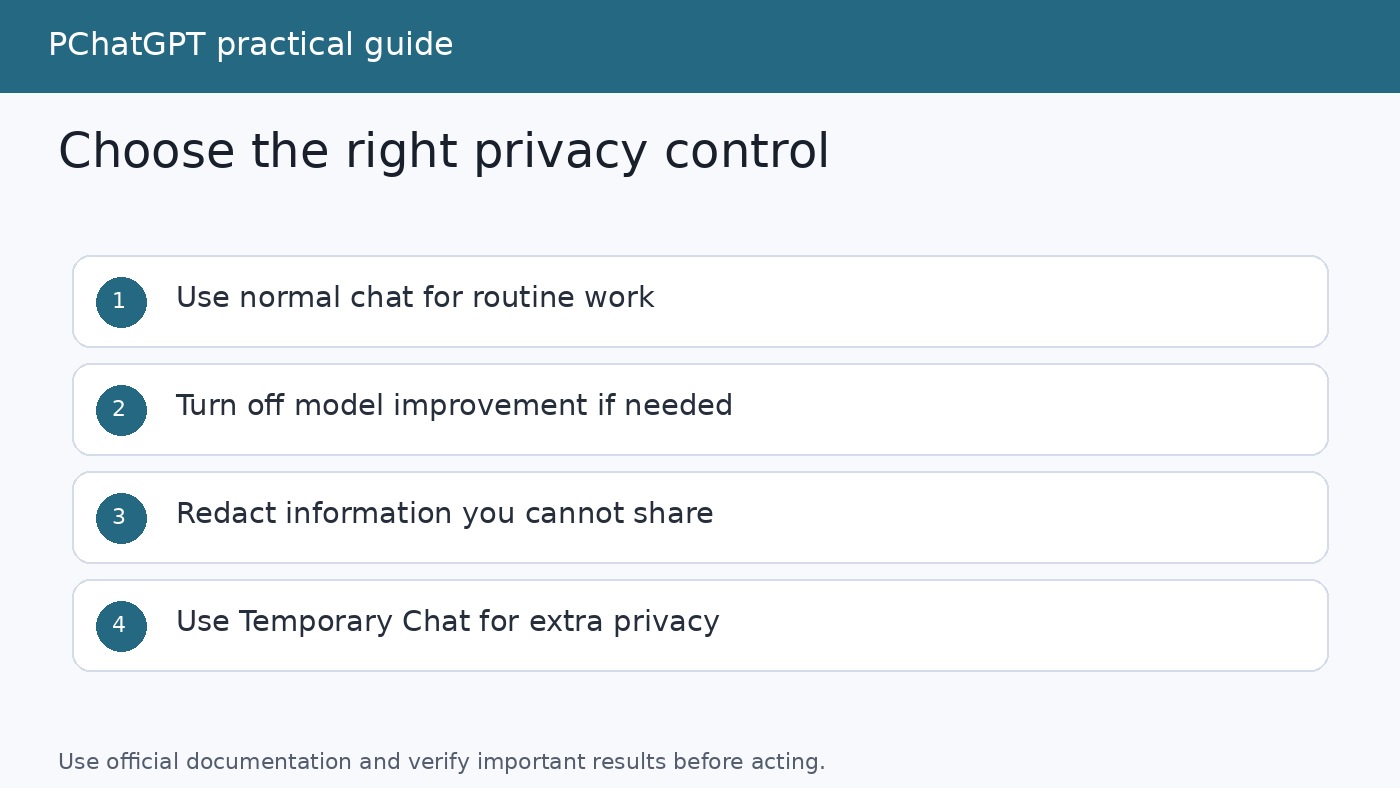
More context can improve an answer, but more personal data is not automatically better context. Remove names, account numbers, private keys, medical identifiers, confidential client material, and any detail the task does not require. Replace them with consistent labels such as Customer A, Region B, or Server 1. A redacted input can still preserve the relationships needed for analysis.
OpenAI’s Data Controls FAQ explains that signed-in users can turn off “Improve the model for everyone” in Settings under Data Controls. The setting applies across the account, and conversations can remain in history while not being used to improve ChatGPT. That control is useful, but it is not a reason to paste material you are not permitted to share.
For a conversation that should not appear in history or create memories, consider Temporary Chat. OpenAI’s Temporary Chat FAQ says temporary chats do not appear in history, do not create memories, and are not used to improve models. It also says a copy may be retained for up to 30 days for safety purposes. Temporary Chat still follows custom instructions if they are enabled, and limited safety related context may still apply in rare, high risk situations.
There is another boundary to remember when using GPTs. OpenAI says that if a GPT has actions, information sent to third parties through those actions is governed by the recipient’s privacy policy. The recipient may retain it longer or use it for other purposes. Check where information is going before you submit it.
A repeatable workflow for better ChatGPT answers
The following workflow combines clarity, safety, and verification without turning every simple request into a project.
- Define success. Write one sentence describing what you will be able to do with a good answer.
- Choose only necessary context. Include facts that affect the result and redact sensitive details that do not.
- Set the boundary. State what the assistant may assume, what it must not invent, and what remains out of scope.
- Request an inspectable format. Tables, labeled sections, checklists, and change logs are easier to review than an uninterrupted block of prose.
- Start with the smallest useful step. For complex work, confirm the scope or outline before requesting the final artifact.
- Give defect-specific feedback. Point to the exact omission, repetition, unsupported claim, tone problem, or constraint violation.
- Verify what matters. Check source text, calculations, citations, dates, names, code behavior, and high impact advice using appropriate external evidence or expertise.
- Keep human ownership. Decide what to accept, edit, publish, send, or act on. The assistant supplies material, not accountability.
A compact reusable prompt can put this into practice:
Help me [specific task] so that I can [purpose]. The audience is [audience], and the relevant context is [context]. Use only the information under “Input” unless you clearly label outside knowledge. Follow these constraints: [constraints]. Return [format]. If required information is missing or instructions conflict, ask up to three focused questions before drafting. Mark assumptions and finish with a short list of items I should verify.
Do not force every request into this exact template. Natural language is fine. The value comes from the decisions behind the fields. A two sentence prompt can be excellent when the task is simple and the shared context is clear. A detailed prompt is justified when errors are expensive or the deliverable has many constraints.
Frequently asked questions
Can a special persona make ChatGPT ignore its safeguards?
A persona can help set voice, expertise level, or audience, but it is not a legitimate way to override service rules. Requests to ignore policies, reveal hidden instructions, or disguise prohibited intent are not dependable prompt techniques. Define a safe role such as editor, tutor, or defensive security reviewer, then specify the actual deliverable and boundaries.
Why does ChatGPT give a different answer when I ask the same question again?
Generated responses can vary, and small differences in context may shift the result. Treat repeatability as a workflow problem. Preserve the source material, constraints, and approved outline; ask for structured outputs; and compare versions against a rubric. Start a new chat when earlier discussion has introduced irrelevant assumptions or conflicting directions.
Does Temporary Chat remove all retention and safety review?
No. OpenAI says Temporary Chats do not appear in history, create memories, or train models, but a copy may be kept for up to 30 days for safety purposes. The documentation also notes that they may be reviewed for abuse. Continue to minimize sensitive data and consider whether a third-party action is involved.
What should I do if a valid request is refused?
Clarify the legitimate purpose, your authorized role, the audience, and the safe outcome you need. Ask which part can be answered safely, or shift to prevention, high level explanation, risk recognition, or a review checklist. If the request still cannot be fulfilled, use an appropriate qualified source or professional rather than trying to trick the system.
The main lesson
The most reliable route to better ChatGPT answers is not adversarial. It is editorial. Give the assistant a defined job, enough relevant context, honest constraints, and an output you can inspect. Break complicated work into stages. Ask it to expose assumptions and uncertainty. Protect data before it enters the conversation. When a safeguard applies, revise the goal toward a genuinely safe result instead of hunting for a loophole.
That method will not make every answer perfect, and it should not replace expert judgment or source verification. It will, however, make failures easier to diagnose and improvements easier to reproduce. Better questions help, but the larger gain comes from a better process: clear intent, bounded assistance, visible evidence, and a human reviewer who remains responsible for the final decision.