
The useful way to think about Siri ChatGPT integration is simple. Voice, device context, and a large language model may meet inside the same daily workflow. A user can ask for help while writing, searching, planning, or reading on an Apple device. That convenience also changes the review habit. People should know which assistant is answering, what information was shared, and whether the result is safe to act on.
Apple says Apple Intelligence features are integrated across apps and experiences, with availability depending on platform, language, and region. Apple also lists device and system requirements for supported iPhone, iPad, Mac, Vision Pro, and Apple Watch setups. That matters because an article about AI assistants should not treat every Apple user as having the same feature set. Check the device, software version, language, and region before assuming a workflow is available.
Privacy is the first workflow step
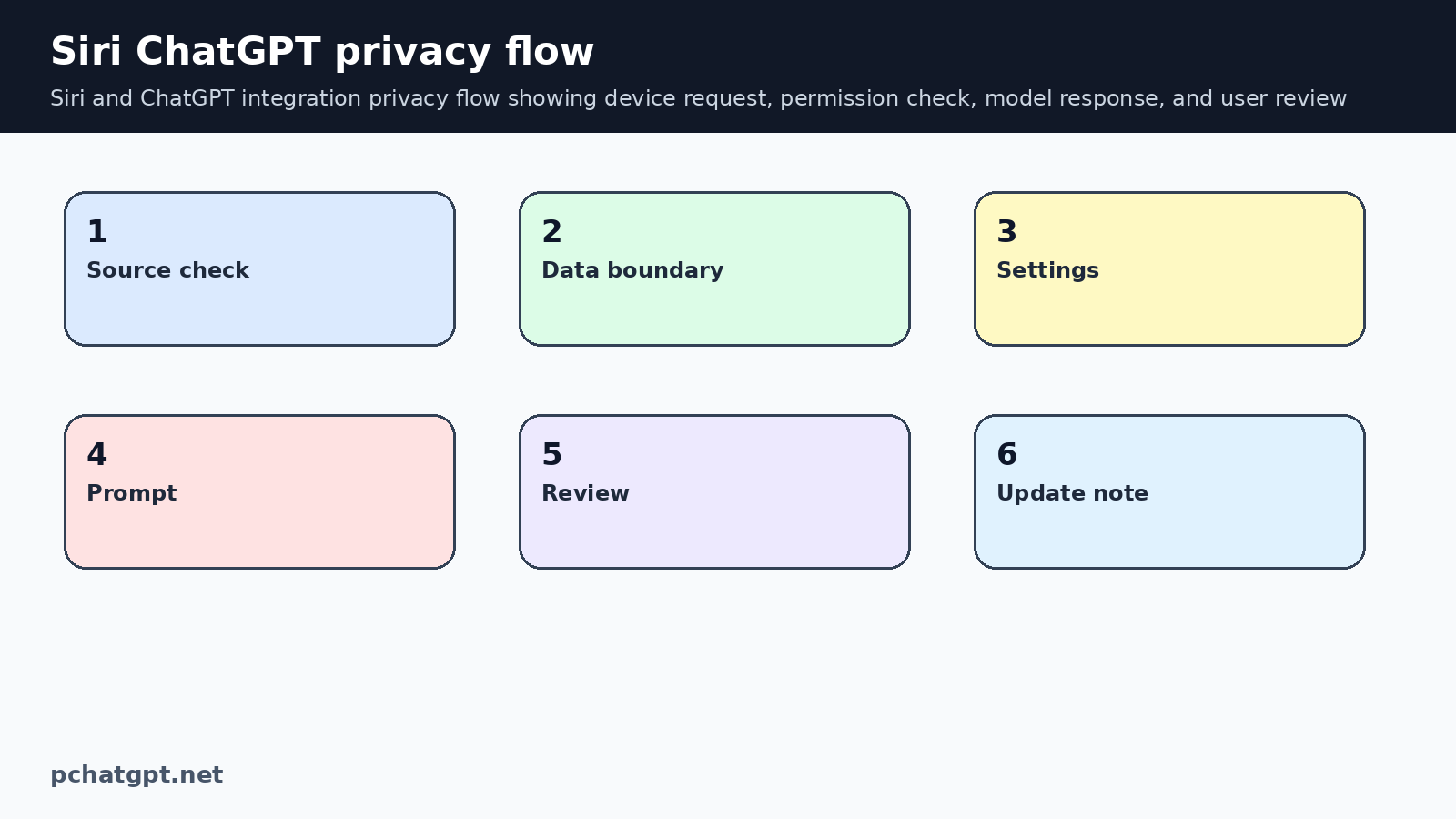
The privacy question is not only whether a tool is safe in general. It is whether a specific prompt should be sent through an assistant at all. A request to summarize public text is different from a request that includes a medical file, client contract, password, private photo, or financial record. The user needs a pause point before sensitive information leaves the local task.
OpenAI privacy documentation says user content can include prompts, uploaded files, images, audio, video, and data from connected services, depending on the features used. That is enough reason to keep prompts narrow. If Siri or another assistant hands a task to ChatGPT, the safe habit is to remove details the answer does not need. Ask the question in a smaller form, then add context only if the result cannot be checked without it.
Data controls to check
OpenAI data controls let signed in users decide whether conversations help improve models, export data, delete an account, and use Temporary Chats. The Help Center also says Temporary Chats are deleted after 30 days, are not used to train models, do not get saved in chat history, and do not create memories. These controls are useful, but they do not replace judgment about what to type.
Before relying on any Apple assistant workflow with ChatGPT, open the current settings on the device and in ChatGPT. Check whether model improvement is enabled, whether memory or personalization is on, whether the task should use Temporary Chat, and whether connected apps are involved. A setting that fits casual drafting may not fit client work or private family data.
A safer assistant prompt pattern
A safer prompt has three parts: the task, the boundary, and the review request. For example, ask the assistant to rewrite a public note, say not to infer private details, and ask it to list assumptions separately. For device tasks, add what app or file the request can use. This keeps the assistant from filling gaps with guesses.
For voice use, keep the first request small. Instead of dictating a long private story, ask for a structure, checklist, or plain language explanation. Then decide what information to add. Voice assistants feel informal, which can make users overshare. Treat spoken prompts as saved text until you have checked the settings and the content risk.
When not to use it
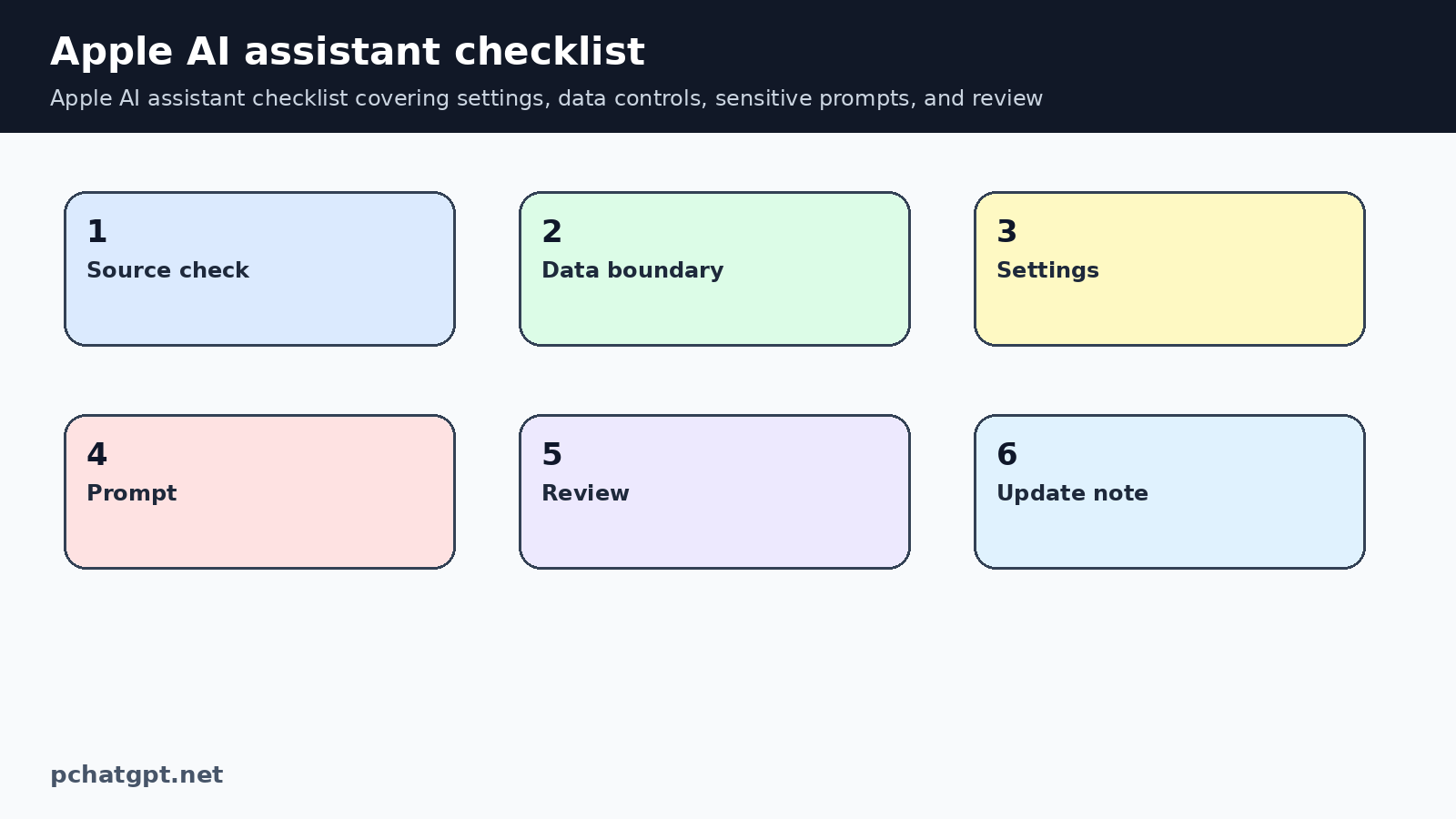
Do not use an AI assistant as the final authority for legal, medical, tax, security, or financial decisions. It may help organize questions or explain a document in plain language, but a person still needs to verify the source and context. This is especially important when the output affects money, access, health, or another person.
OpenAI safety guidance recommends human review before outputs are used in practice, especially in high stakes domains and for code generation. That principle also fits personal assistants. If the assistant drafts an email, check tone and facts. If it summarizes a policy, open the original. If it suggests a setting change, read the vendor documentation before applying it.
How to review answers
Review the answer by asking four questions. Did the assistant use only the information you meant to provide? Did it answer the right task? Did it add facts you cannot verify? Did it suggest an action with a real consequence? If any answer is uncertain, slow down and check the original source.
For Apple Intelligence and ChatGPT workflows, keep a short habit list: update the device, confirm the feature is available in your language and region, check ChatGPT data controls, avoid unnecessary sensitive data, and verify important outputs. This is not complicated, but it prevents the most common mistake, treating a smooth answer as a checked answer.
Practical publishing checklist
Before publishing advice about Siri ChatGPT integration, check the current official page, the live account settings, and the exact product surface named in the article. Do not mix mobile, desktop, business, API, and workspace behavior unless the source says the same rule applies to each surface. This matters because readers may follow the article while holding a phone, opening a desktop app, or managing a business account, and each surface can expose different controls.
Keep the reader close to the task. A useful Siri ChatGPT integration article should tell someone what to open, what setting to inspect, what data to remove, what answer to verify, and when to stop and ask a qualified person. Broad claims about AI adoption do less work than a narrow decision rule. The page should feel like a working note for someone making a real choice, not a recycled summary of why AI is changing everything.
Remove reused paragraphs during every refresh. If a sentence could appear unchanged in an article about coding, finance, voice assistants, and image tools, it probably does not belong here. Replace it with the specific risk, setting, source, or review step for Siri ChatGPT integration. This is the easiest way to reduce low value signals without deleting URLs or hiding indexable posts that can still serve a searcher.
Maintenance for this page should start with Apple device requirements and OpenAI privacy controls. If Apple changes supported languages, system versions, or device rules, update the availability section. If OpenAI changes Temporary Chat, memory, or data control wording, revise the privacy section. Keep the update note attached to these sources so a future editor does not add unsupported platform claims.
The final editorial test is practical. A reader should leave the page knowing how to use Siri ChatGPT integration more carefully today. The article should not promise accuracy, safety, income, or feature access. It should explain the workflow, cite the official source, and leave consequential decisions with the user or the right professional. If the article cannot do that, it needs another pass before publication.
Preserving the Siri and ChatGPT URL matters because the original search intent was still useful: people want to understand how an Apple assistant workflow should be reviewed. The refresh keeps the same slug and turns the page into a privacy checklist built around Apple Support, OpenAI data controls, and safer prompt habits. That is stronger than creating another short news note about assistant disputes.
Internal links should help the reader continue the same job. For Siri ChatGPT integration, one link should point to a broader AI tools or governance guide, while another should point to a related practical topic. Avoid dumping unrelated links near the end of the page. A link earns its place when it answers the next question a careful reader is likely to ask.
The two assistant diagrams are meant to show a privacy flow and a settings checklist. They should help someone remember to check device support, remove sensitive details, ask a narrower prompt, and review the response. If a later image is added, it should explain a real Siri or ChatGPT decision point rather than show a decorative phone or robot.
Finally, keep the FAQ short and different from the body headings. Each answer should resolve one likely objection or confusion about Siri ChatGPT integration. If two FAQ answers say the same thing in different words, merge the idea and use the freed space for a more useful question. That small edit makes the page feel maintained rather than automatically expanded.
This article should avoid unsupported claims about private negotiations, lawsuits, or unreleased Apple behavior. It can discuss what Apple and OpenAI publicly document: device support, product access, privacy controls, and user review. If a claim cannot be tied to a public source, leave it out or write it as a question the reader should verify.
When the content mentions safety, define the actual action. For Siri ChatGPT integration, safety might mean using Temporary Chat, removing account numbers, checking device support, reviewing memory, or asking a human to inspect a consequential answer. Name the action plainly. Readers do not need a slogan. They need to know what to click, remove, compare, or verify.
The page remains indexable because it now answers a practical assistant question. A reader can check device eligibility, choose safer data settings, reduce private prompt content, and decide when an answer needs human review. That is a better search result than a brief headline summary with a repeated disclaimer.
The public verification step for this post should confirm the original slug, the self canonical, indexable robots, the two assistant images, and the two working internal links. It should also search for old repeated paragraphs about generic productivity planning. If those return, the rendering layer needs another cleanup pass.
The maintenance note should also list what was deliberately not claimed. For Siri ChatGPT integration, that may include unavailable rollout details, unsupported regional assumptions, exact prices, benchmark results, or promises about accuracy. Stating the boundary is useful because it stops later rewrites from adding attractive but unsupported details during a routine cleanup pass.
If the reader needs more depth, the related Mac app and memory guides should carry that work. This page should stay focused on Siri, Apple Intelligence, and ChatGPT handoff habits. Keeping that boundary prevents the article from drifting into a general privacy essay that could appear on any AI site.
Official sources used
- https://support.apple.com/en-us/121115
- https://openai.com/chatgpt/download/
- https://help.openai.com/en/articles/7730893-data-controls-faq
- https://openai.com/policies/row-privacy-policy/
- https://platform.openai.com/docs/guides/safety-best-practices
Related guides
- https://pchatgpt.net/chatgpt-mac-app-security-update-openai-certificate-rotation/
- https://pchatgpt.net/memory-and-new-controls-for-chatgpt-a-practical-guide-for-2026/
FAQ
Does every Apple device support Siri and Apple Intelligence features?
No. Apple lists device, system, language, and region requirements, so users should check Apple Support before assuming a feature is available.
Can I stop ChatGPT conversations from training models?
OpenAI says signed in users can turn off “Improve the model for everyone” in Data Controls, and the setting applies across devices for the account.
Should I use Temporary Chat for private assistant tasks?
Temporary Chat can reduce saved history and memory use, but users should still avoid entering sensitive information that the task does not need.
What is the safest way to use Siri with ChatGPT style assistance?
Keep prompts narrow, remove private details, check data controls, and review important answers against the original source before acting.