Best AI Productivity Tools in 2026: ChatGPT, Agents, and Workflow Automation
The best AI productivity tool is not necessarily the one with the longest feature list. It is the one that gives the right amount of initiative, context, and control for the job in front of you. A chat assistant may be perfect for shaping an idea with you. An agent may be better when the work requires several steps and tools. A workflow connector earns its place when a dependable trigger needs to move information between systems every day.
That distinction matters because these categories now overlap. ChatGPT can answer questions, analyze files, search the web, organize work in Projects, run scheduled tasks, and, where available, use agent mode or connected apps. A workflow platform such as n8n can also place an AI agent inside a larger automation. Similar vocabulary does not make the products interchangeable. The useful question is not “Which AI wins?” It is “Where should the work begin, what may the system touch, and when must a person approve the next step?”
This guide organizes the best AI productivity tools in 2026 by task and control surface rather than pretending there is one universal ranking. Availability can depend on account, plan, region, workspace policy, model, and device, so confirm the controls visible in your own product before designing a critical process.
Start with the task, not the tool
Before opening an app directory, write down the smallest useful version of the job. “Help with marketing” is too vague. “Turn an approved interview transcript into a structured first draft, then let an editor review every claim” is much easier to design. It identifies an input, a desired output, and the moment where judgment belongs to a person.
Five questions usually reveal the right category:
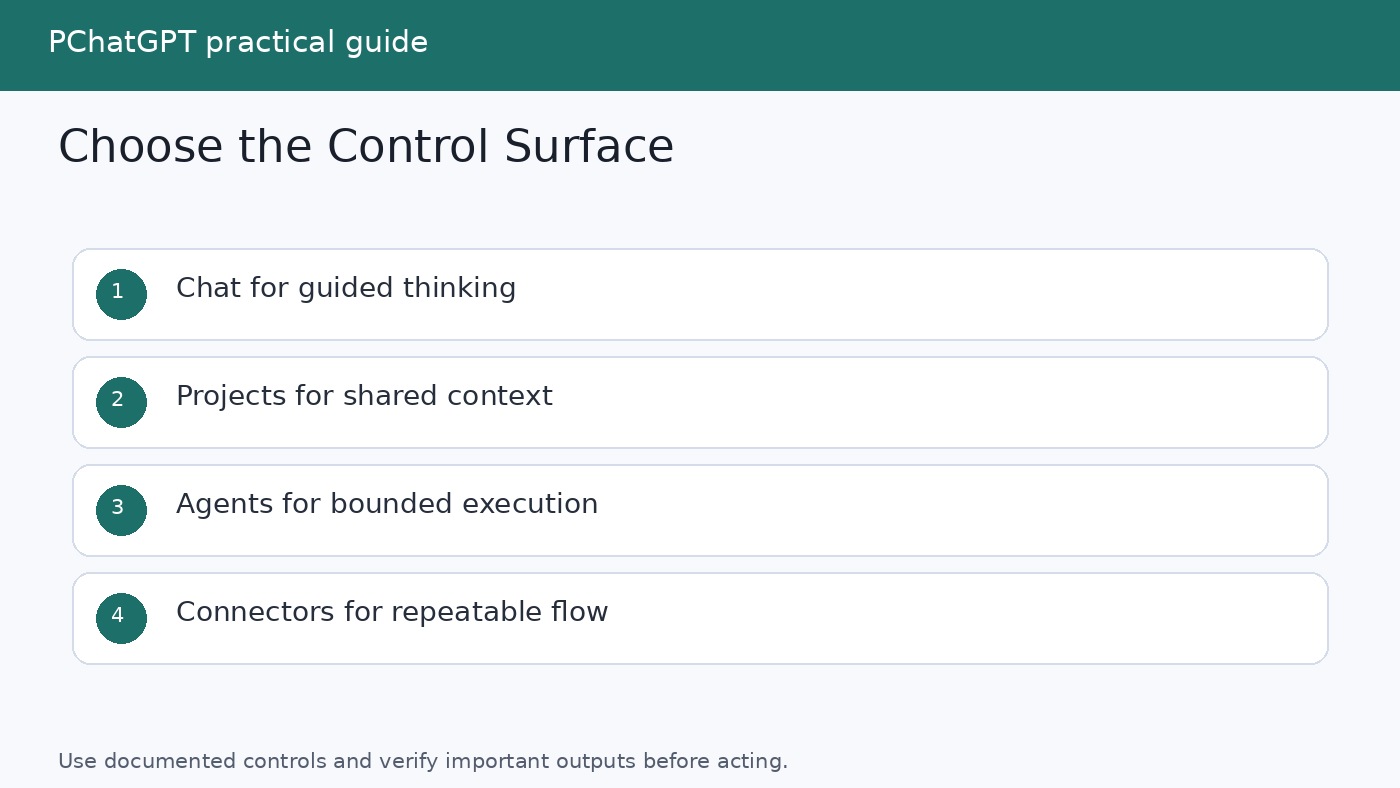
- Is the work exploratory or repeatable? Exploration benefits from conversation. Repetition often benefits from saved context, scheduling, or automation.
- Does the system only advise, or may it act? Drafting text is different from sending it. Reading a calendar is different from changing it.
- Where does the trusted context live? It may be in uploaded files, a ChatGPT Project, connected business apps, or fields passed through a workflow.
- What starts the work? A person can ask a question, a schedule can run, or an event in another system can trigger a workflow.
- What happens when confidence is low? A safe design can stop, ask for clarification, route to a reviewer, or preserve a draft without publishing it.
This is also a practical way to avoid tool sprawl. One assistant with a clear role is usually more useful than several overlapping subscriptions that nobody can govern. Add another surface only when it solves a specific gap, such as an event trigger, a reusable approval gate, or access to a data source that your current setup cannot reach safely.
Three categories that should not be blurred
| Category | How work starts | Best fit | Main control |
|---|---|---|---|
| Chat assistant | A person asks or uploads something | Thinking, drafting, explanation, analysis, and review | The user steers each exchange and checks the result |
| Agent workflow | A person gives a goal, or a bounded run begins | Tasks that require planning, tool choice, browsing, or several dependent steps | Tool access, permissions, checkpoints, and the ability to interrupt |
| Automation connector | A schedule, webhook, app event, or manual trigger fires | Stable processes that move or transform data across systems | Explicit steps, credentials, branches, logs, retries, and approval nodes |
The boundaries are porous. A scheduled task lives inside ChatGPT but behaves more like lightweight automation than an ordinary conversation. An n8n workflow can contain an AI Agent node that chooses among tools. Connected apps can let ChatGPT search external information and, depending on capability and configuration, perform write actions. The category still helps because it tells you where the operator sees and constrains the work.
Chat assistants: best when a person is actively thinking
ChatGPT is a strong general work surface when the task improves through back and forth conversation. OpenAI documents core uses that include answering questions, drafting, rewriting, summarizing, translating, logical reasoning, and creative suggestions. Its available tools can extend the conversation to web search, file analysis, data analysis, images, Canvas, memory, Projects, and scheduled tasks. Not every tool is available in every account or context, so treat the product interface and official documentation as the final check.
For a quick current fact, ChatGPT Search is the lighter control surface. For a complex question that requires multiple sources, OpenAI positions deep research as the more thorough mode. Deep research can use the public web, uploaded files, specific sites, and enabled apps. It proposes a research plan that the user can review and modify, shows progress, permits interruption, and returns a structured report with citations or source links. OpenAI also states that connected apps are read only during a deep research run. That makes deep research suitable for source gathering and synthesis, not a substitute for a workflow that must update a record.
A productive chat pattern is simple: provide the source material, define the audience and output, ask the assistant to identify uncertainties, and then revise with it. For example, place an approved call transcript in the conversation, request a decision summary with quotations tied to the transcript, and inspect each quotation before sharing. The assistant handles transformation while the user retains editorial responsibility.
Chat is less suitable when the same deterministic process must run on every new form submission, when a run must update several systems without a person present, or when auditability depends on seeing each explicit branch. Those needs point toward scheduling, agents, or connector based automation.
Projects: the control surface for continuing work
Repeatedly pasting the same brief is a sign that the work needs a home. OpenAI describes Projects as workspaces that keep related chats, reference files, and project instructions together. Project instructions apply inside that project and override global custom instructions. That separation is useful for keeping a client brief, a research topic, or a recurring report from bleeding into unrelated conversations.
A good Project is narrow enough to have a stable purpose. A quarterly research Project might contain an approved methodology, earlier reports, a glossary, and source files. Its instructions can specify tone, citation expectations, prohibited assumptions, and the format of a final memo. New chats can explore different questions while sharing the same project context.
Do not mistake accumulated context for verified truth. Remove stale files, label authoritative sources, and keep instructions short enough to inspect. In a shared Project, members can see project material according to the sharing setup, so do not upload content merely because it is convenient. Decide who should see it first. OpenAI notes that shared projects use project only memory and do not access members’ context or memories outside the project, but material deliberately added to the shared space can inform responses visible to members.
For more practical details on files, memory, and tool use, the PChatGPT ChatGPT cheat sheet is a useful companion. The AI Tools guide archive also collects task focused tutorials without requiring this article to become a catalog.
Scheduled tasks: lightweight recurrence inside ChatGPT
Some jobs are conversational but still need a clock. OpenAI documents Scheduled Tasks for one time or recurring work, including monitoring for a meaningful change and notifying the user. Tasks can be created and managed from a dedicated Scheduled page, and they can be edited, paused, resumed, or deleted. This can fit reminders, periodic briefings, and simple monitoring when the result should return to ChatGPT.
Scheduled Tasks are not the same as a general event automation platform. OpenAI explicitly notes that scheduled tasks do not currently support webhooks. The documentation also says that if a task is created in a Project containing files, the task cannot access those project files. That limitation can change the design. A weekly report that depends on a private Project document may need a different input route or a connector workflow rather than an assumption that the schedule inherits every Project source.
Use scheduling when time is the natural trigger and the output belongs in the assistant. Use a connector when an app event is the trigger, several systems need coordinated updates, or the process requires detailed branching and operational logs.
Agent workflows: use initiative inside a boundary
An agent is appropriate when the route cannot be fully specified in advance but the goal can. OpenAI describes ChatGPT agent as using a virtual computer and a toolbox that includes browser based interaction, a text browser, terminal access, and direct API access. The agent can move between reasoning and action, and the user can interrupt, take over, or stop the task. OpenAI says permission is requested before consequential actions.
That makes an agent different from a long prompt. It may decide which tool to use and which intermediate step to attempt. A sensible task might be: collect public information from named official sites, compare it against an uploaded brief, prepare a draft table, and stop before contacting anyone. The boundary is explicit. The result is inspectable. External communication is excluded.
The more authority an agent receives, the more important the guardrails become. OpenAI’s own agent announcement calls out prompt injection, model mistakes, and broader data access as risks. A malicious instruction embedded in a page can try to redirect an agent. Confirmation prompts reduce risk but do not eliminate the need for careful scope. Disable unused connections, grant only required access, avoid giving a browsing agent unnecessary secrets, and check the exact destination and payload before approving an external action.
Browser agents deserve the same caution even when the task sounds routine. Our guide to AI browser agents offers additional context on supervised use. The useful mindset is delegated execution, not magic autonomy.
Connected apps: permissions matter more than app count
Connected apps extend where an assistant can retrieve context or act. OpenAI’s current documentation says apps can search and reference connected services, support deep research, sync some content, present interactive interfaces, and, for some apps, carry out write actions. Exact capability depends on the app and its configuration.
The permission model is the real productivity feature. OpenAI documents options that can include asking for every action, asking before any change, asking before important actions, or, where available, not asking. These settings do not grant new access. They determine when ChatGPT asks before using access already granted through the app and workspace controls.
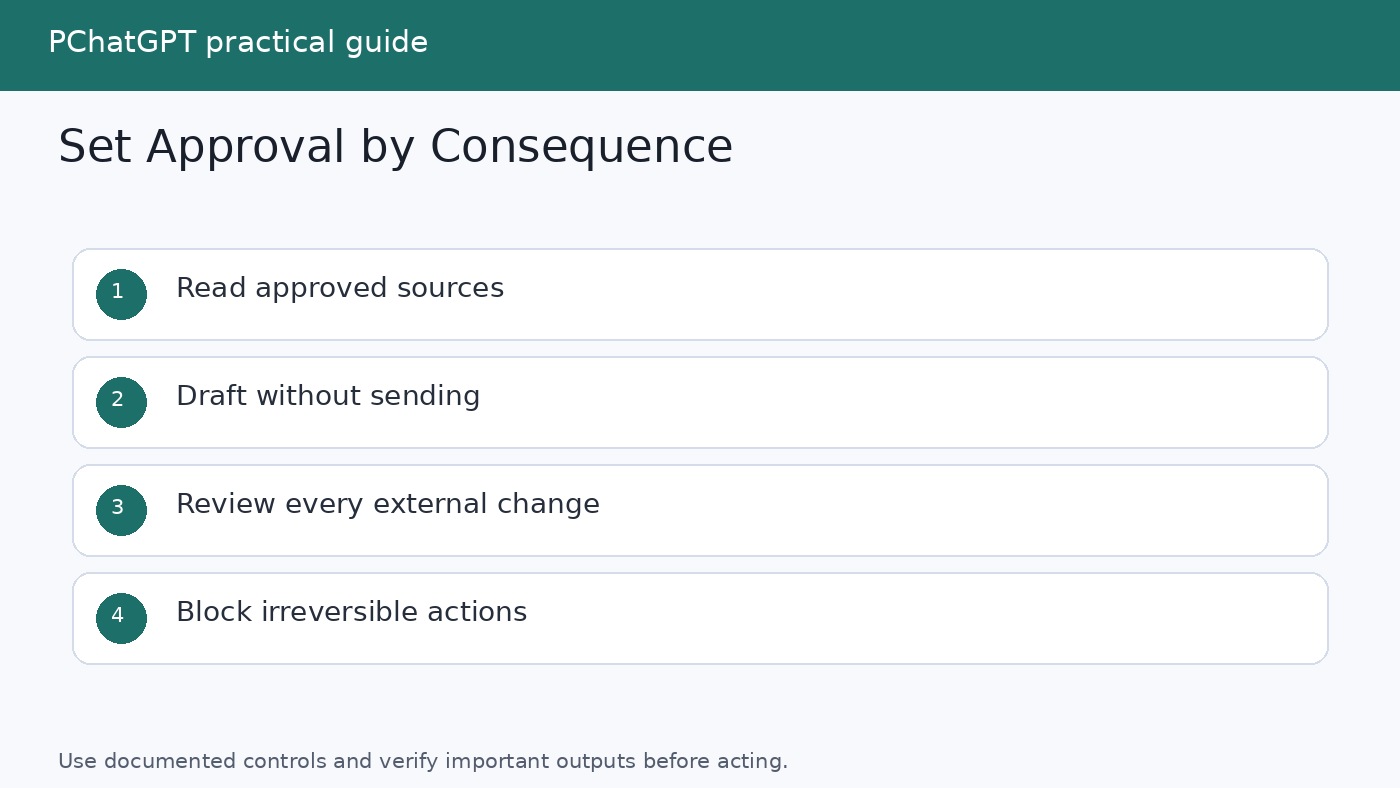
For an early rollout, prefer read access or require approval for every change. A draft saved privately is different from an email sent to a customer. A calendar search is different from canceling an appointment. Group app actions by consequence, not convenience, and review the permissions again when a workflow expands.
Automation connectors: best for explicit, repeatable systems
Connector platforms are useful when work starts outside the chat window. A new row, form response, message, or scheduled trigger can enter a visible sequence of steps. The workflow can validate fields, transform content, call an AI model for one bounded judgment, route exceptions, and write an approved result elsewhere.
n8n is a useful example because its official documentation clearly separates the surrounding workflow from the AI Agent node. The node connects to a chat model and at least one tool, then decides which connected tool to call for the task. This is different from allowing the agent to access every credential in the automation account. The workflow designer chooses which tools are connected and therefore defines the reachable environment.
n8n also documents human review for selected agent tools. When review is required, the workflow pauses, shows a reviewer the intended tool and parameters, and proceeds only if the person approves. A denial cancels that action. This is especially appropriate for sending communications, changing records, deleting data, purchases, regulated processes, or high impact decisions.
A safe content workflow might be explicit: receive an approved transcript, verify required fields, ask the model to produce a draft in a fixed schema, route missing citations to an editor, require approval before creating a content management draft, and never publish automatically. AI handles the fuzzy transformation. The connector handles movement and state. A person owns release.
A practical selection method
- Map one real workflow. Record its trigger, inputs, decisions, output, owner, and failure path. Do not begin with a broad department wide mandate.
- Choose the least powerful adequate surface. Use chat for collaborative thinking, a Project for continuing context, Scheduled Tasks for simple time based work, an agent for bounded multistep execution, and a connector for explicit cross app processes.
- Separate read from write. Start with source retrieval and drafts. Introduce changes only after the team understands data flow and review requirements.
- Define the stop conditions. Missing required data, conflicting sources, an unexpected destination, or an irreversible action should pause the run.
- Test with ordinary and awkward cases. Include empty fields, duplicate events, long documents, unsupported formats, revoked access, and deliberate attempts to steer the system away from its instructions.
- Measure the process, not the novelty. Track correction rate, completion time, approval load, failed runs, and work that had to be repeated. A fast draft that creates more review work is not a productivity gain.
- Keep an exit path. Preserve source data and essential instructions in formats the team can move. Document who owns credentials, prompts, review queues, and incident response.
This approach avoids a false contest between products. ChatGPT may be the right front door for research and drafting while an n8n workflow handles a narrow operational handoff. In another team, chat alone may be enough. Productivity comes from a clear division of labor, not from maximizing the number of AI steps.
Common mistakes to avoid
- Automating an unclear process. AI does not repair disagreement about the desired output. It tends to hide that disagreement until a failure reaches a customer.
- Giving broad access for convenience. Connect only the sources and actions required for the current job.
- Using an agent where a rule will do. A fixed field mapping or conditional branch is easier to predict than model judgment.
- Treating citations as automatic verification. Open the important sources and confirm that each one supports the associated claim.
- Approving without reading the payload. Review what will be sent, changed, or deleted, not merely the name of the tool.
- Leaving no owner. Every recurring task and workflow needs someone responsible for stale instructions, broken credentials, exceptions, and shutdown.
Frequently Asked Questions
What is the best AI productivity tool in 2026?
There is no defensible universal winner. For interactive writing, analysis, and explanation, a chat assistant can be enough. For a continuing body of work, use a context surface such as a Project. For bounded multistep execution, consider an agent. For event driven movement across apps, use a connector workflow. Choose by trigger, data location, action risk, and required oversight.
When should I use deep research instead of ordinary chat?
Use ordinary chat or search for quick questions and iterative thinking. Use deep research when the answer requires planning, reading and synthesizing several sources, and returning a documented report. Review the proposed plan, restrict or prioritize sources when appropriate, and verify important citations.
Is a scheduled task the same as workflow automation?
No. A scheduled task is useful for time based work and notifications inside ChatGPT. A workflow connector is a better fit when an event in another app should trigger the process, when data must move through explicit branches, or when the team needs a dedicated approval and exception path. OpenAI currently says Scheduled Tasks do not support webhooks.
How much autonomy should an AI agent receive?
Start with the minimum required. Give it a narrow goal, limited tools, the least necessary data, and clear stop conditions. Keep approval before external communication, deletion, purchases, permission changes, or other consequential actions. Expand authority only after reviewing real runs and failure cases.
Sources
- OpenAI Help Center: ChatGPT Capabilities Overview
- OpenAI Help Center: Deep research in ChatGPT
- OpenAI Help Center: Projects in ChatGPT
- OpenAI Help Center: Scheduled Tasks in ChatGPT
- OpenAI Help Center: Apps in ChatGPT
- OpenAI: Introducing ChatGPT agent
- n8n Docs: AI Agent node
- n8n Docs: Human review for AI tools