Most lists of ChatGPT prompts for content creation promise too much and explain too little. A prompt does not transform weak source material into a useful article by itself. What it can do is make the work more organized. It can force you to name the audience, define the job of the page, separate facts from opinion, and ask for a draft that is easier to review. That is the standard this guide uses.
OpenAI prompt guidance is plain about the basics: give clear instructions, include useful context, ask for a specific output format, and split complex work into smaller steps. For content teams, that means a good prompt is closer to an editorial brief than a magic phrase. The prompts below are written for blog posts, tutorials, newsletters, social posts, product education, and AI tool reviews. Use them as working templates, then replace the bracketed parts with your real notes.
Before you copy any prompt
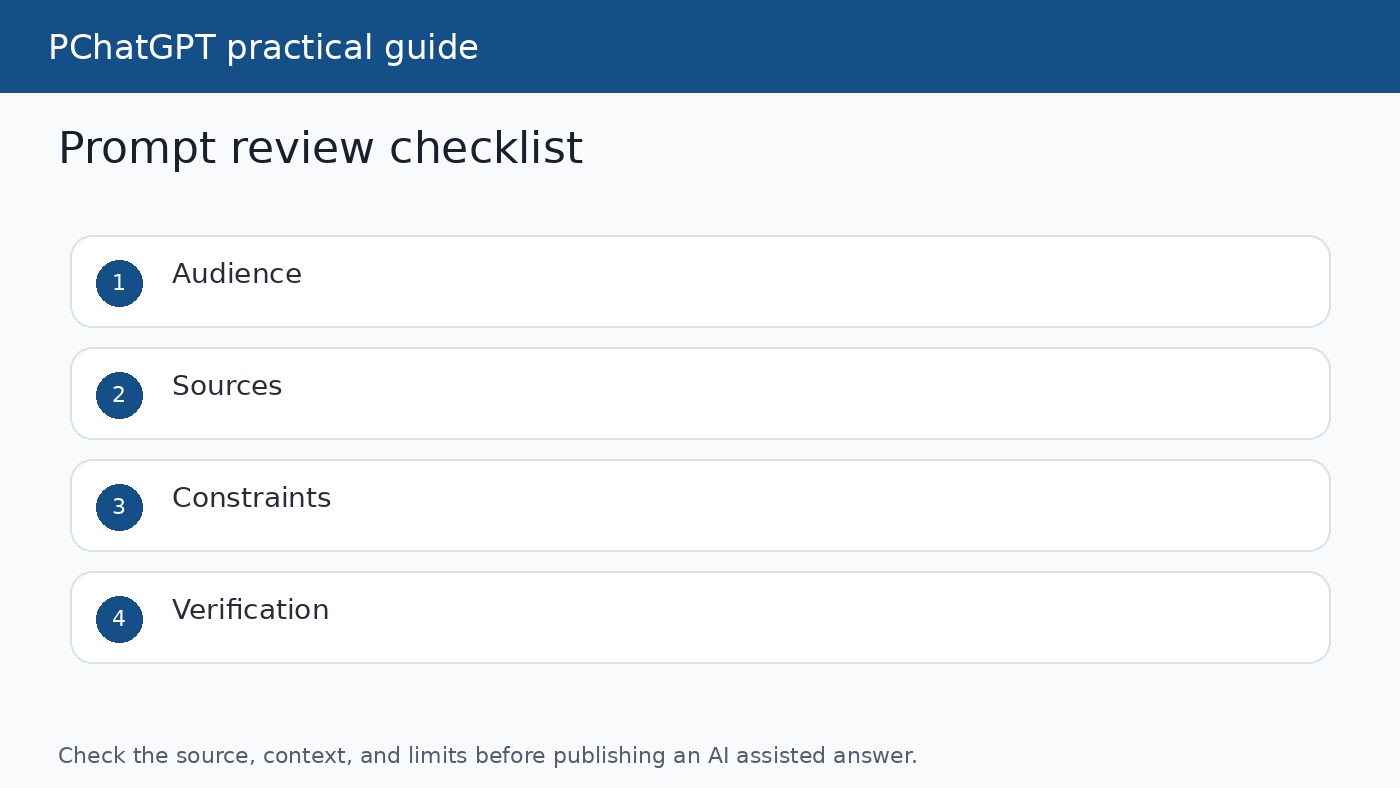
Add four things before you ask ChatGPT to write: the audience, the content goal, the source material, and the review rule. The audience tells the model how much background to explain. The goal tells it whether the content should teach, compare, summarize, or help someone complete a task. The source material keeps the answer grounded. The review rule tells ChatGPT how to handle uncertainty instead of smoothing over missing facts.
If you use ChatGPT search or another web connected workflow, ask for links and then open them yourself. A linked answer can still misunderstand a source. If you are using your own notes, paste the notes and tell ChatGPT not to go beyond them unless it labels the extra material as an assumption. That one habit removes a lot of low value filler.
1. The audience first content brief
Prompt: “Act as an editor for [audience]. I need a [format] about [topic]. The reader already knows [background] and needs help with [problem]. Use the source notes below. Give me a practical outline with the main promise, the sections, and what each section must prove. Do not write the full draft yet.”
Use this when the idea is still vague. It stops ChatGPT from rushing into polished paragraphs before the structure is right. The best output is not a pretty outline. It is an outline where every section has a job. For example, an AI tools article might need one section for what the tool does, one for setup, one for privacy limits, and one for when a different tool is a better fit.
2. The source claim ledger
Prompt: “Read the notes and create a claim ledger. For each claim, show the exact source text or URL that supports it, mark whether it is official documentation, a company announcement, user opinion, or my interpretation, and flag anything that needs verification before publication.”
This prompt is slower than asking for a draft, but it pays for itself. It helps prevent invented details, outdated feature claims, and confident statements that the source does not support. Use it before writing product guides, comparison pages, policy explainers, or tutorials where readers may act on the advice.
3. The search intent outline
Prompt: “Create an outline for a reader searching [keyword]. Infer the likely intent, then organize the page so the first third answers the main question directly. Include sections for setup, mistakes, examples, and when the advice does not apply. Keep each heading specific.”
This is useful for SEO without turning the article into keyword stuffing. The prompt asks ChatGPT to think about the reader, not just the phrase. After you get the outline, remove any heading that feels generic. A heading such as “Benefits” is weak. A heading such as “When this prompt saves editing time” is easier to write and easier to verify.
4. The first draft from approved facts
Prompt: “Write a first draft from the approved claim ledger only. Use natural language, short paragraphs, and concrete examples. If a fact is not in the ledger, leave a note in brackets instead of inventing it. Do not add a conclusion that only says the topic is important.”
This prompt is designed for safer drafting. It gives ChatGPT permission to be incomplete rather than fake certainty. That matters for content creation because the fastest draft is not always the cheapest draft. A draft full of unsupported claims costs more time during editing than a plain draft with visible gaps.
5. The weak paragraph repair prompt
Prompt: “Review the draft and find paragraphs that are vague, promotional, repetitive, or unsupported. For each weak paragraph, explain the problem in one sentence and rewrite it using only the facts already present. Preserve the meaning. Do not add new claims.”
Use this after a draft exists. It is especially good for removing lines such as “this technology is revolutionizing workflows” when the article has not shown what changed. Ask for paragraph level edits instead of a full rewrite if you want to protect the good parts of the draft.
6. The example builder
Prompt: “Create three examples for this section. Each example should use the same facts but serve a different reader: beginner, busy professional, and skeptical reviewer. Keep the examples realistic and avoid invented names, numbers, or results.”
Examples make content more useful, but they are also where AI drafts often invent details. This prompt narrows the job. It asks for scenario style examples without fake metrics or made up customer stories. Afterward, choose one example and adapt it to your real audience.
7. The repurposing prompt
Prompt: “Turn this approved article section into five reuse formats: a newsletter paragraph, a LinkedIn post, a short script, a checklist, and a meta description. Preserve the facts. Change the format, not the claims.”
Repurposing works best after the source article is correct. If you ask ChatGPT to create social posts from a messy draft, it will spread the same mistakes into more places. Use this prompt only after the main article has passed review. Then compare the shorter versions against the original to make sure the claim did not grow during compression.
8. The tone normalizer
Prompt: “Rewrite this section for a knowledgeable but busy reader. Remove hype, filler, generic positive conclusions, and repeated phrases. Keep the facts, examples, and links. Use contractions only where they sound natural. Do not use em dashes or en dashes.”
This prompt is useful when a draft sounds like AI wrote it. It does not ask for a more impressive style. It asks for less decoration. You can add your own writing sample if you want ChatGPT to match a house style, but review the result manually because tone prompts can flatten personality if they are too strict.
9. The FAQ builder
Prompt: “Write four FAQ questions that answer real objections or edge cases from the article. Do not repeat the headings. Each answer should be short, source aware, and honest about limits.”
FAQ sections often become filler. This prompt keeps them tied to real reader questions. In a ChatGPT tutorial, good FAQ questions might cover privacy, source verification, whether a prompt works in every plan, and what to do when the answer is weak. Avoid questions that only restate the title.
10. The final editorial checklist
Prompt: “Audit this draft before publication. Check for unsupported claims, stale product details, missing source links, repeated paragraphs, generic introductions, weak examples, unclear next steps, and overconfident wording. Return a table with the issue, where it appears, and the exact fix.”
This is the last prompt in the workflow because it checks the whole piece. It is not a substitute for human editing, but it catches patterns that are easy to miss when you have been looking at the same draft for an hour. Treat the table as a punch list. Fix the problems yourself or ask ChatGPT for narrow rewrites one issue at a time.
How to keep prompts from becoming boilerplate
Save prompt structures, not finished paragraphs. A good structure can be reused across topics. A finished paragraph copied across articles becomes a low value signal. If you manage a content library, keep a small prompt playbook and a separate source folder for each article. That makes it easier to prove why each page exists and what new help it gives the reader.
For related work, read our guide to writing better ChatGPT prompts and our ChatGPT cheat sheet router. Those guides help you choose the right ChatGPT surface before you spend time polishing a prompt.
A simple publishing workflow
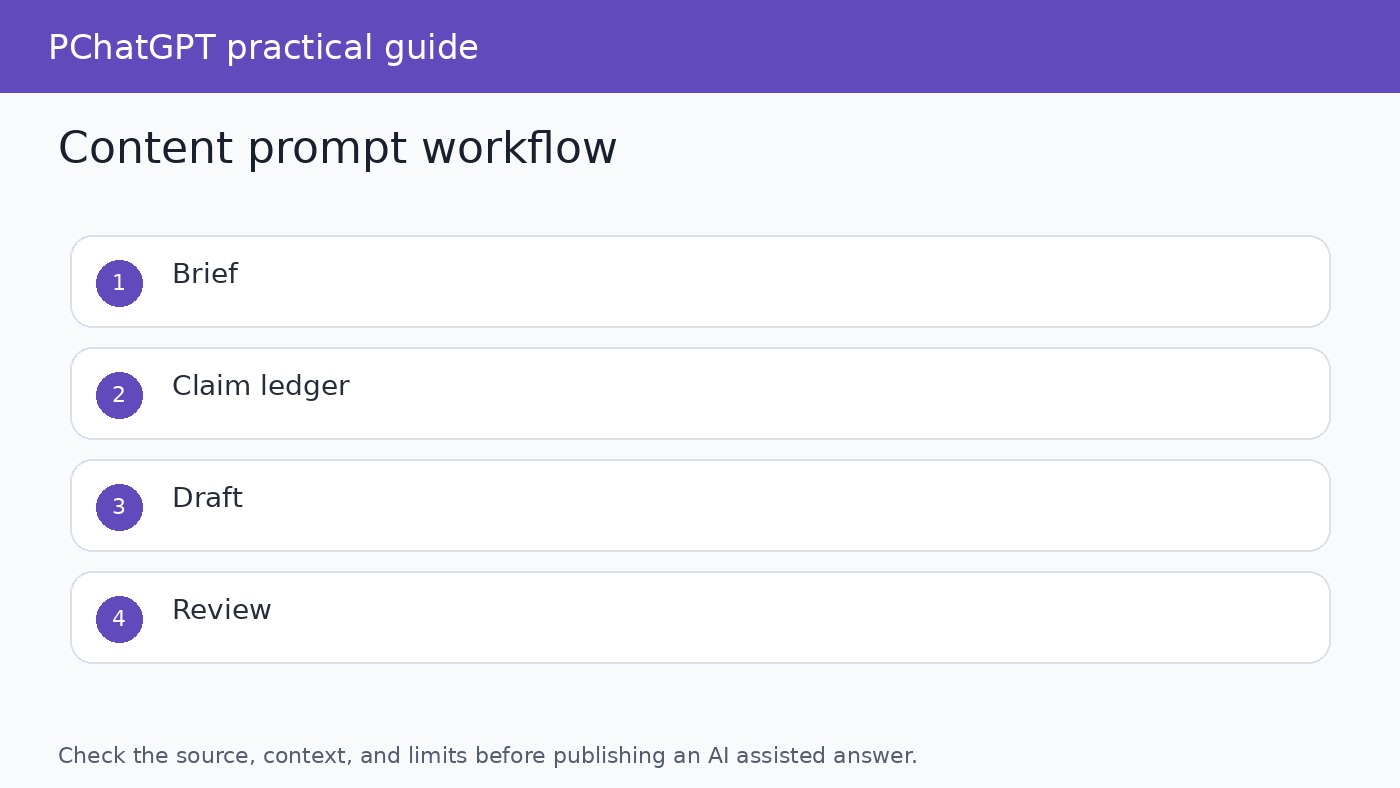
A reliable content workflow uses these prompts in order. Start with the audience brief, then build the claim ledger, then create the outline, then draft from approved facts. After that, use the repair prompt and tone normalizer before repurposing anything. This order matters because it keeps source checking ahead of style. If the facts are weak, a polished draft only hides the problem for a few minutes.
Keep a small record of the prompts you used for each article. Save the source notes, the claim ledger, the draft, and the final checklist. That record helps editors understand why the article says what it says. It also makes later updates easier because you can see which claims came from official sources and which lines were editorial interpretation. For a site recovering from low value content signals, that kind of evidence is more useful than another generic paragraph about productivity.
One final habit is worth adding to the workflow: compare the finished page with a recent article on the same site. If the paragraph structure, examples, FAQ answers, or closing advice look nearly identical, rewrite before publishing. Readers can tell when a page has been assembled from a reusable shell. Search engines can detect repeated blocks too. A prompt library should make articles more useful, not more alike.
Official sources
- OpenAI prompt engineering best practices
- OpenAI prompt engineering guide
- ChatGPT capabilities overview
- ChatGPT custom instructions
FAQ
Can I use these prompts in the free ChatGPT plan?
Yes, but available features can vary by plan, region, workspace, and current product settings. The prompts themselves are plain text. Check your account if a prompt depends on search, files, projects, or other tools.
Should ChatGPT write the whole article in one prompt?
Usually no. Better results come from separate steps for briefing, outlining, source checking, drafting, editing, and final review.
How do I stop ChatGPT from inventing examples?
Tell it to use only your approved notes and to leave a bracketed gap when a detail is missing. Then review every example before publishing.
What is the most important prompt in this list?
The source claim ledger is the safest starting point for serious content because it separates supported facts from interpretation before drafting begins.