Apple Ferret-UI 2 is research, not a consumer feature you can switch on in iOS. That distinction matters. The paper describes a multimodal large language model for understanding user interfaces across platforms, including iPhone, Android, iPad, web pages, and Apple TV. The practical question is not whether it has already changed every mobile app. The better question is what kind of AI tool becomes possible when a model can understand screens, text, icons, widgets, and user intent more precisely.
The older version of this article made the topic sound like a product launch. A more accurate reading is narrower and more useful. Ferret-UI 2 belongs to a line of work on UI understanding: recognizing elements on a screen, grounding a user request to a region, answering questions about an interface, and planning actions. Those abilities matter for accessibility, testing, app automation, and personal assistants, but they also need careful evaluation before they are trusted in real apps.
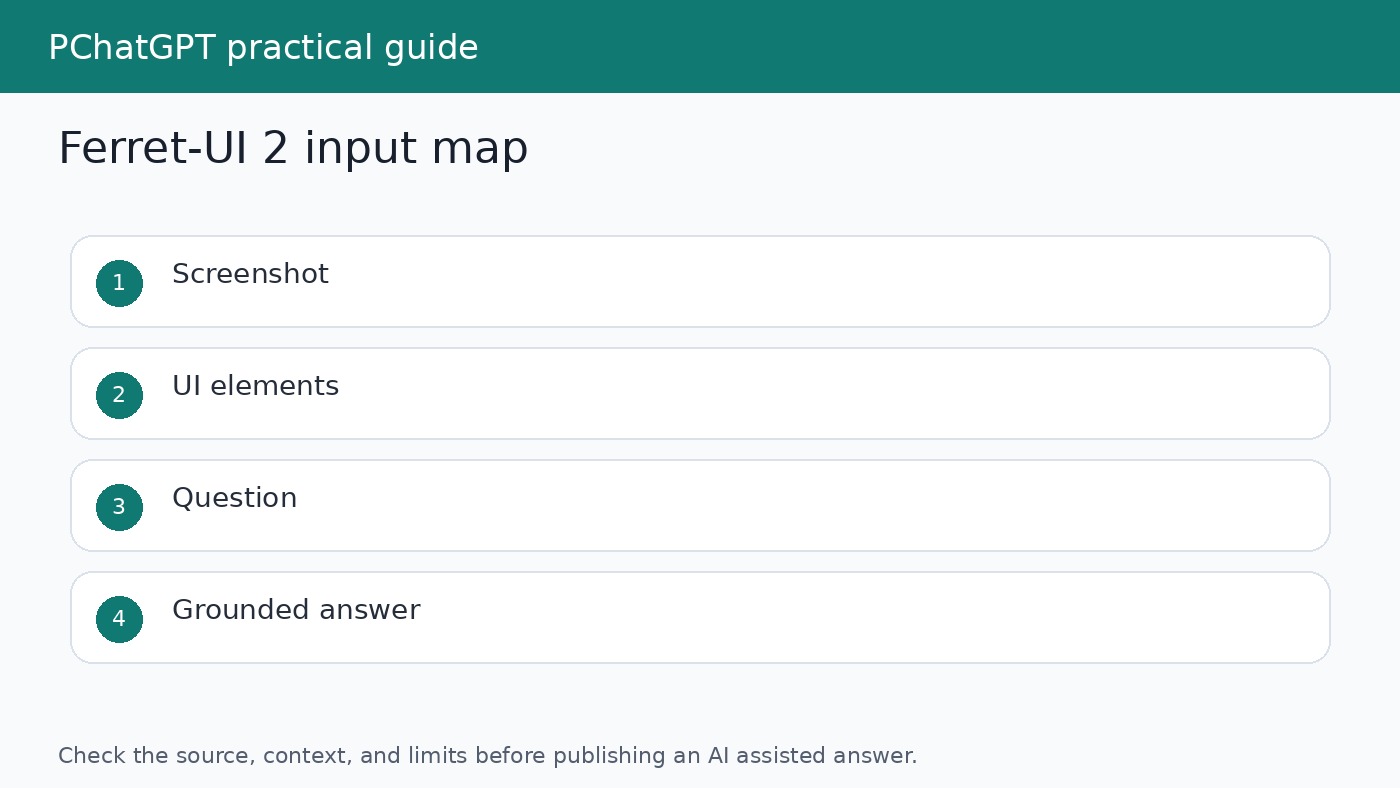
What Ferret-UI 2 tries to solve
User interfaces are hard for AI systems because they combine visual layout, text, icons, hierarchy, and interaction rules. A button may be obvious to a human because of its position, color, label, and surrounding context. A model needs to connect those signals to the user request. If the user asks where to change privacy settings, the model has to understand both the words on the screen and the likely function of each element.
The Ferret-UI 2 paper says building a generalist UI understanding model is challenging because of platform diversity, resolution variation, element scale, and data limitations. A phone screenshot, a tablet layout, a web page, and a TV interface do not present information in the same way. A model trained too narrowly may perform well on one surface and fail on another.
Why cross platform UI understanding matters
Many AI assistant demos work best in controlled environments. Real users move across apps, browsers, devices, and screen sizes. A mobile assistant may need to understand a settings page, a checkout screen, a calendar app, and a web form. If the model only understands one screen style, it becomes brittle. Cross platform UI understanding is an attempt to make the model less dependent on a single app family or device format.
Ferret-UI 2 is interesting because the research frames UI understanding across several platforms. The paper describes training and evaluation across iPhone, Android, iPad, webpage, and Apple TV interfaces. That does not mean a single model is ready to control every app safely. It means the research problem is being treated as a general UI understanding task rather than a narrow screenshot labeling task.
The tasks behind the research
The paper discusses elementary tasks and advanced tasks. Elementary tasks include referring and grounding work, where the system links language to UI elements or regions. Advanced tasks include richer UI understanding, such as answering questions about the screen or reasoning about possible actions. These tasks are important because a useful AI assistant needs more than object recognition. It needs to connect the user request to the part of the screen that matters.
For example, a model might need to answer what a specific icon does, locate the option that changes a setting, or explain which field must be filled before a button becomes useful. Those examples sound simple, but they require visual recognition, OCR style text understanding, layout awareness, and task context at the same time.
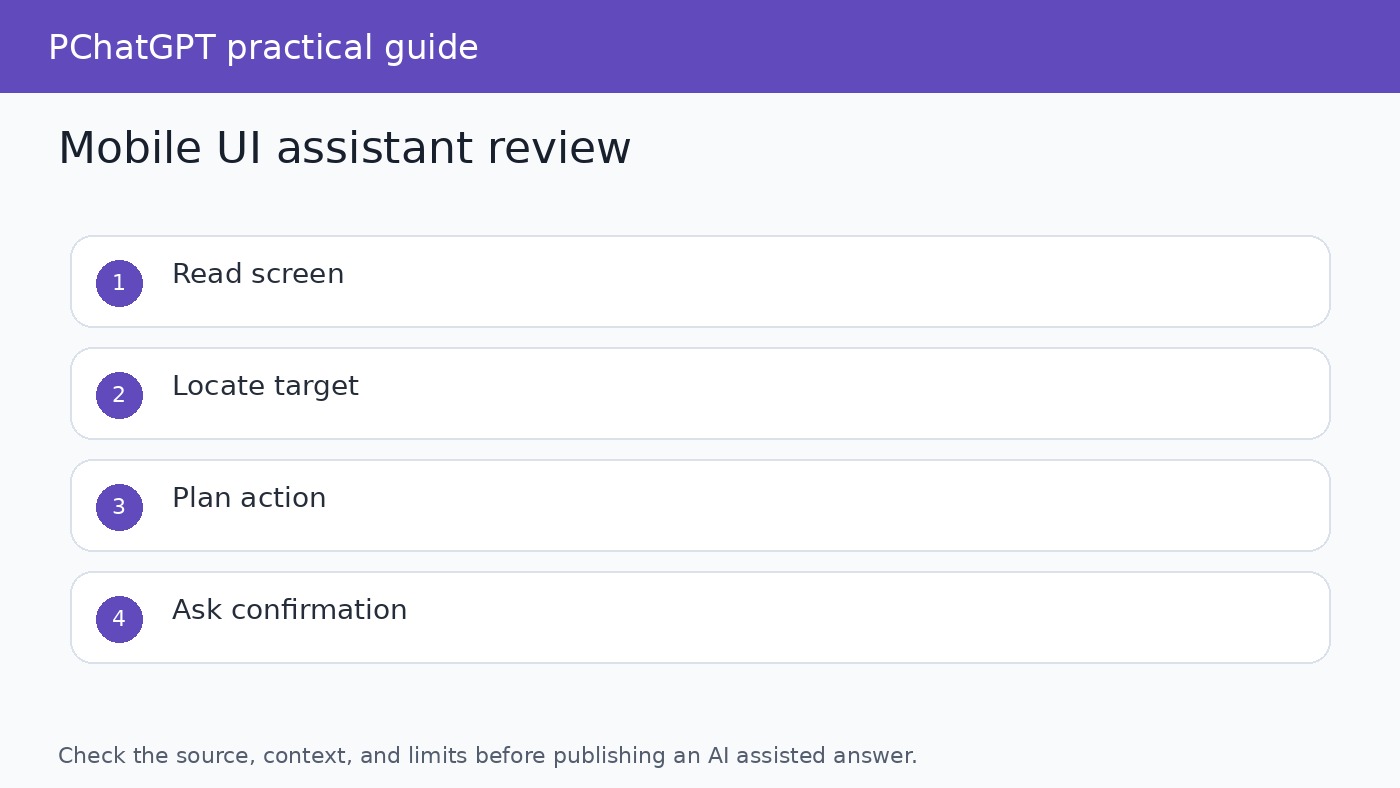
What this could mean for app interaction
If UI understanding improves, AI tools could become better at explaining app screens to users. Instead of giving generic help text, an assistant could refer to what is visible: the selected tab, the disabled button, the missing field, or the warning message. That would be useful for onboarding, accessibility, support, and troubleshooting. It could also help people learn unfamiliar software without reading a long help article first.
Testing is another likely area. Developers and QA teams spend time checking whether screens behave as expected. A model that understands UI elements could help describe screen states, compare expected and actual layouts, and flag confusing flows. It would not replace formal testing, but it could make exploratory review faster and more understandable.
Why grounding is the hard part
Grounding means tying a natural language instruction to the correct part of the interface. If the model says “tap the settings button,” it should know which visible element it means. Bad grounding can frustrate users or cause harmful actions. In a mobile banking app, health app, or workplace admin tool, a wrong tap is not a harmless mistake. Any UI assistant needs strong confirmation and a clear boundary between explaining and acting.
This is why product claims around UI agents should be read carefully. Research progress does not remove the need for permissions, confirmations, accessibility review, security review, and user control. A model that can understand screens still needs rules about when it may act, when it must ask, and how it explains uncertainty.
What Ferret-UI 2 is not
Ferret-UI 2 is not a public Apple assistant feature described as available to iPhone users. It is not proof that every app can be controlled safely by AI. It is not a guarantee that a model can understand private app data without errors. The source documents describe research on UI understanding. Readers should avoid turning that into a product promise.
It is also not only about mobile phones. The paper includes multiple interface types, which is part of the point. The phrase mobile interaction is useful for readers because phones are where many people experience AI assistants, but the research scope is broader than one phone screen.
How to judge future UI AI tools
When a future AI tool claims it can operate an interface, ask four questions. First, what screens or platforms was it tested on? Second, can it point to the exact element it is referring to? Third, does it ask for confirmation before meaningful actions? Fourth, can the user inspect or undo what happened? These questions are more useful than asking whether the demo looked impressive.
For publishing and product evaluation, avoid vague phrases such as “revolutionizes mobile apps” unless the evidence shows a deployed product change. A research paper can be important without becoming a consumer feature. The honest version is more valuable for readers: Ferret-UI 2 shows one direction for multimodal UI understanding, and that direction could shape future assistants, testers, and accessibility tools.
Practical takeaways for AI tool users
If you build or review AI tools, keep UI understanding separate from general chat quality. A model may write well and still misunderstand a screen. Test with real screenshots, edge cases, small text, disabled controls, similar icons, and multi step flows. Ask the model to explain what it sees before asking it to recommend an action. That gives reviewers a chance to catch mistakes before the tool does anything.
If you are an everyday user, treat screen aware AI as assistance rather than authority. It may help explain a setting, summarize a visible page, or guide you through a workflow. Still, do not let any assistant make sensitive changes without reading the screen yourself. For related context on AI assistants and controls, see our guide to AI browser agent safety and our ChatGPT cheat sheet router.
The most useful lesson from Ferret-UI 2 is that interface understanding is becoming a serious AI research area. The next wave of assistants will not only answer text prompts. They will need to understand what people are looking at, what the screen allows, what the user intends, and what should remain under human control. That is a harder problem than making a chatbot sound helpful, and it is worth treating with care.
How writers should cover this research
When writing about Ferret-UI 2 or similar work, keep three labels separate: research capability, product availability, and user benefit. Research capability describes what the paper tested. Product availability describes whether a feature is shipping to users. User benefit describes what someone can actually do today. Mixing those labels creates inflated articles and disappointed readers.
A careful article can still be interesting. Explain the problem, show why UI grounding is difficult, describe the platforms studied, and name the checks future products will need. That gives readers a useful map without pretending the research has already become a finished assistant on their phone.
Where this connects to accessibility
Screen understanding is closely related to accessibility because many users already rely on software to describe interfaces, read text aloud, or support navigation. A multimodal UI model could help explain confusing screens in plainer language, but only if it is accurate and designed with user control. Accessibility work cannot depend on guesses. The assistant must identify what it sees, admit uncertainty, and let the user choose the next step.
This is also why evaluation needs real edge cases. Small labels, hidden states, disabled buttons, pop ups, and unusual layouts can change the meaning of a screen. A model that performs well on clean examples may still struggle when the screen is crowded or when two controls have similar names. Future tools should be judged on those ordinary messy cases, not only on polished demos.
Where this connects to app testing
For developers, UI understanding research can support better test review. A model may help describe what changed between two screens, identify whether a button is visible, or explain why a user flow feels confusing. That does not replace automated tests or human QA. It adds a layer of language around visual states, which can make bug reports easier to understand.
The useful workflow is modest: capture the screen, ask the model to describe the visible state, compare that description with the expected state, and ask a human reviewer to approve the result. If the model is wrong, the error should become part of the test set. Over time, that creates a practical benchmark for the product instead of relying only on public research scores.
Official sources
FAQ
Is Ferret-UI 2 available as an iPhone feature?
The cited Apple research page and paper describe a research model for UI understanding. They do not describe it as a consumer feature that users can enable on iPhone.
What platforms does the Ferret-UI 2 paper discuss?
The paper discusses UI understanding across iPhone, Android, iPad, web pages, and Apple TV interfaces.
Why does UI grounding matter?
Grounding connects a user instruction to the correct visible UI element. Without reliable grounding, an assistant may explain or act on the wrong part of the screen.
Can UI AI tools replace human review?
No. They can help explain screens or support testing, but important actions still need permissions, confirmations, and human review.