

What connecting ChatGPT to the internet means
Connecting ChatGPT to the internet does not mean every answer has live web access. The current reality is more specific. OpenAI documents ChatGPT search as a feature that can answer questions with timely web information and links to sources when it is available. OpenAI also documents workspace settings, role permissions, restricted access modes, and offline web search configurations that can change how search works. So the better question is not “is ChatGPT connected?” The better question is which surface, plan, workspace setting, and source path are being used.
The old version of this guide talked about connecting ChatGPT to the internet as if the user could simply wire it to the web. That is too vague. Some users can manually choose search. Some workspaces may allow ChatGPT to decide when a web search would improve an answer. Some regulated workspaces may use indexed or cached content instead of live search. Other tasks may need uploaded files, approved connectors, or source material pasted into the chat. Each path has different freshness, privacy, and verification tradeoffs.
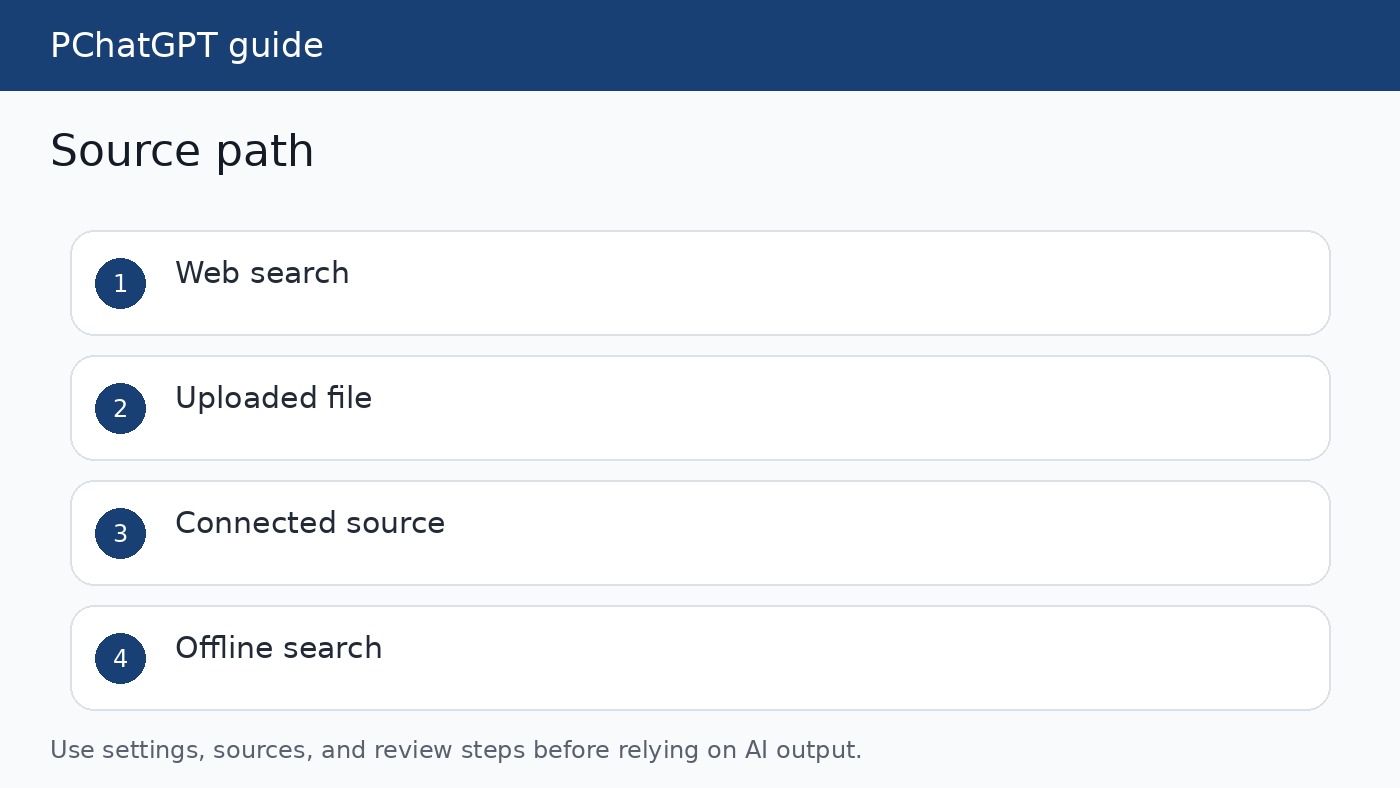
Use ChatGPT search when freshness matters
OpenAI says ChatGPT search can turn a request into search queries, retrieve relevant results, and use those results to generate an answer with links to sources. It may search automatically based on the prompt, or a user may manually choose search when it is available. This is the right path for current public information such as recent product notes, public documentation, market news, or other material where the date matters.
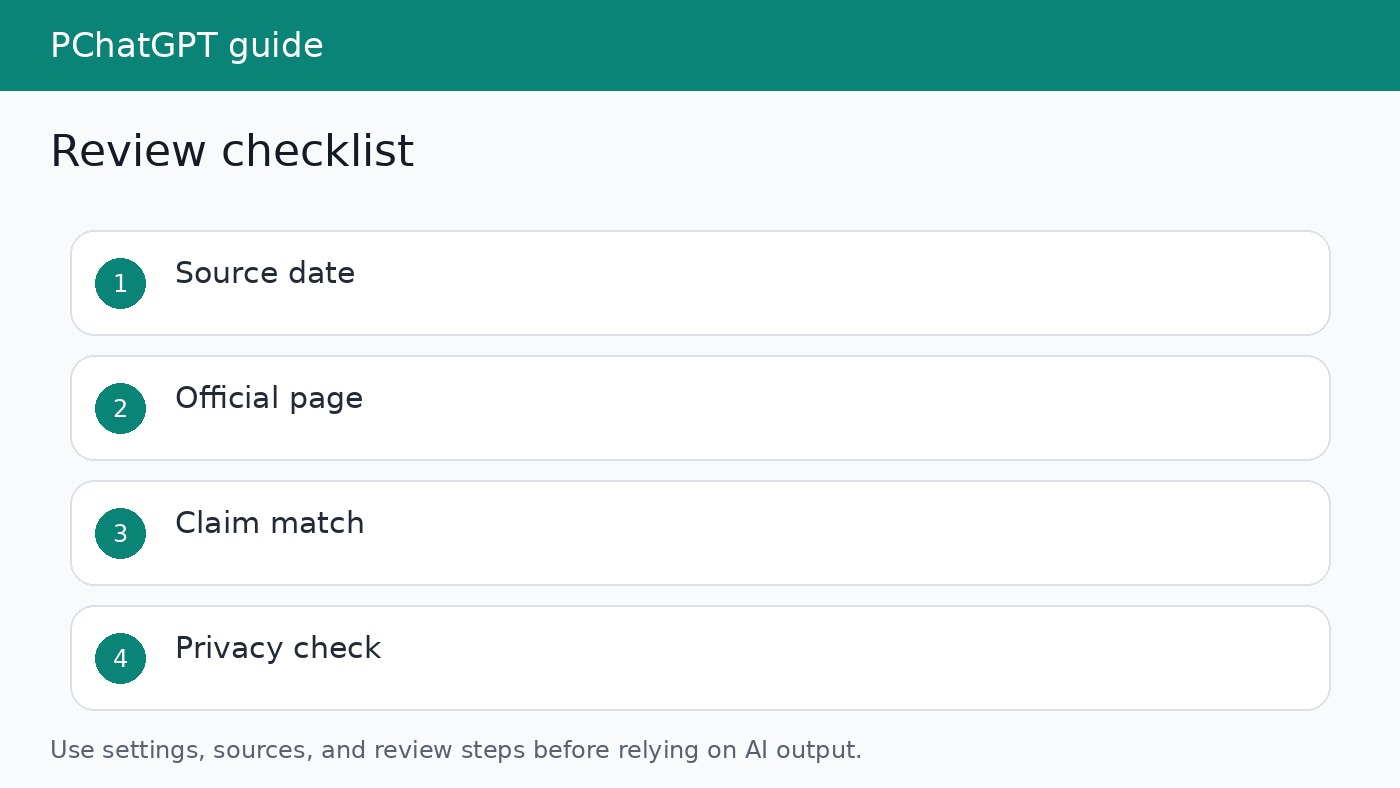
Search still needs review. A linked answer is not automatically correct. Open the sources, check the date, confirm the exact claim, and look for whether the page is official, copied, outdated, or missing context. For publishing, treat the source link as the beginning of verification, not the end. If the source does not support the sentence you want to publish, revise the sentence.
Use uploaded material when the source is fixed
If you need ChatGPT to analyze a contract excerpt, exported support tickets, meeting notes, a PDF, or a private document, web search is the wrong tool. Provide the source material directly if you are allowed to use it. Then ask ChatGPT to quote or summarize only from that material. This keeps the answer tied to a known source instead of mixing public web results with private context.
This is also useful when a public page is dynamic, personalized, or login gated. OpenAI notes that offline web search may miss or partially represent pages that depend on scripts, personalization, accounts, or frequent updates. The practical fix is to use stable documents, approved exports, uploaded files, or another source of record rather than asking the model to guess what a page contains.
Understand workspace controls
For Enterprise and Edu workspaces, OpenAI says ChatGPT search is shaped by workspace settings, role permissions where available, usage limits, and restricted access controls. If search is disabled for a workspace or role, ChatGPT will not use web search for affected users even if a user asks it to search. That means a tutorial written for one account may not match another account in the same organization.
Admins can use workspace settings to enable or disable web search for the workspace and GPTs created in that workspace. Workspace search controls do not apply to third party GPTs, according to OpenAI Help Center documentation. If a user cannot reproduce a search workflow, check the workspace setting, role permissions, restricted mode, and the selected ChatGPT surface before assuming the feature is broken.
Offline web search is different from live web search
OpenAI describes offline web search as a configuration for eligible ChatGPT workspaces that uses OpenAI indexed and cached web content instead of live web search at the time of each request. It is intended for organizations with stricter governance, compliance, or data handling requirements. This can support research while limiting live external search provider use, but it also changes what the user should expect.
Offline web search is not real time. OpenAI says coverage and freshness can vary by site, page, language, region, and content type. If a specific page is not available in the index or cache, ChatGPT may not retrieve it through offline search. If a workflow needs audit grade evidence or a reliable timestamp, use official source material, uploaded documents, archived records, or another approved source of record process.
Connected apps and sources
OpenAI release notes for ChatGPT workspaces describe connected apps and Work experiences that can use files and connected tools in certain plans and workspace configurations. This is not the same as general web search. A connected app may make internal or approved external information available inside a task, while web search looks for public web information. Mixing those concepts leads to bad security decisions.
When a connected source is selected, ChatGPT may prioritize that source and use web search only when the connected source cannot answer, depending on settings. For teams, the safe habit is to label each answer by source path: public web search, uploaded file, connected app, memory, or user provided text. That label helps reviewers understand what the answer is based on and what needs independent verification.
A practical setup checklist
- Confirm whether search is available in the ChatGPT surface you are using.
- Check workspace or role settings if you use Business, Enterprise, Edu, or another managed workspace.
- Decide whether the task needs live web search, cached web search, uploaded material, or a connected source.
- Ask ChatGPT to cite sources or point to the exact provided section used for each important claim.
- Open the source yourself before publishing, sending, or making a decision from the answer.
Privacy and safety checks
Web access changes the risk profile. A prompt may become a search query. A connected app may expose internal context to a workflow. An uploaded file may contain private data. Before using any internet connected workflow, decide what information is allowed, who can access the conversation, and whether the answer may be used outside the workspace. Keep sensitive data out of prompts unless your plan, policies, and approvals support that use.
OpenAI usage policies frame responsible use as a shared priority. For normal users, that means do not use web connected ChatGPT to evade safeguards, collect private data, impersonate people, or publish unsupported claims. For teams, it means adding source review, approval rules, logging, and training before relying on ChatGPT for customer facing or operational decisions.
How to write better internet connected prompts
A good prompt names the source path and the standard for the answer. For example: “Use web search if available, cite the official source for each product claim, and separate confirmed facts from interpretation.” For uploaded material: “Use only the attached document, quote the section that supports each recommendation, and say when the document does not answer the question.” These prompts make the output easier to audit.
Avoid asking ChatGPT to “find everything” or “connect to the internet and explain.” That encourages broad answers and weak sourcing. Ask narrow questions with a clear decision attached. Which setting controls this feature? What source confirms the availability? What changed in the release note? What should a user verify before relying on the result? Narrow prompts produce answers that are easier to check and less likely to drift into filler.
Related guides
For readers using ChatGPT on mobile, see our ChatGPT mobile guide. For readers comparing current ChatGPT surfaces, see our ChatGPT cheat sheet router. The right internet workflow depends on which surface you are using and what source evidence the task requires.
Verification routine for web connected answers
After ChatGPT produces an internet connected answer, copy the important claims into a quick review list. Mark each claim as source confirmed, source unclear, or interpretation. For source confirmed claims, keep the official link and the exact page title. For source unclear claims, either find a stronger source or remove the sentence. For interpretation, make the wording modest so the reader can see it is guidance rather than an official statement.
This routine is slower than accepting the first answer, but it prevents the mistakes that make AI articles look thin. A web connected answer can still be too broad, too confident, or based on a page that does not say what the summary implies. Verification turns the tool into a research assistant instead of an automatic publisher. That distinction matters for readers, advertisers, and search quality.
For PChatGPT, the standard is simple: use current official documentation when the article explains OpenAI product behavior, name the boundary of the feature, and avoid turning plan availability or workspace settings into universal promises. If the source says a behavior depends on plan, role, workspace, or restricted access mode, the article should say that too.
Readers should also keep a record of what was checked. For a public article, that can be a short source list at the bottom of the page. For a workplace decision, it might be a saved note with the prompt, the source links, the date of review, and the person who approved the final answer. This record is useful when a feature changes or when someone later asks why the answer was trusted.
The safest wording avoids pretending that ChatGPT has one universal internet mode. Say whether the answer used public web search, cached search, an uploaded source, or a connected app. If you do not know, say that the user should verify the source path in their own account. That small caveat keeps the guide accurate across plans and workspaces.
If a workflow cannot tolerate stale or missing sources, do not rely on a broad chat answer. Use a source of record and document the review.
Official sources
- OpenAI Help Center: ChatGPT search for Enterprise and Edu
- OpenAI Help Center: Offline web search for ChatGPT workspaces
- OpenAI Help Center: ChatGPT Enterprise and Edu release notes
- OpenAI Usage Policies
FAQ
Can every ChatGPT account search the web?
Availability depends on the ChatGPT surface, plan, workspace settings, role permissions, usage limits, and restricted access mode. Check your own account controls before assuming search is available.
Is offline web search the same as live search?
No. OpenAI says offline web search uses indexed and cached content. It can be useful, but freshness and coverage can vary.
Should I trust ChatGPT if it provides source links?
Use the links as evidence to inspect, not proof by themselves. Open each source and confirm that it supports the exact claim.
What should I use for private documents?
Use uploaded material or approved connected sources only when your policy allows it. Do not rely on public web search for private or login gated information.