

What custom instructions can and cannot do
Custom instructions let you give ChatGPT standing preferences that it should consider when responding. OpenAI says they can be edited or deleted at any time for future conversations, and that they are available on Web, Desktop, iOS, and Android. That makes them useful for repeated work where you keep asking for the same style, depth, or review standard. It does not make them a magic persona engine, and it does not replace a clear prompt for the task in front of you.
The old version of this article described custom instructions personas as if they automatically made digital communication more engaging. The safer view is narrower. Custom instructions can reduce repeated setup work. They can remind ChatGPT about your audience, tone, and constraints. They can also create stale or misleading answers if you put too much into them and forget to update them. Treat them like default settings, not a substitute for judgment.
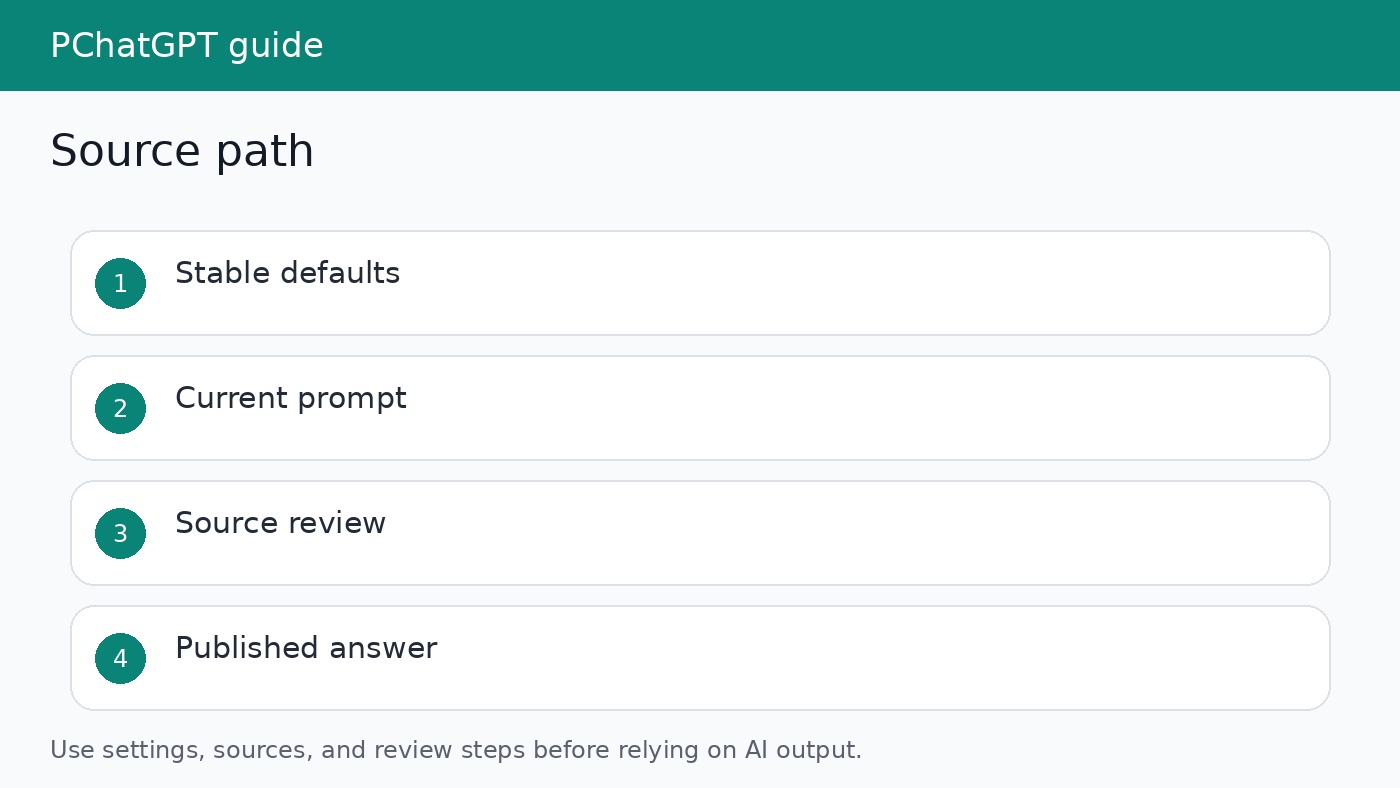
Use them for stable defaults
A stable default is something you want across many chats. Examples include writing in plain English, asking for missing source details before making strong claims, using a short summary before a checklist, or avoiding confidential data in examples. These instructions save time because you do not need to repeat them in every prompt. They also make responses easier to review because the same standards appear across similar tasks.
Do not use custom instructions for details that change often. A product launch date, a pricing table, a customer complaint, or a current research source belongs in the active chat. If it sits in custom instructions after it becomes outdated, ChatGPT may keep applying old context to new work. That is how a helpful setting becomes a source of errors.
A better persona formula
A persona should describe work behavior, not theatrics. Instead of telling ChatGPT to be a world class strategist with a visionary tone, write the rules you actually need. Define the audience, the answer format, the caution level, and the review habit. Keep it brief enough that you can read it in one pass. If you cannot remember what is in your custom instructions, they are probably too complicated.
- Audience: people learning ChatGPT for practical work.
- Style: direct, concrete, and free of hype.
- Evidence rule: separate official source claims from interpretation.
- Safety rule: do not ask for or repeat secrets.
- Review rule: end with the next action only when the answer clearly supports it.
Set up and revise the instructions
OpenAI says custom instructions can be enabled from Settings. On iOS and Android, the path is Settings, then Customize ChatGPT, with customization turned on. On Web and Desktop, the path is Settings, then Personalization. The exact interface can change, so use the current settings labels in your account rather than relying on screenshots from old guides.
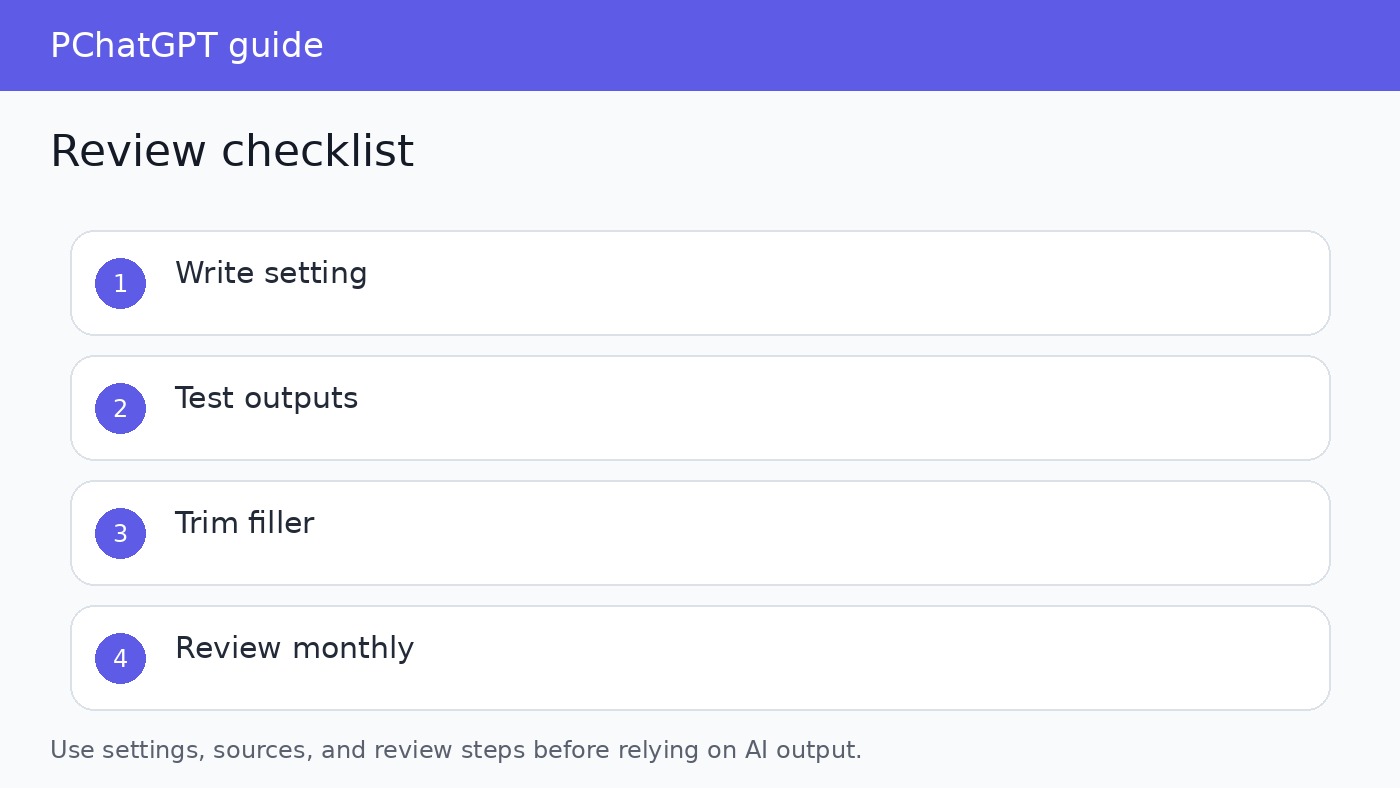
After you add instructions, test them with three ordinary prompts you use often. Ask for an email draft, a source summary, and a checklist. If the output becomes too stiff, shorten the instruction. If it skips important caveats, add a source rule. If it becomes repetitive, remove decorative tone words. A useful custom instruction should quietly improve the answer. It should not draw attention to itself.
Understand the data boundary
OpenAI states that custom instructions are not shared with shared link viewers. It also says that if third party plug-ins are used, the model may provide plug-in developers with relevant information from your instructions. The practical rule is simple: do not put secrets, passwords, private customer records, medical details, legal facts, or internal strategy into custom instructions. If a detail would be risky in the wrong tool, do not store it as a standing preference.
This boundary matters for teams. A manager may want ChatGPT to remember that their team writes for a certain industry. That can be useful. But if the instruction includes names of confidential customers, unpublished deals, or internal incident details, it creates unnecessary exposure. Keep custom instructions general, then provide approved source material inside the specific chat when needed.
Custom instructions versus memory
Custom instructions are deliberate settings. Memory is a personalization feature that can use useful context from chats, files, and connected apps when enabled. OpenAI says memory controls are available in Settings under Personalization and Memory, and that users can enable or disable memory. It also says the memory summary may not include everything that shaped personalization. That is a good reason to review memory separately when a response seems unexpectedly personalized.
For persona workflows, decide which layer should do the work. If you want a durable tone rule, use custom instructions. If you want ChatGPT to remember broad preferences across time, use memory only after checking the control. If you need a precise answer for one document, put the document and instructions in that chat. Mixing all three layers without review makes answers harder to explain.
Good use cases
Custom instructions help writers who want consistent drafts, analysts who want assumptions labeled, students who want step by step explanations, and small teams that need repeatable review habits. They also help when you use ChatGPT across devices because OpenAI says the feature is available on Web, Desktop, iOS, and Android. A short default can follow you while the specific prompt changes.
They are less helpful when the main problem is evidence. If you ask for current product claims, policy details, or anything that depends on a live source, custom instructions should tell ChatGPT how to handle uncertainty rather than pretending it already knows the answer. For source heavy work, pair the instructions with official documentation and ask for a claim by claim summary.
Common mistakes
The first mistake is writing instructions that are too broad. “Be helpful and detailed” does not add much. The second mistake is adding a role that conflicts with the task. A humorous persona can hurt a support answer about account access. The third mistake is forgetting to revise the instruction after your work changes. A default that fit last month may be wrong for a new audience.
The fourth mistake is using custom instructions to avoid review. Even a well tuned default can produce an answer that is outdated, incomplete, or too confident. Review facts, dates, names, plan limits, privacy statements, and product availability before publishing or sending the result. The instruction can make review easier, but it cannot perform accountability for you.
A simple maintenance routine
Set a calendar reminder to review custom instructions once a month if you use ChatGPT for recurring work. Remove stale project details. Shorten any line that no longer changes the output. Add a rule only when you have seen the same mistake more than once. This keeps the setting light and useful.
If you manage a team, document approved instruction patterns in a shared note rather than copying one person’s private settings into every account. A team pattern should explain the purpose, allowed data, source rules, and examples. That makes the workflow teachable without forcing everyone into the same voice.
A useful team pattern should also say who is allowed to change the default and how changes are reviewed. Without ownership, people keep adding personal preferences until the instruction becomes a messy policy document. Keep the shared version short, store examples separately, and ask reviewers to judge the output against the task rather than against personal taste.
For solo users, the same discipline applies at a smaller scale. Save a copy of the current instruction before a major edit, test the new version on familiar prompts, and revert if the answers become longer without becoming clearer. A good instruction should make the next answer easier to use, not just more polished.
When the instruction is ready, keep one example answer beside it. The example gives future reviewers a concrete standard without forcing them to guess what the setting was meant to do. If later outputs drift away from that standard, revise the instruction or the task prompt instead of adding another broad style rule.
Related guides
For a deeper look at account level limits, read ChatGPT custom instructions limit. For the separate personalization layer, read ChatGPT memory controls. Read those before building a large persona system, because most mistakes come from confusing where the instruction is stored and when it applies.
Editorial review notes
Before you rely on a custom instruction, test the answer against the job it is supposed to support. Look for missing caveats, stale account details, and sentences that sound confident without source support. If the answer explains an OpenAI setting, confirm the current Help Center wording and make the article say when a setting may depend on plan, device, or workspace controls.
A simple review log works well for custom instructions. Save the prompt, the default instruction, the first output, and the final edit. After several tests, patterns appear quickly. You may find that a privacy rule prevents more mistakes than a tone rule, or that shorter formatting guidance produces cleaner answers than a long role description.
This matters for content quality because custom instruction advice can become generic fast. A strong guide should name the setting, explain the data boundary, show what belongs in a durable default, and warn readers not to store private facts there. Practical setup details are more useful than broad claims about better engagement.
One useful test is to remove every decorative adjective from the instruction and run the task again. If the answer does not get worse, those adjectives were noise. Keep the lines that change structure, evidence handling, privacy behavior, or reader fit. Delete the lines that only make the prompt sound impressive.
If the persona cannot be tested, do not keep it. Every line should have a visible effect on the answer or a clear safety purpose.
Official sources
FAQ
Do custom instructions apply to old chats?
OpenAI says updates to custom instruction settings are applied immediately across chats, including existing conversations. Old text inside previous conversations is not rewritten.
Should I write custom instructions as a character biography?
Usually no. Write practical rules for audience, tone, source handling, privacy, and output format. A biography often adds style without improving the answer.
Are custom instructions the same as API system messages?
No. OpenAI says there is no API for ChatGPT custom instructions and that API system messages should be used for a similar effect in API workflows.
How often should I update them?
Update them when your audience, workflow, or repeated mistakes change. If you use them for work every week, a monthly review is a reasonable habit.