

What a ChatGPT persona should mean now
A useful ChatGPT persona is not a fake character pasted on top of a weak prompt. It is a set of response preferences, boundaries, and review habits that help ChatGPT answer in a way that fits a real task. The old version of this article treated personas as a marketing shortcut. That framing is too loose. OpenAI describes custom instructions as information you share so ChatGPT can consider it in responses, and those instructions can be edited or deleted for future conversations. That is the practical starting point.
For user engagement, the best persona is usually modest. It tells ChatGPT who the reader is, what tone is acceptable, what the answer must avoid, and how uncertainty should be handled. A support team might ask for short answers with escalation notes. A teacher might ask for patient explanations and checks for understanding. A product marketer might ask for plain language, source cautions, and examples that do not overclaim. None of those require pretending the model is a person. They require a clear operating brief.
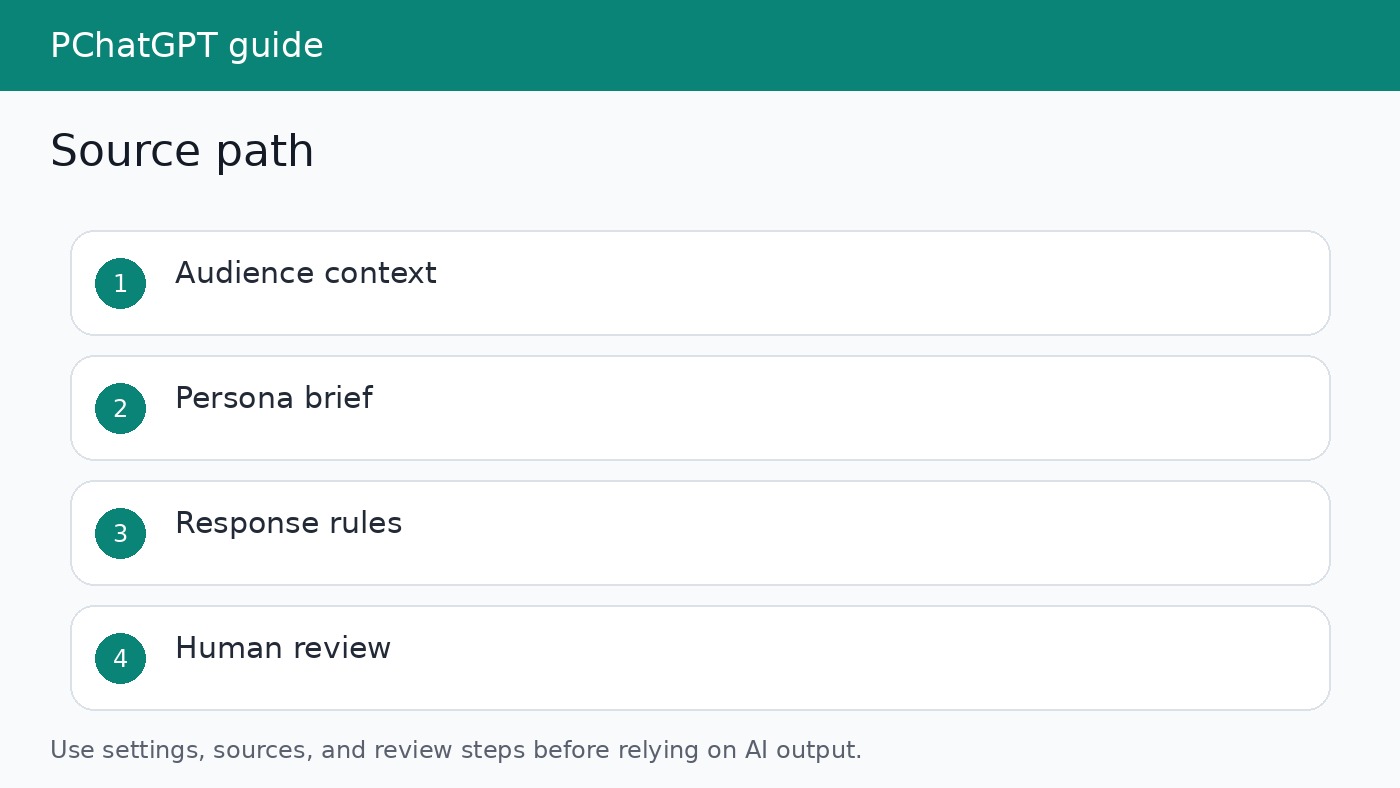
Start with the user, not the personality
The first question is not whether the assistant should sound friendly, expert, witty, or formal. The first question is what the user needs to accomplish. A rushed customer needs a direct answer and a safe next step. A new learner needs definitions and a slower pace. A manager reading a summary needs risks, assumptions, and action items. When the persona starts with that job, the writing feels more useful and less theatrical.
This also prevents a common AI writing problem: overdesigned voices. A persona prompt that says “be visionary, empathetic, strategic, and inspiring” often creates bloated prose. A better instruction says: answer in two short paragraphs, list any missing information, and avoid claims that are not supported by the provided source. That may sound less exciting, but it is easier for a reader to trust.
Use custom instructions for stable preferences
OpenAI says custom instructions are available across Web, Desktop, iOS, and Android. They apply immediately to chats, including existing conversations, once the setting is enabled. That makes them suitable for stable preferences: your audience, your preferred level of detail, formatting habits, and recurring boundaries. They are not the right place for every one time instruction. A campaign brief, a customer complaint, or a draft page should still go into the current chat because it belongs to that task.
A good stable instruction for engagement work might say: “When helping with website copy, write for busy readers, avoid inflated claims, ask for missing facts only when needed, and separate verified details from assumptions.” This gives ChatGPT a usable default without forcing every answer into the same mold. If the project changes, update the instruction rather than layering new exceptions on top of old ones.
Separate custom instructions, memory, and task prompts
Custom instructions are not the same as memory. OpenAI describes memory as a feature that can use useful context from chats, files, and connected apps to personalize responses when enabled. The memory summary can be reviewed and managed in settings. That matters because a persona based on memory may pick up context you did not mean to use for a specific customer, student, or project.
For engagement workflows, keep the layers clean. Use custom instructions for durable style and safety preferences. Use memory only when personalization is wanted and appropriate. Use the task prompt for the immediate audience, source material, and deliverable. If the topic involves customers, health, legal questions, finance, hiring, or private company data, be more cautious and avoid storing sensitive details in broad account level settings.
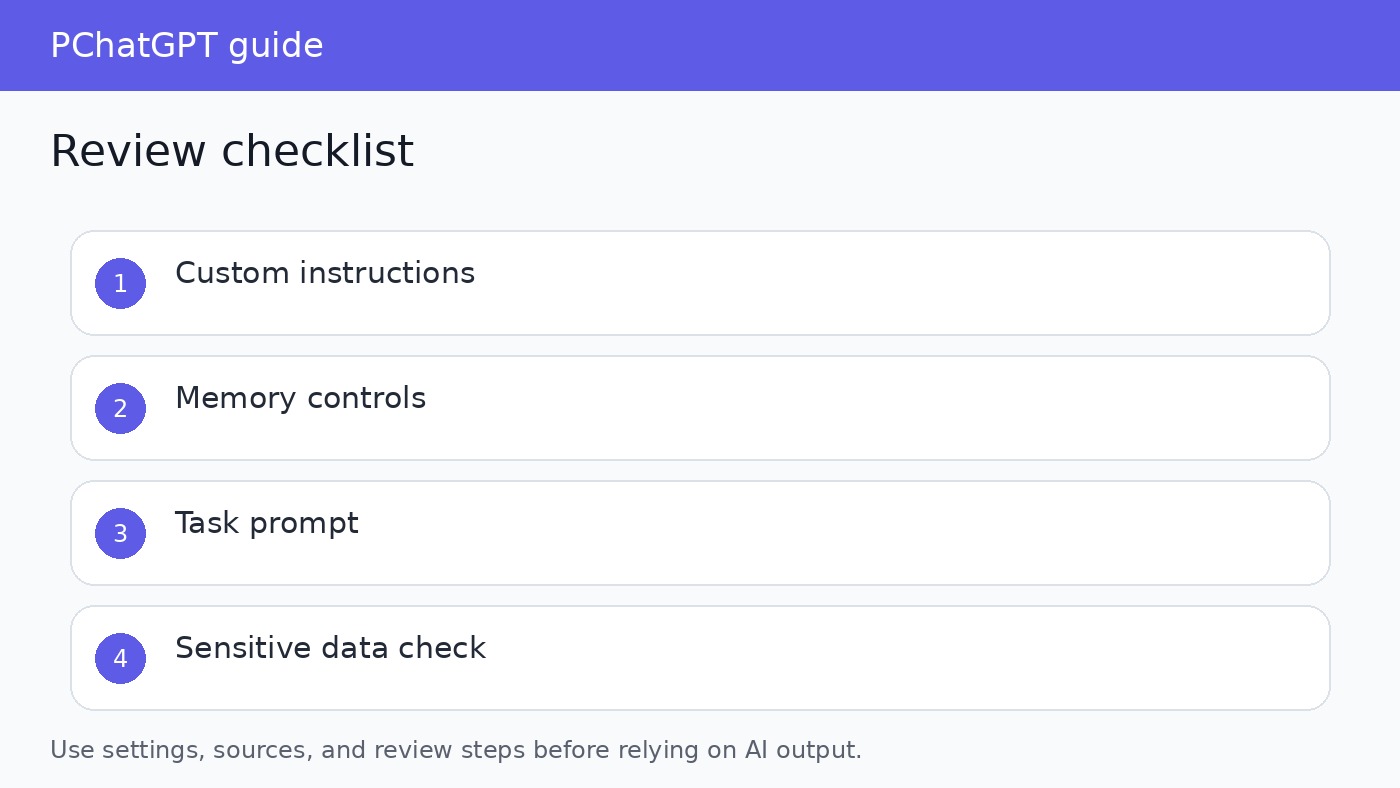
A safer persona brief you can adapt
Here is a practical structure for a persona brief. Keep it short enough to maintain and specific enough to test. First, define the audience in plain terms. Second, define the job the answer must help with. Third, name the tone constraints. Fourth, list source and privacy rules. Fifth, state how the answer should handle uncertainty. This structure works because each part can be checked after the response appears.
- Audience: first time SaaS users who need setup help without jargon.
- Job: help them complete the next step, not sell the whole product again.
- Tone: calm, direct, and specific. No hype.
- Source rule: use only the provided help article or clearly say when the answer goes beyond it.
- Review rule: include a short note when a step depends on plan, region, role, or admin settings.
How to test whether the persona improves engagement
Do not judge the persona by whether the first answer sounds polished. Test it against real tasks. Give the same question to ChatGPT with and without the persona brief. Compare the outputs for accuracy, clarity, missing caveats, and the amount of editing required before publication. If the persona mostly adds adjectives, it is not helping. If it reduces back and forth and makes answers easier to approve, keep it.
A small review set is enough to start. Use five common questions from support, sales, onboarding, or education. For each answer, check whether it addresses the actual user problem, avoids unsupported claims, includes the right next step, and uses a tone your team would publish. Revise the persona after the review. The goal is not a perfect character. The goal is a repeatable response pattern that helps people finish tasks with fewer confusing detours.
Privacy and policy boundaries
OpenAI notes that information in custom instructions can be used to improve model performance unless the user has opted out where that control is available, and that relevant instruction information may be provided to third party plug-in developers when plug-ins are used. That is enough reason to keep custom instructions free of secrets, private customer details, internal credentials, and sensitive personal information. A persona can describe tone and process without storing confidential facts.
OpenAI usage policies also remind users that responsible use is shared. A persona should not be designed to manipulate, impersonate a real person without disclosure, hide AI involvement where disclosure is required, or pressure vulnerable users. For engagement work, that means the persona should make the interaction clearer and safer, not more deceptive. If a use case depends on making the model sound like a real employee, legal adviser, doctor, or named person, pause and redesign the workflow.
Where personas help most
Personas are most useful when the task repeats but the exact content changes. Support macros, onboarding explanations, product education, draft review, social replies, and knowledge base summaries all fit that pattern. The persona gives ChatGPT a default stance, while the current prompt supplies the facts. This can save time because the user does not need to restate every preference in every chat.
Personas are less useful for one off research, complex source reconciliation, or tasks where the main challenge is factual evidence. In those cases, start with sources and a claim ledger before worrying about voice. A charming answer built on weak evidence is still weak. A plain answer that names its sources and limits is more useful for readers and better for a site trying to recover from low value content signals.
Practical workflow for PChatGPT readers
If you want to use ChatGPT personas for engagement, build the workflow in three passes. In the first pass, write the persona brief. In the second pass, test it on real user questions. In the third pass, remove anything that does not change the quality of the answer. Most briefs get better when they are shorter. The lines that survive should help ChatGPT choose what to include, what to skip, and how to warn the reader about limits.
For related setup details, read our guide to ChatGPT custom instructions limits and our guide to ChatGPT memory controls. Those two topics are easy to mix together, but they serve different jobs. A persona becomes much safer when you know which layer is shaping the answer.
Editorial review notes
Before you publish a persona assisted answer, read it as if a real user will act on it without asking a second question. Remove vague praise. Check whether the answer names the user problem in ordinary language. Confirm that any claim about OpenAI settings, availability, memory, or data use is tied to an official source. If the answer depends on a product interface, tell the reader to check the current account settings because labels and availability can change.
The best review habit is to keep a small table for each persona. Track the task, the instruction used, what the first answer missed, and what you changed before publishing. After a few examples, weak lines become obvious. You may discover that one sentence about source handling improves quality more than a long paragraph about personality. That is a useful finding, and it keeps the persona practical.
This approach also helps the site avoid low value content patterns. A persona article should not repeat generic advice about engagement, personalization, or digital transformation. It should show the reader exactly where the setting lives, what belongs in it, what should stay out, and how to test the result. That is the difference between an article that sounds polished and an article that someone can use.
One more check is worth adding. Ask whether the persona would still make sense if the brand name were removed. If the answer is no, the instruction may be branding theater rather than useful guidance. A durable persona should improve the answer because it clarifies the reader, the evidence standard, and the review process. Those parts remain useful even when the campaign, product, or page title changes.
If the persona cannot be tested, do not keep it. Every line should have a visible effect on the answer or a clear safety purpose.
Official sources
FAQ
Are ChatGPT personas an official OpenAI feature?
OpenAI documents custom instructions and memory controls. The word persona is best treated as an editorial label for how you write those instructions, not as a separate official product surface.
Should I put customer data in a persona prompt?
No. Use a persona for tone, role, and review rules. Put only the minimum task context needed in the current chat, and avoid storing private customer details in durable settings.
Can one persona work for every audience?
Usually no. A support answer, lesson plan, sales email, and technical checklist need different defaults. Reuse the structure, not the same wording.
How do I know if a persona is working?
Compare outputs before and after the persona on real tasks. Keep it only if it improves accuracy, clarity, review time, or the usefulness of the next step.